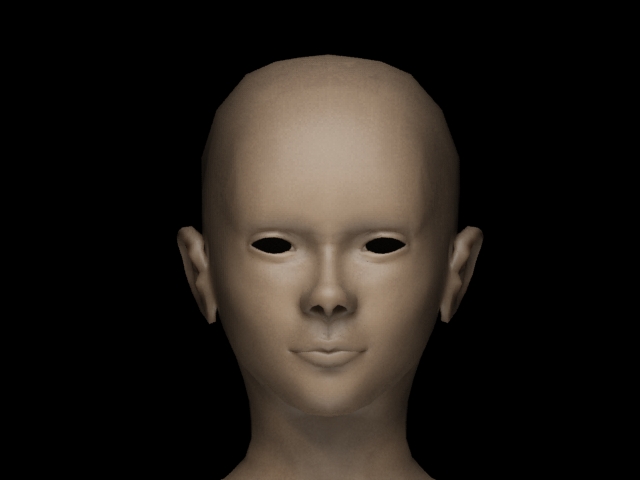
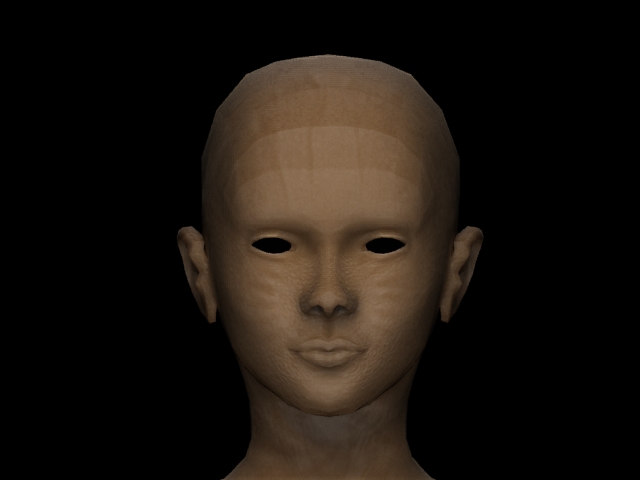
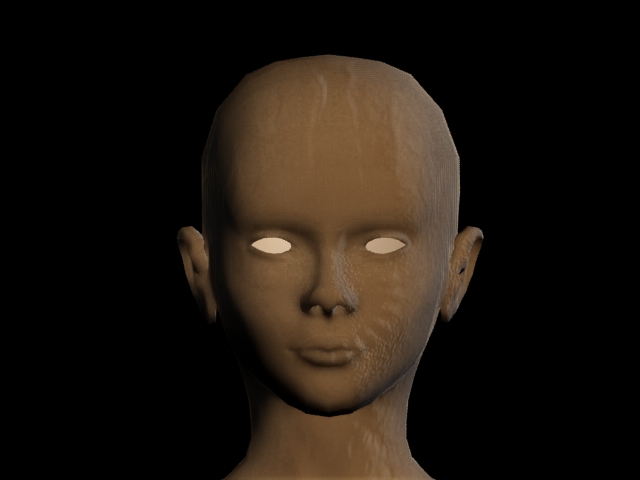
I’ve read numerous tutorials on the pipeline to get a normal map from zbrush to work in 3ds max, and it seems straight forward, but I’m having a problem with the end result. All I really want is the bump to come through in the final render.
Strictly for tests, I am using this free head provided by aphrodite3d, which can be found here.
I brought this model into z-brush, increased the iterations 4 times, and then sculpted in some obvious details, bumps, scratches, etc…
Went to the lowest iteration, and then created the normal map using zmapper, flipped it, and exported it as a psd.
Now back in 3ds max, with a simple sss material, in the bump setting, I choose bump normal, and for the normal I choose the normal map I made in z-brush. Finally, I switch the method to Local XYZ.
Here are the tests…
Final screen capture from zbrush:
[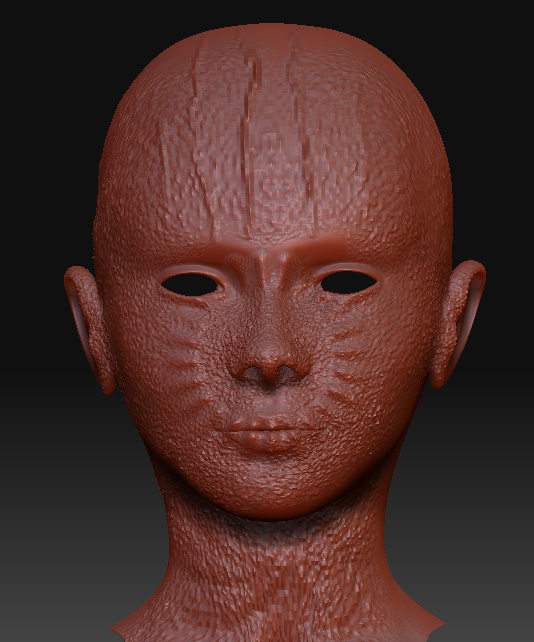 ](javascript:zb_insimg(‘160124’,‘withnormal_default.jpg’,1,0))
Is it possible to get the coloration from test 1, with the bump in test 2, and without the jagged lines on the forehead in test 3? As I first mentioned, I really just want the bump to come through, without changing the tone or strange artifacts.
I obviously don’t know enough about normal maps to understand what is going on, and if anyone can shed some light on this, that would be fantastic. And I’ll give you a cookie. 
Attachments