ZBrushCentral

File write error

I notice this happening a lot, I get the dreaded ‘File write error’ I have almost 25GB of space on my drive i click ok, but the message does not dissapear and I am unable to open my model. It’s extremely frustrating, I don’t have the fastest system ever, but it should be able to handle the file I’m working on.

Does anyone know what I can do to resolve this, Any assistance or responses are appreiciated, don’t leave your felow Zbrusher stranded here.

Thanks in advance

Attachments
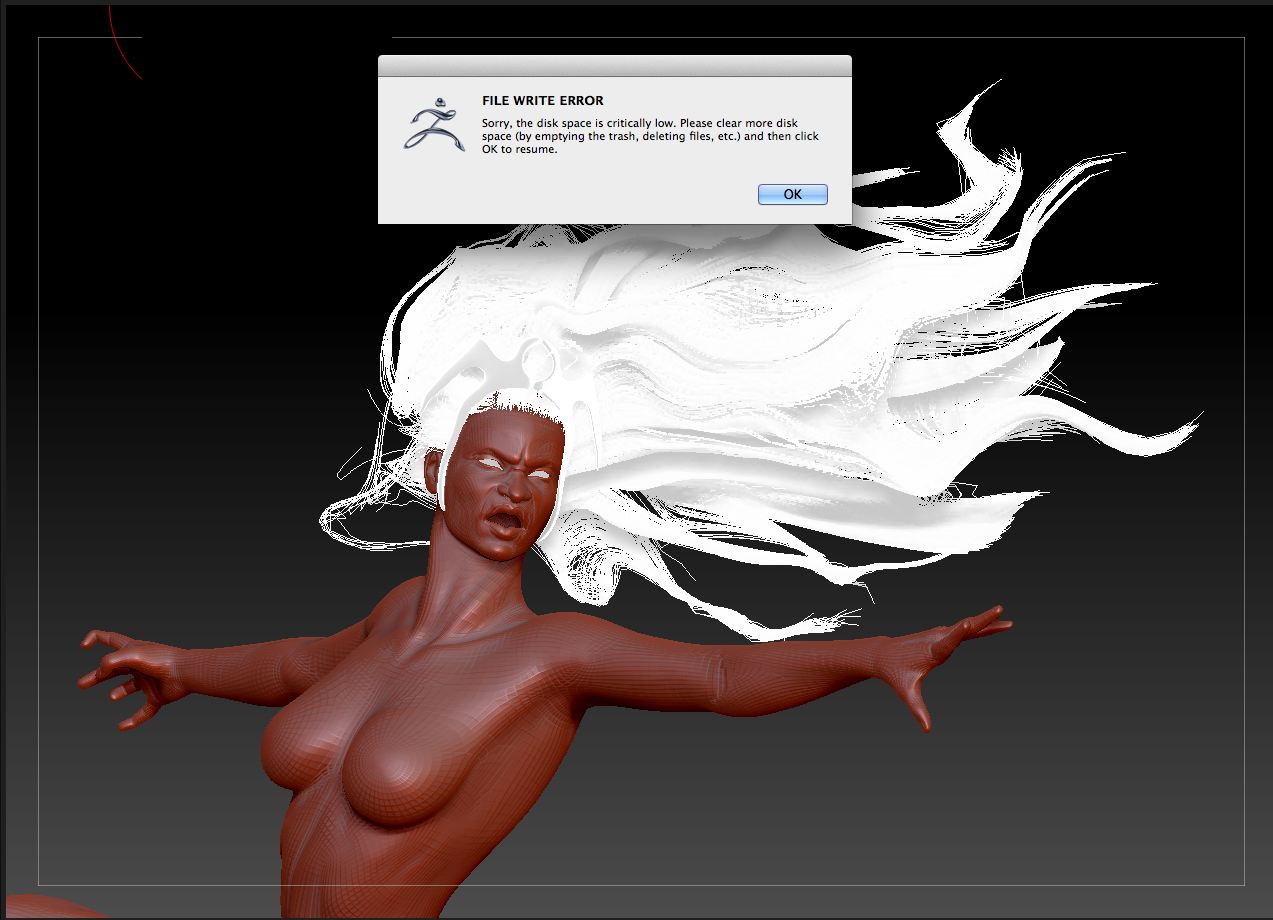
Screen Shot 2014-04-25 at 14.03.30.jpg

2 weeks and still no change, Anyone help?

keep at least 20 Gb space in your C Drive. Your zbrush file use a lot of your pc memory when it running.
Or clean your Recycle Bin, Temp folder and quick save folder too.

Thank you for your resopnse, is this really the only solution, in order to run zbrush one must have atleast 20 gb free? is that normal?

Hacking off the screen grab hurts when trying to troubleshoot problems. Do you have ZBrush 4R6P2? And I’d say that 25 GB wasn’t squat for space. Try to keep your .zpr files smaller than 2 GB or you may have problems opening them or be unable to etc… Are you trying to save the undo history?