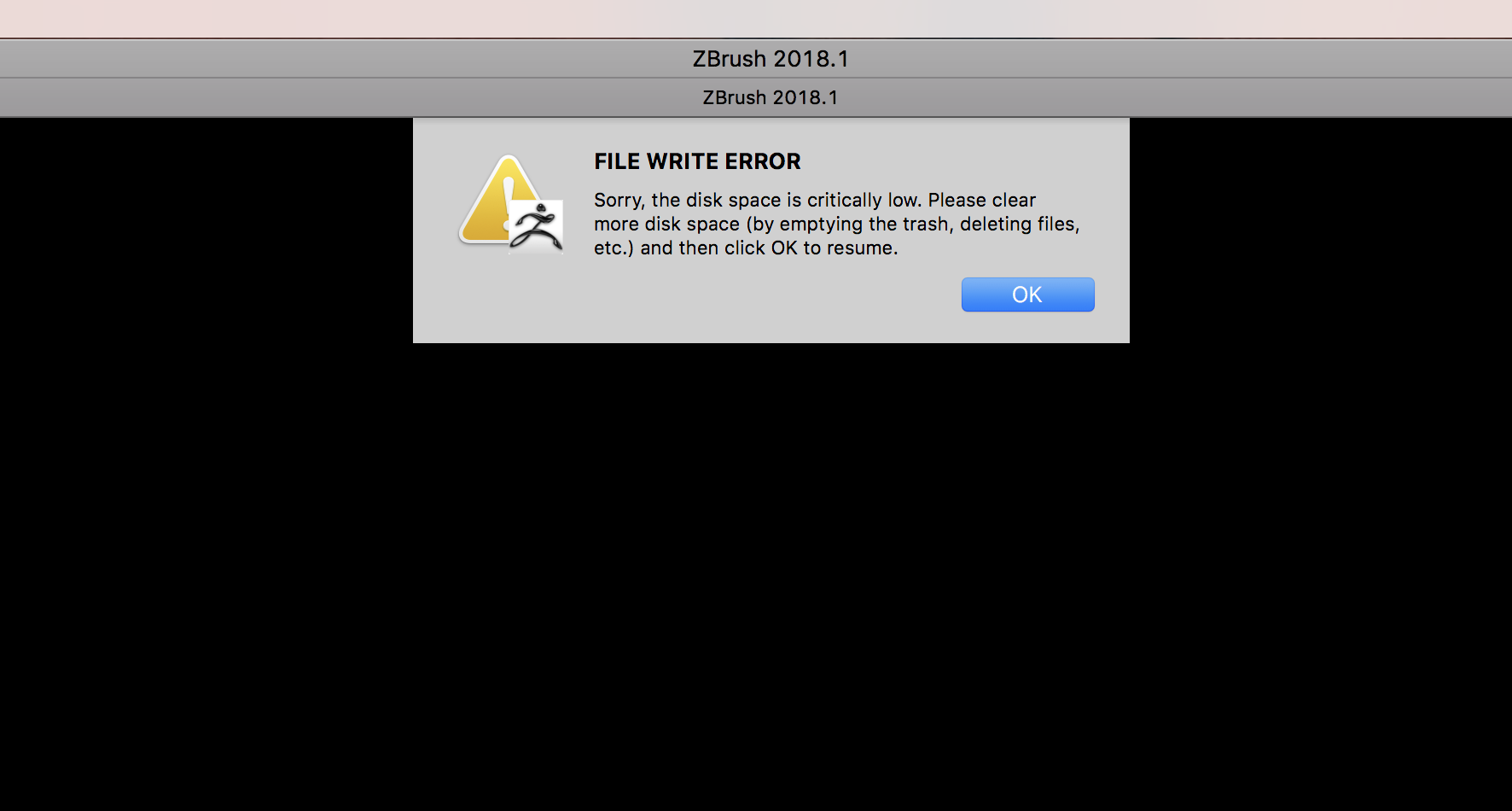
This sounds like a permissions issue.
Please select the ZBrush 2018 folder in the Finder and press CMD+I to get info.
At the bottom of the info window, click the lock to unlock permissions. You’ll need to enter your admin password.
Next, select Everyone and assign the Read & Write permission. Then click the gear under the list and choose the option to apply to contained items. When done, just lock permissions again.
If Everyone already has Read & Write permission, change it to something else, apply to contained items, change it back and apply again.
You will also need to repeat these steps for the ZBrushData2018 folder. In a Finder window, click the icon for your primary hard drive. You should see a list of folders including one for Users. Click Users, then Shared and finally select the ZBrushData folder. Get info on it as you did above for the ZBrush 2018 folder. Assign Read & Write permission to the Everyone group for that folder and enclosed items.
This should resolve your issue.