Hey,
I’ve been waiting this for years and I’m going to suggest this again. Polygonal masking.
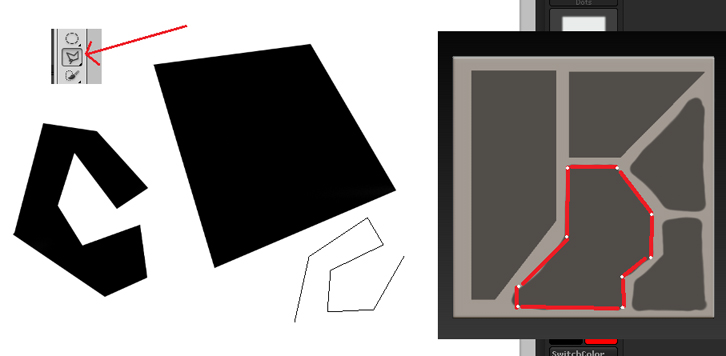
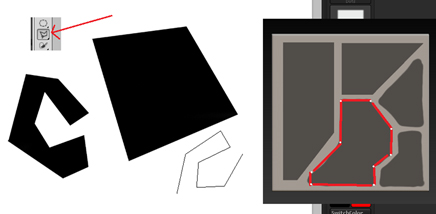
The idea comes from Photoshop’s Polygonal Lasso Tool and if it would be implement it in ZBrush, it would just mask the lined area. Just to clarify, here’s a picture of the Photoshop’s tool and how it would be used in ZBrush:
Basically one just starts adding straight lines from a start point and the final one snaps to the starting point making it a closed area. Even this alone would be save me from the need of using another software to make more complex hard surface details. I have even made a dummy macro which draws straight lines along given points but it would be nice to have this as a real feature. Anyway, in addition, the links of the lines could be probably moved by hand to make corrections and would for example snap to 45 degree angles when certain button held down.
Currently, at least with my knowledge, there aren’t too good options to support efficient making of non-horizontal or non-vertical masked areas. The one which comes closest is the Curve Masking tool but it can’t be used to make closed areas and always one whole side is affected.
I’d be glad to know if this kind of feature could be possibly added in future or if there would be some programming challenges making this kind of feature impossible to implement.
Attachments