ZBrushCentral

Eyeball projection question

Hello folks,
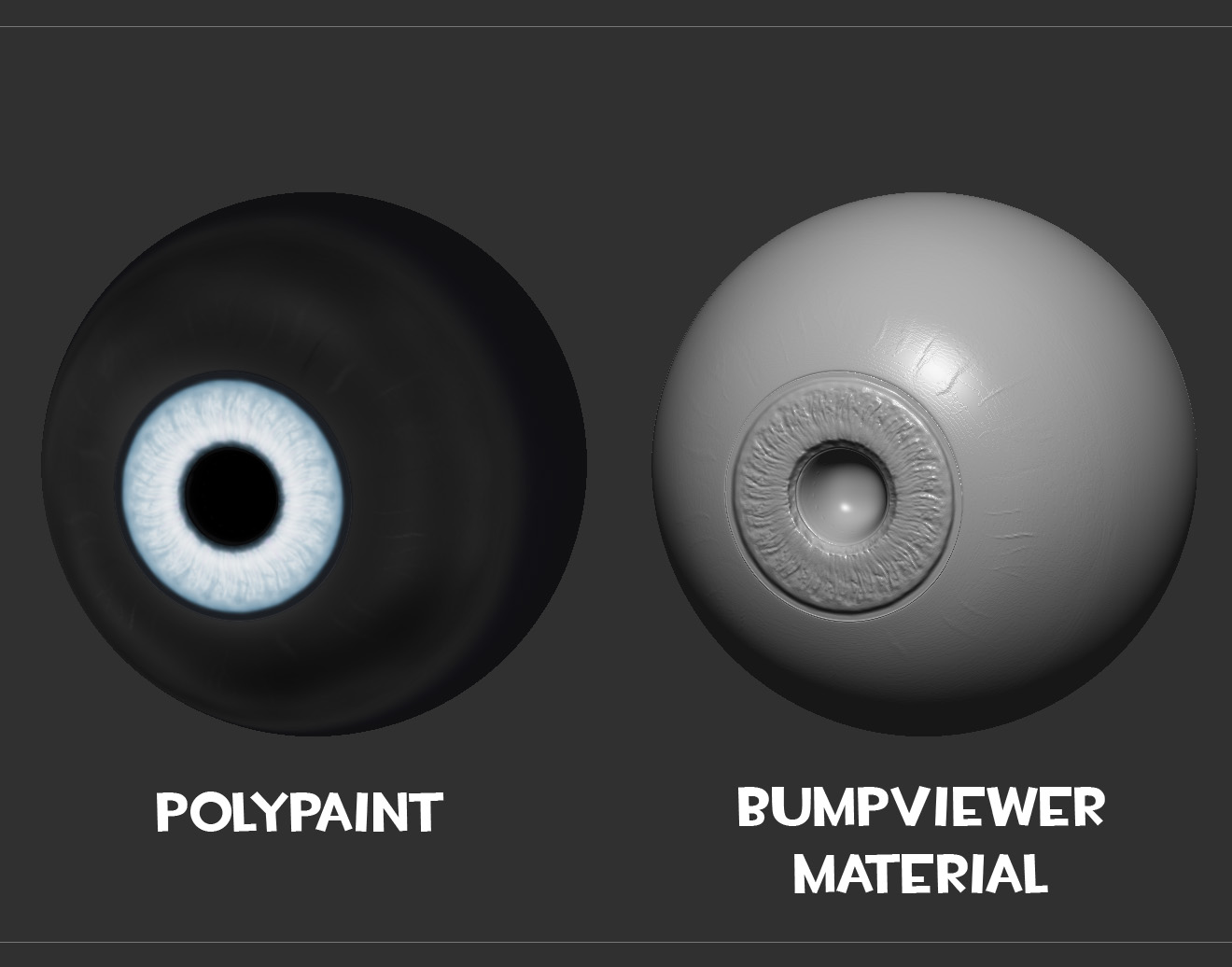
I have a question from the wayback machine here. I’m creating an eye and all I’ve done so far is polypaint. While looking for a good material to preview I happened to select the BumpViewerMaterial which I’d previously never even noticed and it projected these great details from the polypaint. After scouring the internet all night I now understand what this material is for, allowing you to paint a bump map. What I want to do is the opposite, take the details from bumpviewer and reproject them back onto the sculpt. I tried masking using the color values but that is simply the color and not nearly as detailed.

Any ideas? Going by search results it looks like no one has ever tried this before but surely that can’t be true. :wink:

Attachments

eye_question.jpg

have you tried with plastic toy item?:wink:

Have you tried Mask By Intensity (under Mask By Color), and then using Inflate in the Deformation panel? Or perhaps use your colour as a displacement map and apply that back to the mesh

I did try mask by intensity but then I was just brushing it and the results were pretty weak.
I’ll try inflate tonight.

You need to use your bump as a displacement.

Make sure you have your UVs set up. Then create a texture from polypaint.
Export the texture and then import it as an alpha.
In the displacement map section you can use your imported alpha as a displacement.
Adjust settings, intensity, etc., accordingly and then hit apply DispMap.

Inflate worked like a charm, thanks Nolan.

eye_answer.jpg

And here it is in place.
tali_zb.jpg