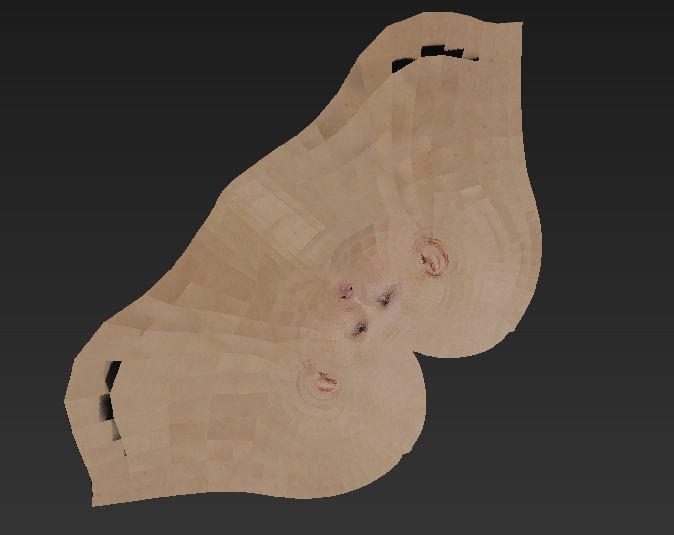
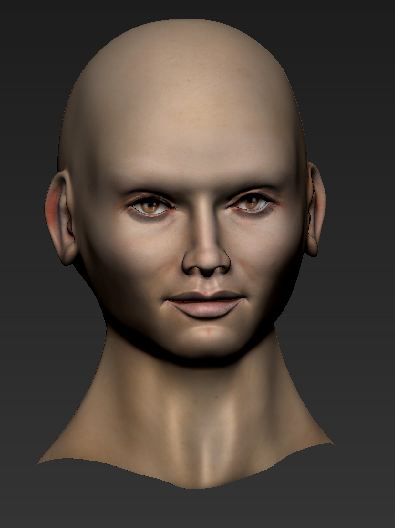
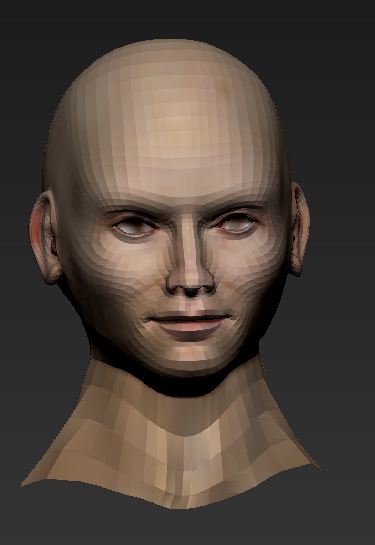
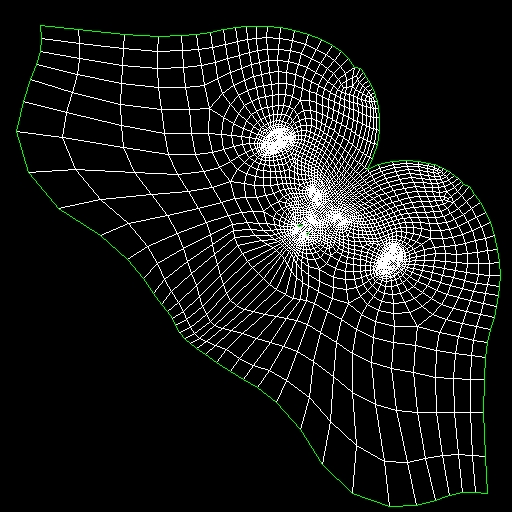
I imported my low poly mesh of this face into 3DS Max and made a UV map which I then imported back onto my project in Zbrush 4R4.
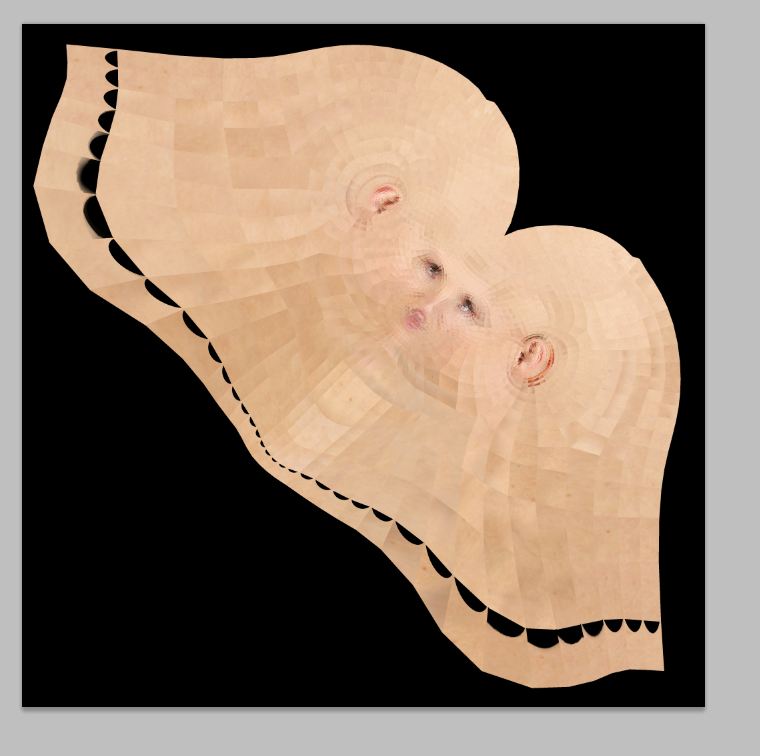
When I tried to make a normal map of this face, the facets of the UV map showed up horribly!
I then projected the Normals in Max which is unfortunately much more complicated.
Today I polypainted my base diffuse map with Spotlight and when I made the map I ran into the same problem. The texture is not smooth at all!
What can I do to get smooth Maps from my UV?
I did not originally use SUV on the mesh but when I went to sub division level one and SUV then to Subdivision 6 and REUV it made it worse actually.
Any assistance would be very helpful!
Attachments