ZBrushCentral

Expose

Hello everyone!

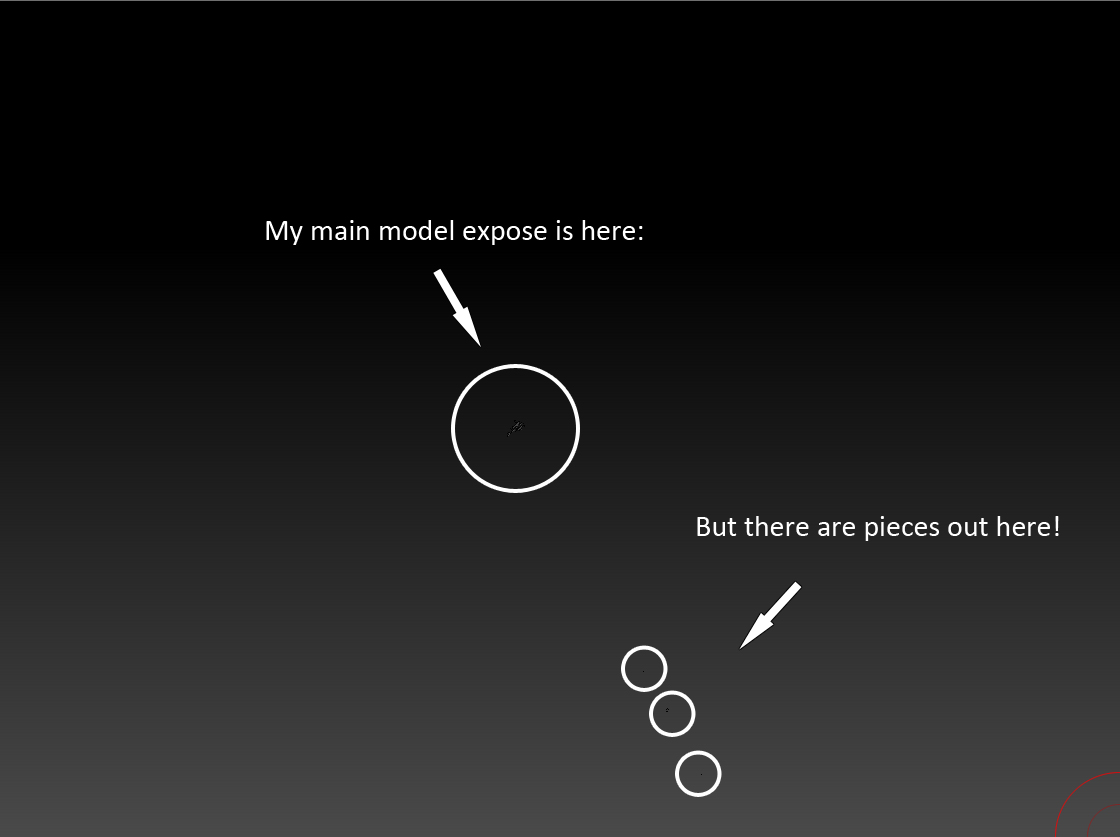
I have an issue with the Expose functionality. Basically, when I press it, ~80% of my model exposes correctly, and the other 20% fly way, way off screen.

Here is a screenshot of the model:
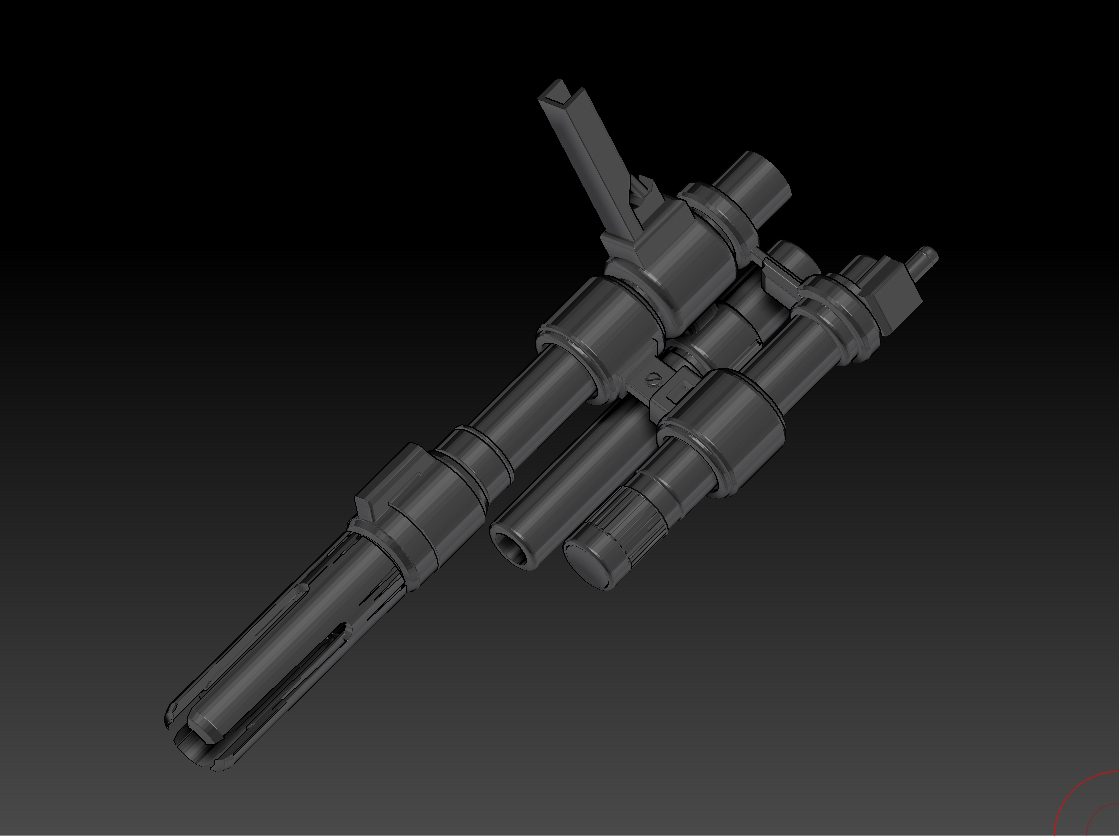
Original.jpg

Here are some more details:


  • The original model (the barrel of a rifle) was made in Maya with only polygon primitives and the bevel tool. Irregular polygons may have resulted from some bevel, or from the extrude cut of a sphere I used to form the nozzle.
  • The model was then exported as a .obj and imported into ZBrush. A dialog prompted me to transfer all irregular polygons into quads and triangles. I did so.
  • In ZBrush, I used Polygroups -> Auto Groups then Subtool -> Group Split to make all of the pieces of the model into subtools.
  • I pressed the Expose button, and ran into the error above.

I want Expose to work properly (i.e. splay my model out in local space) as I will be using it in a movie. Is my issue in Zbrush or in the creation of the .obj?

Your help is appreciated!

Attachments
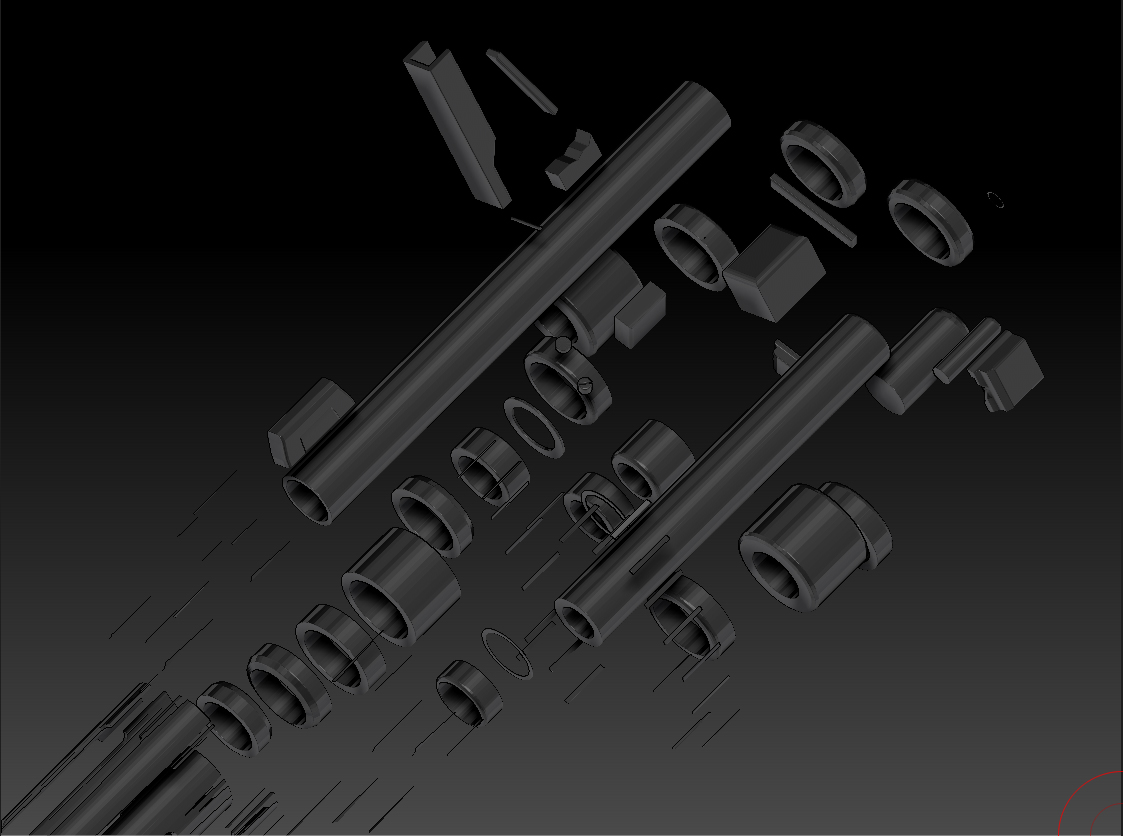
Partial Model.jpg

ExposeError.jpg

Did you check to see if the Pivot points are OK? If you’re using GOZ in your pipeline, you could send them to your Application and Reset the Mesh in it’s entirety.

For example, in the case of 3DS Max, Select the mesh, Reset Pivot to Mesh and also Reset XForm. Collapse XForm, and GOZ it back.

Hope this helps.

Ace-Angel, thanks for the response.
I’ve checked the pivot point preview and it looks fine. I’m not sure what GOZ or pipeline means through, I’ve only began using ZBrush in the last week. The model was done in Maya.

In looking for other solutions, I thought irregular polygons was the issue, and modeled more of the rifle making sure only that only quads and triangles arose from my geometry distortions. When I exposed the updated model, the error persisted but not for any of the newly made portions - promising. I’m going back and redoing the barrel now.

Front.jpg

ZBrush didn’t handle a certain element very well - the very front of the barrel. As can be seen in the this screenshot, there are irregular looking gashes. I believe this is due to how I created the piece - it started in Maya as a Pipe primitive and I used Binary -> Difference with Cylinders to make the rounded arches, possibly creating many >4 sided polygons when it was imported to ZBrush. Oops.