ZBrushCentral

Exports to LW mushy

I used to use Zbrush a lot but I stopped a year or so back other than a few odds and ends. I was waiting for 3.0 but I’m having a lot of trouble getting anything to output in a useable condition.

The model and paint look fine but when I bring them into Lightwave the displacement is mushy. The Lightwave displacement plug in still doesn’t work so I’m using one I found through a link on a Zbrush forum two years ago. So far it’s the only thing that works at all but the results are poor at best. There’s also a nasty seamline on the cheek in the texture map. I love the new painting tools and there’s a lot of improvements but the results I get in Zbrush don’t seem to translate to lightwave. I could never get a model to work at all in Maya. FYI I set the displacement map to 4096x4096, the highest level so it’s not a resolution issue.

I have to say I’ve never gotten satisfactory results in LW with Zbrush models. I was hoping a combination of LW 9.0 and Zbrush 3.0 would solve the issues. All the models are mushy with no real detail. I’ve tried various settings but nothing really helps.

I posted Zbrush renders to show all is well in Zbrush. The one render is the best result I’ve gotten in LW.

[Bunny-Comp.jpg]Color-Test-JPG.jpg

Are you restoring your base mesh prior to creating the displacement map? Failure to do that is the single most common cause of puffy renders.

I’m not sure what you mean by “restoring your base mesh”. I can’t recall ever seeing any use of that term. I export out the OBJ file from Zbrush so it has the UVs intact. When I import to LW I have to process it through modeller because Zbrush 3.0 seems to flip the polys, 2.0 didn’t. Also I need to turn on subdivision in modeler. Then I just resave and export normally. I’ve tried a little of everything for settings in Zbrush adjusting Subpixel levels and such but nothing makes much difference. Curious what you mean by restoring.

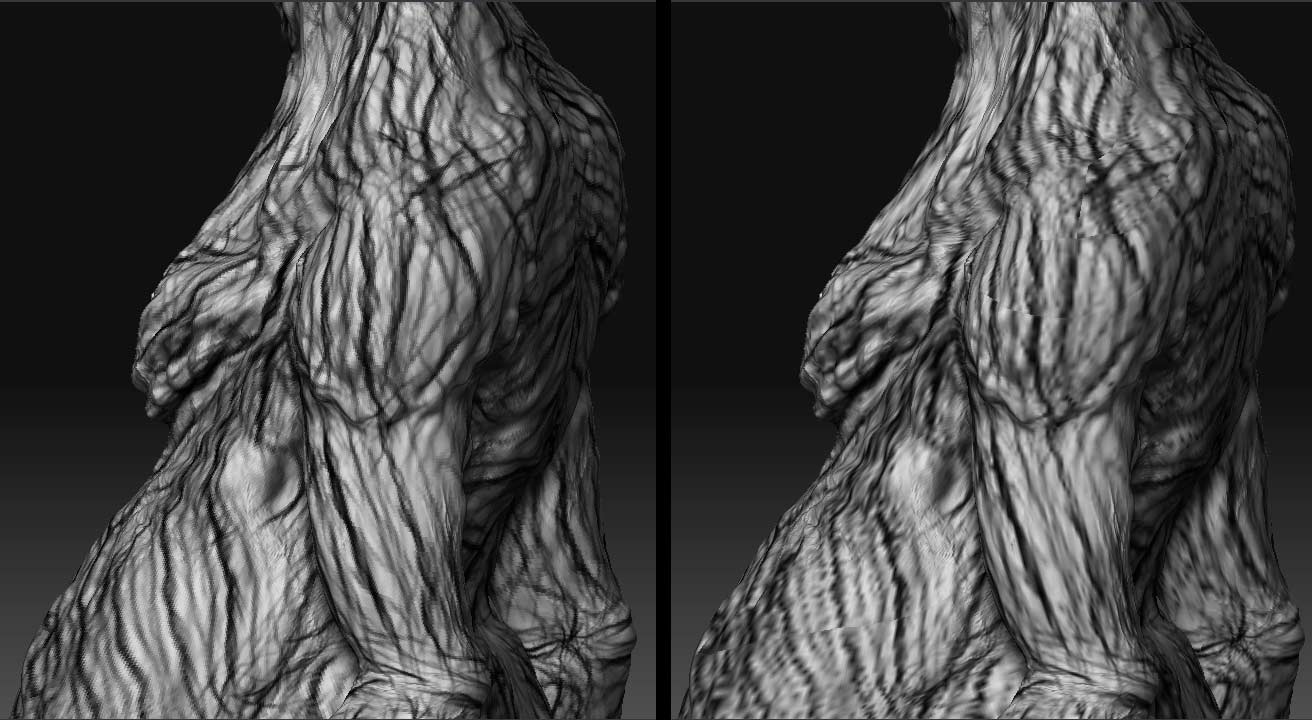
I mentioned seam issues so I thought I should post a clearer example. Between these two images all I did was hit Col>Txr. As soon as I do the seams break like this. I can limp by on softening loss of detail issue but the seam breaks are pretty serious. I never used to have this problem with Zbrush 2.0 but it appears to be consistent with 3.0.

[bump-test-Comp.jpg]

I vaguely remember seeing something about this years ago. Here’s the workflow you proposed.

  1. Create your base mesh (or import it).
  2. Press Tool>Morph Target>StoreMT. This gives you a flexible and easy way to restore the base mesh later.
  3. Subdivide the model and detail to your heart’s content.
  4. Return to level 1
  5. Press Tool>Morph Target>Switch to restore the base mesh.
  6. Export the base mesh and remap it.
  7. Import the newly mapped mesh.
  8. Create your displacement map.

The point being if you didn’t store the morph target are you effectively hosed? Intensely frustrating after all the hours I put into it. I know people frown on commenting on the interface but I have to say again it’s got the least intuitive interface I’ve ever used. I spend 90% of my time starting over because it’s very easy to paint yourself into a corner. The heavy users seem to figure out work arounds but if you are away from Zbrush even for a few months it’s easy to forget steps and end up with an unuseable model or at the very least waste hours trying to refresh your memory on doing basic things like exporting textures and displacement maps. It’s a pointless ramble because it’s obvious after 3.0 the interface will never change but it really is frustrating for users that don’t live and breath Zbrush to use it when the need arises. There are intuitive interfaces so I know it’s possible.