ZBrushCentral

Exporting material with the Mesh..

Hey everyone, new user :slight_smile:

Ive been following quite a few tutorials, and in one lengthy tutorial I was shown how to turn the material and poly paint on a mesh, into a 2D image (so that it can be used with UV Maps).

The problem ive now discovered is that the object in the tutorial already had UV maps.

In my new project using the demo head, i’ve applied some skin material and some painting etc. Now i have no idea how to export the material out in the same way.

I’ve tried going to texture > Enable UV > Col > Txr but all i get is a gray texture.

Help? :+1:

You missed a step!

1: Create a blank texture of the size you want for your colour map.

2: Press the Enable UV button.

3: Adjust FSBorder if required and press the GUVTiles button. This makes your UVs.

4: With RGB Intensity set to 100 and the blank texture you made in the current texture slot, press the Col>Txr button to transfer the poly paint data to the colour map.

You can create UVs in a number of ways. ZBrush’s GUV tile UVs are a quick fix, but don’t suit everyone’s taste. You can export your base mesh to another 3D software package and create UVs there. On reimporting the mesh you’ll bring those new UVs with you. This is a handy trick which allows you to be sculpting the high poly model while a colleague is UVing the low poly one.

Hope this helps,

Cheers,

R

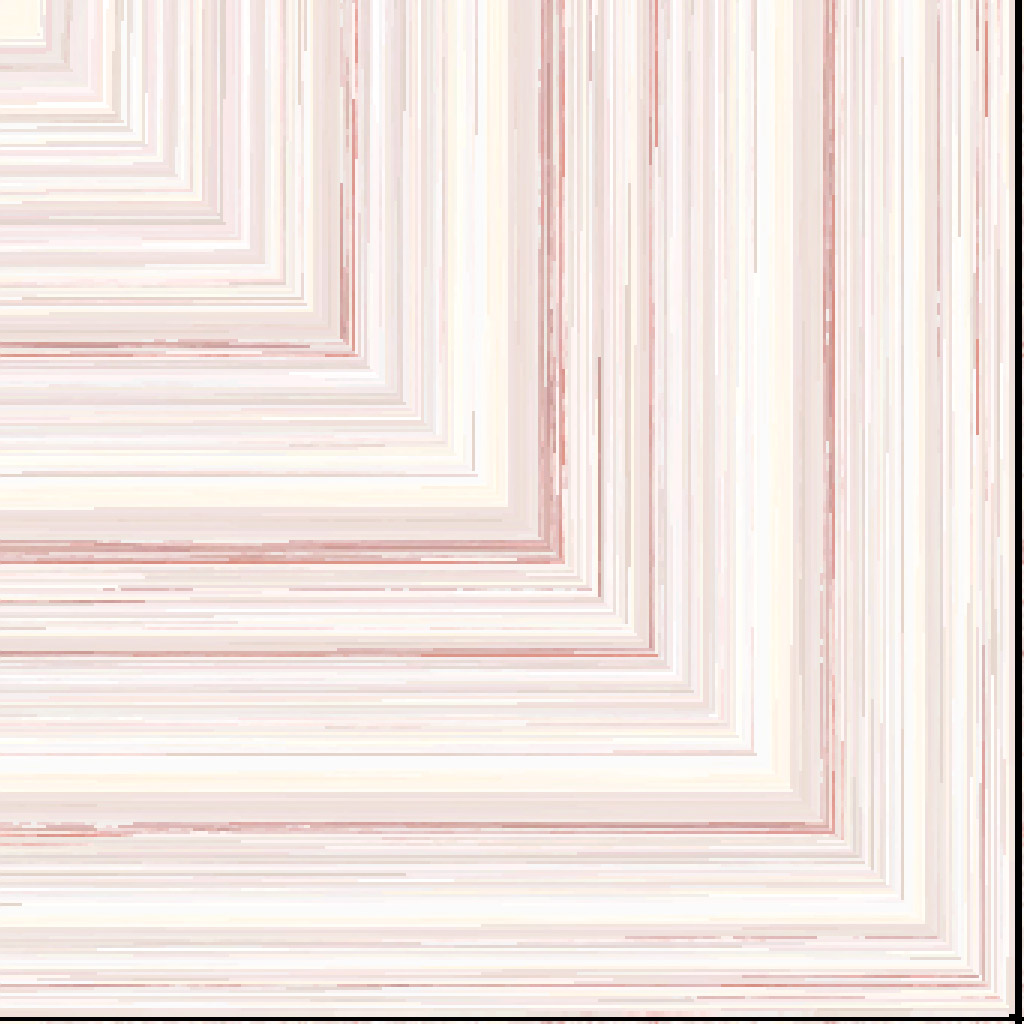
hi, it kind of works. the only thing that doesnt work is the actual texture. Take a look at the attatchment, thats what the texture comes out as, when i try to create a texture of a human head with the skin material applied.

when i try to export to max, and i render, all i get is white and coloured spots everywhere.

i also tried to put it in max, with UVW Unwrap, then export to Zbrush. When i do that, when i do Col >Txr , the texture is in black and white (the black background and whatever parts that should be coloured is all white)

Attachments

Head121.jpg

This looks like there’s probably a problem with the model’s UV mapping.

One thing to keep in mind is that disabling UV’s actually deletes them altogether. Enabling UV’s again will not restore the original UV mapping. You must reimport your model at level 1 to get the original UV mapping back, or you must create new mapping within ZBrush.

Hey there, just browsing, this might help.

In the program you’re exporting to, go to your texture coordinates for the map, set the V tiling to -1.0 (flipping it). Depending on the program, you might be scaling the V by -1.0 rather than tiling. It’s tiling in 3dsmax. The texture is probably mapping upside down- it won’t look upside down, it’ll look like a bunch of color blocks.

Hope it helps.
Cheers-