Right after xmas I became interested in 3D tracking in video, decided to build an alien, but I cant build a creature in 3D Max, never could. Dont know how, but I discovered Zbrush and it showed me skills I never thought I had. Anyway, used it for 2 weeks, aka beginner/noob 
I’m sure it’s an easy fix to this, and it’s probably a laugh able problem. I used 5-6 hours to figure out how to make my poly painting to texture, and making NM and DM that I could export to 3D Max. I finally figured it out, and it’s just too easy when you first get it. I thought my problems was over, but…
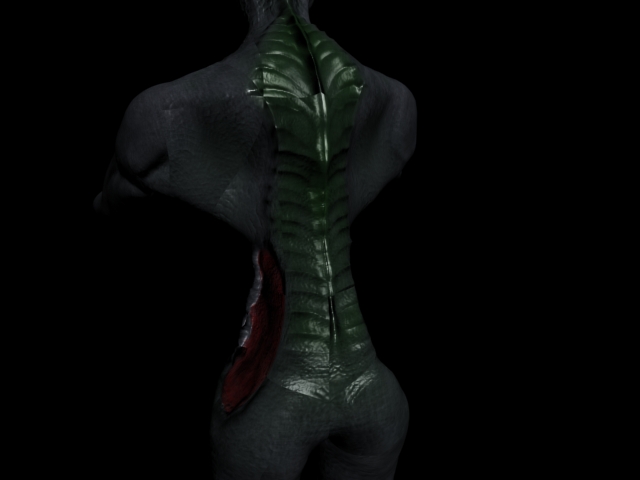
First I believed it was a texture problem, but without texture it has the same “errors”. I dont know if it can be caused by that I lower the res of the mesh in Zbrush, but seems unlikely, tested different levels and teh problem is still there. And it looks smooth in Zbrush.
[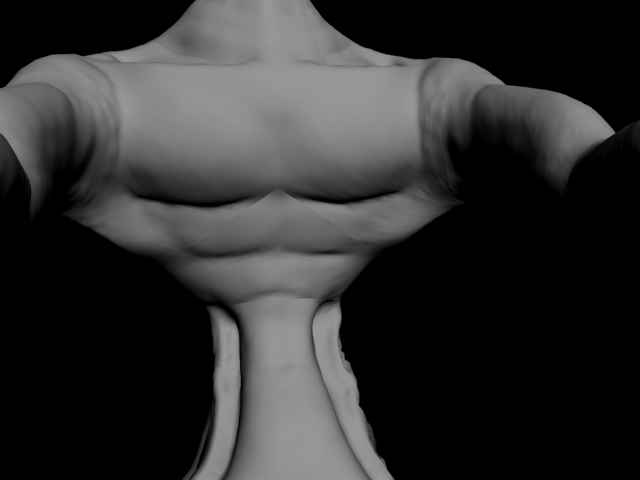 ]
]
I’ve tried smoothing the mesh with meshsmooth, smooth, dividing it, but nothing seems to help. I hope there is an easy fix.
Attachments
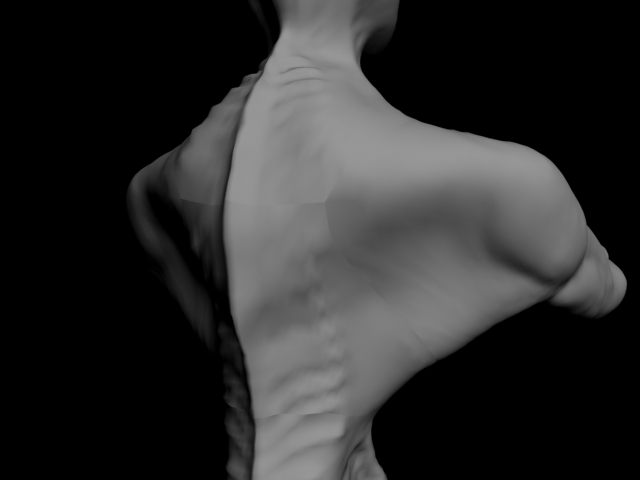
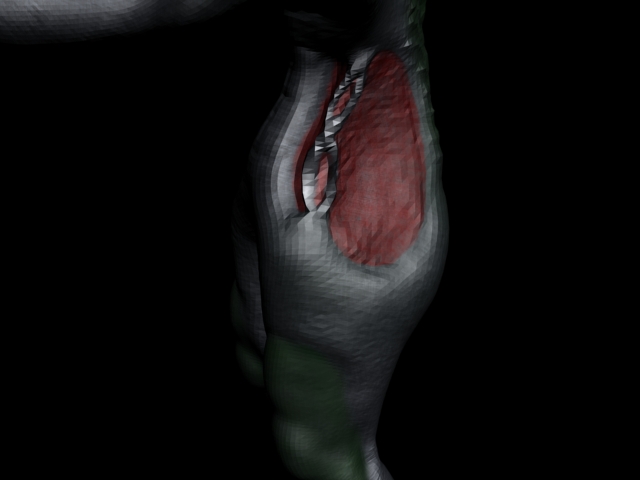 ]
]