[attach=151125]ALIEN_FIGHT2.jpg[/attach]
Attachments
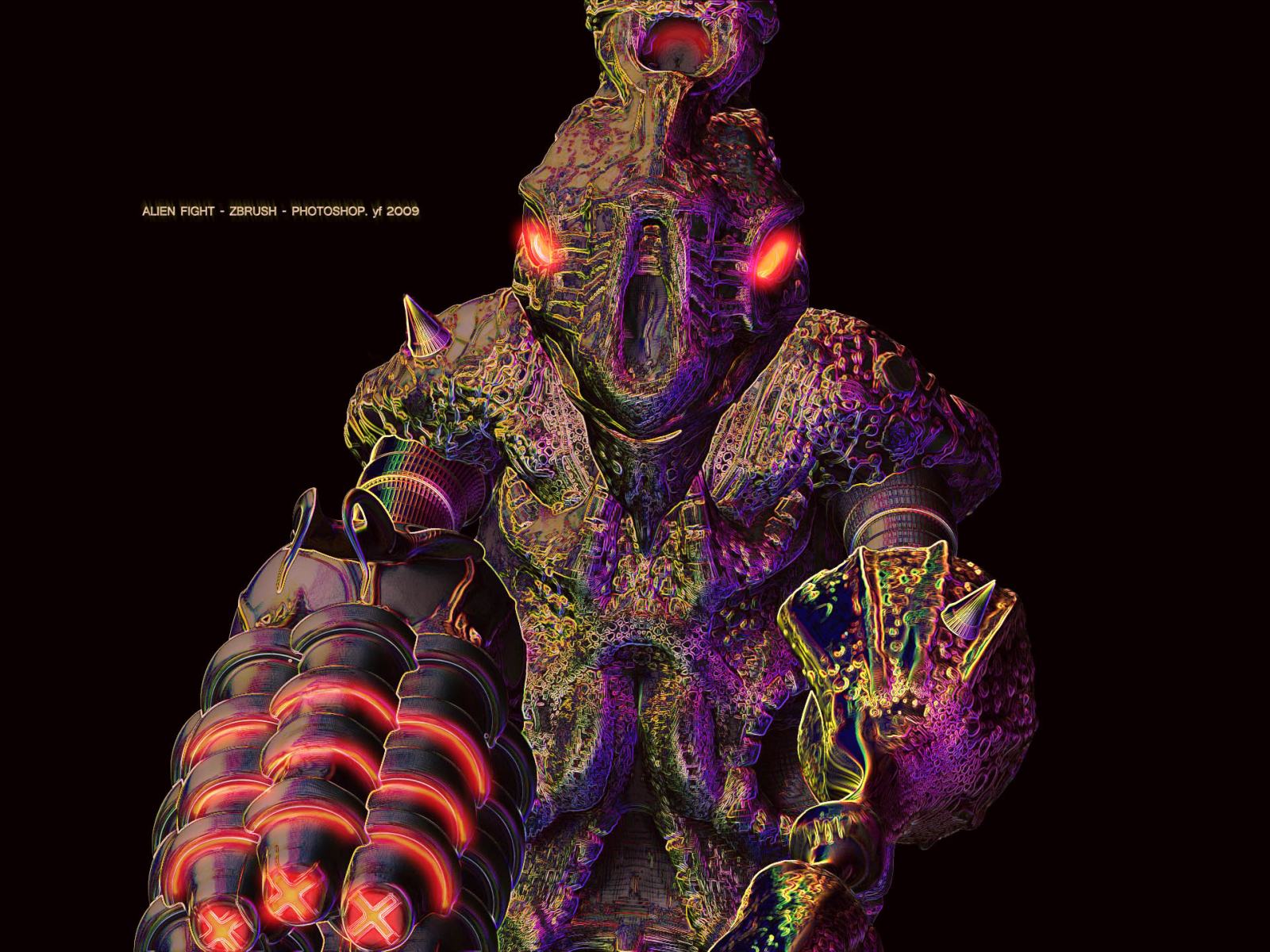
[attach=151125]ALIEN_FIGHT2.jpg[/attach]
Mere words can not describe what Im experiencing right now…
the alien fight with simple texture for learn polypainting;)
all in zbrush (only in photoshop composite layers and quick background)
the texture is all in polypainting, the best waya i find for polypainting subtools is :
separate subtools, painting, disable UV (i´m not use UV in this image), and insert subtool in one master tools (where is the all subtool for made your project), after play with material, lights, but save your views for have the same angle you like, export all render in psd. play again for composite.
The head for a new model… all zbrush… i m happy… i m made my lights  and play little bit with material and only 2 layers in photoshop after
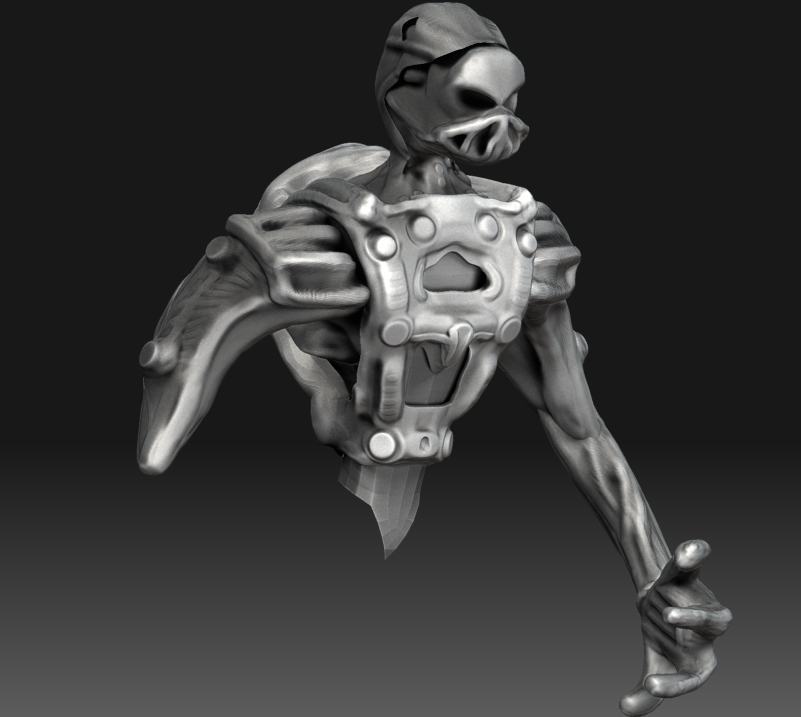
All zbrush, base spheres, mat+light zbrush
[attach=156126]update copy.jpg[/attach]
update after dinning;)
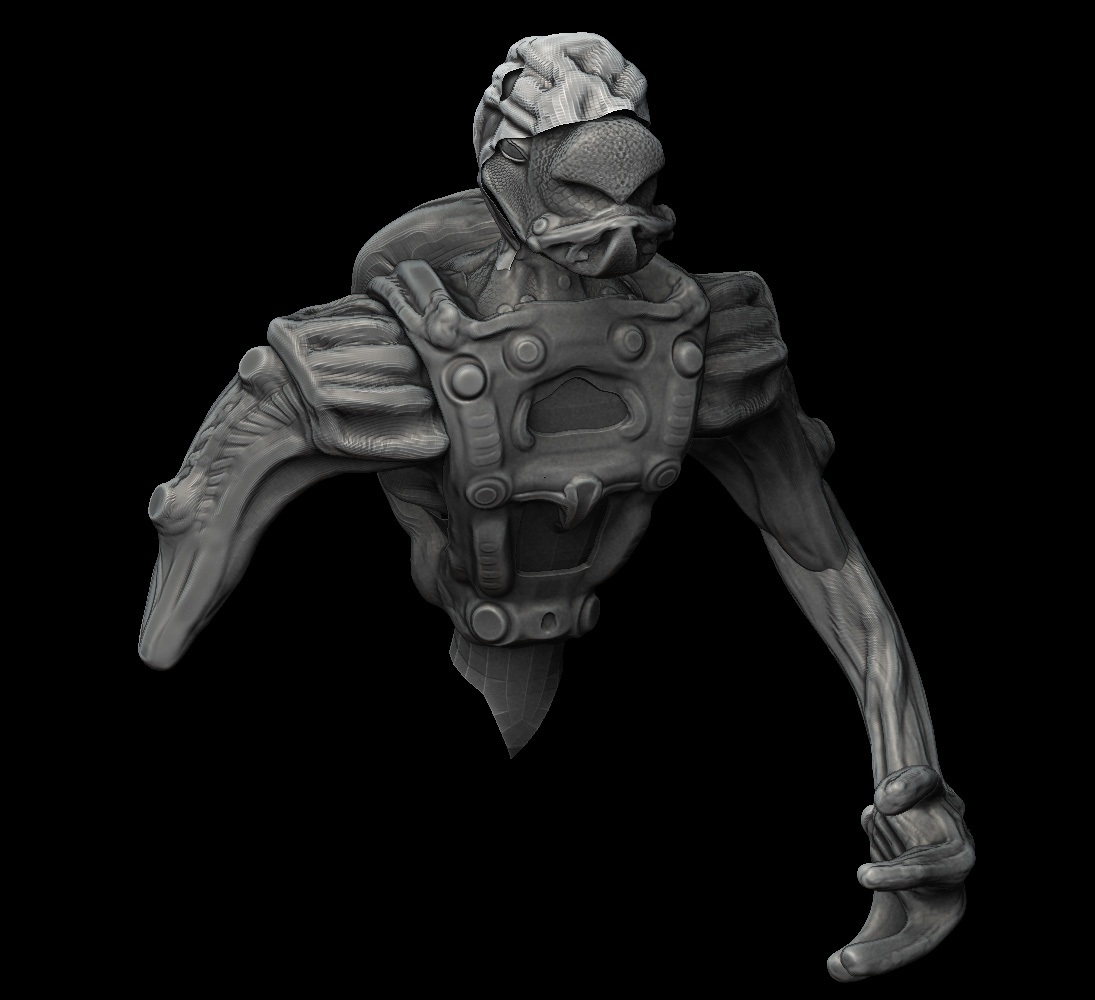
smooth + details clay
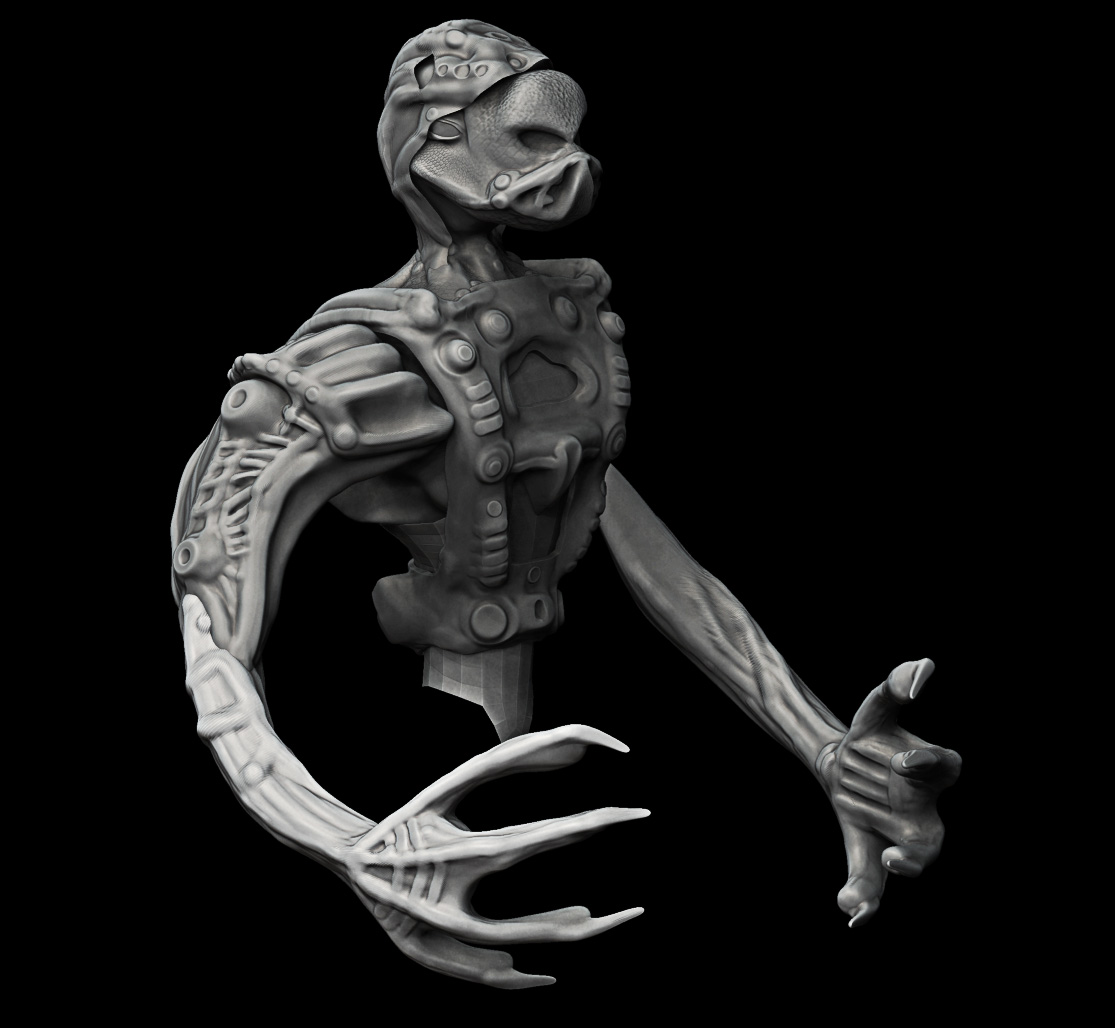
i wiil begin texture… for the next update
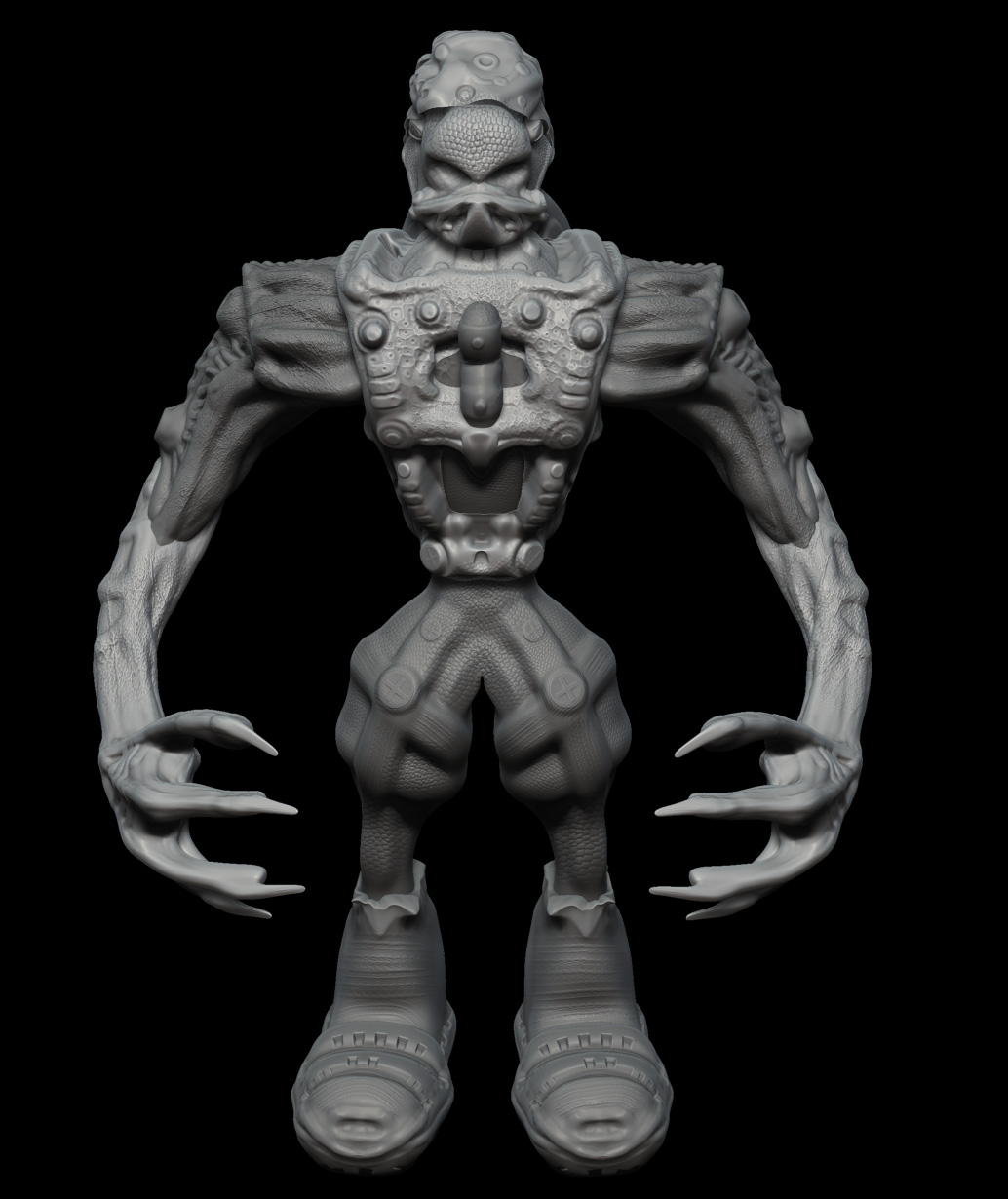
[attach=156416]pose_killer copy.jpg[/attach]
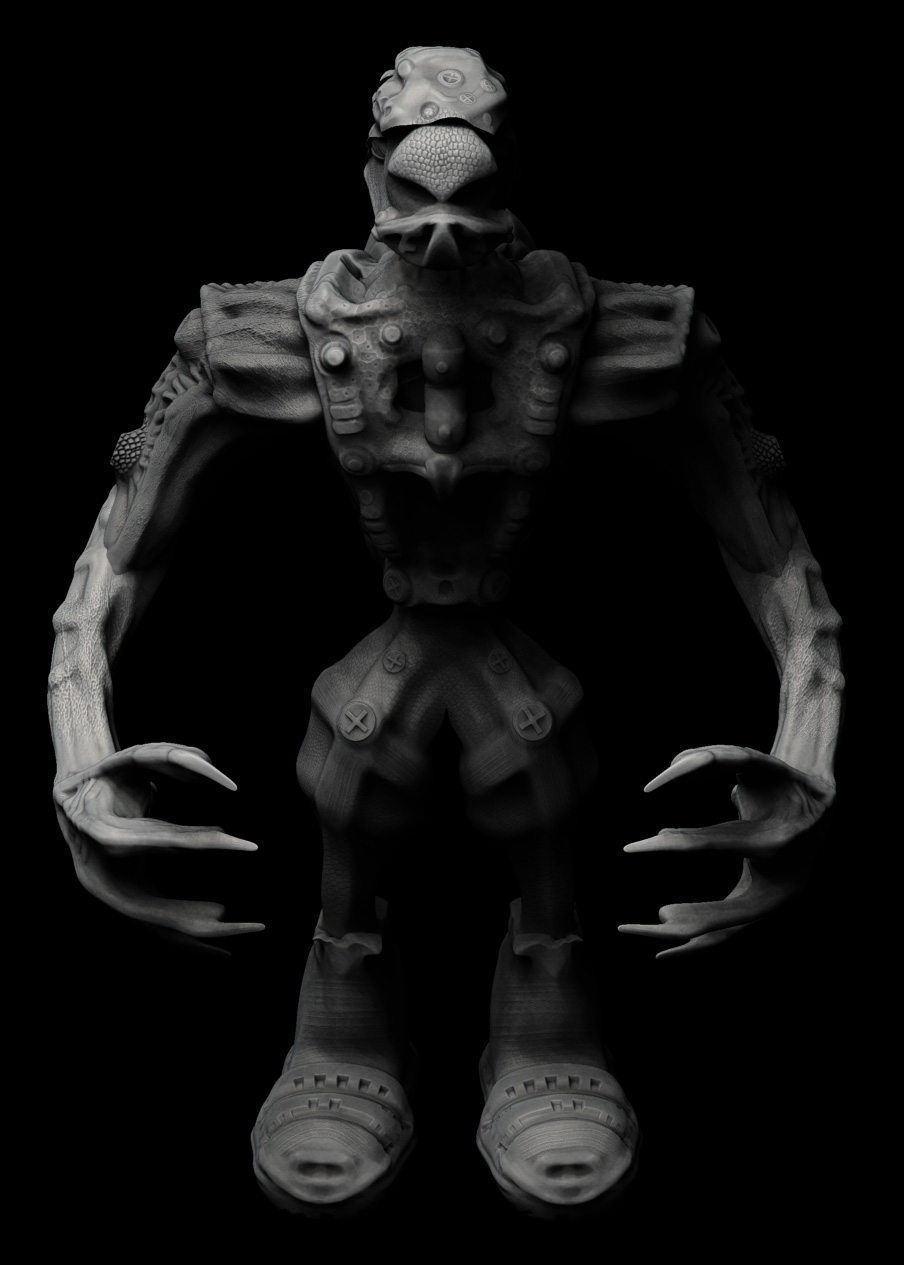
[attach=156418]KILLER_TEST_SOMBRA.jpg[/attach]
PLAY WITH SHADOW IN ZBRUSH
If you already have a thumbnail in the bottom row, please wait until that one has dropped off before you create a new post with another image.
Thanks!
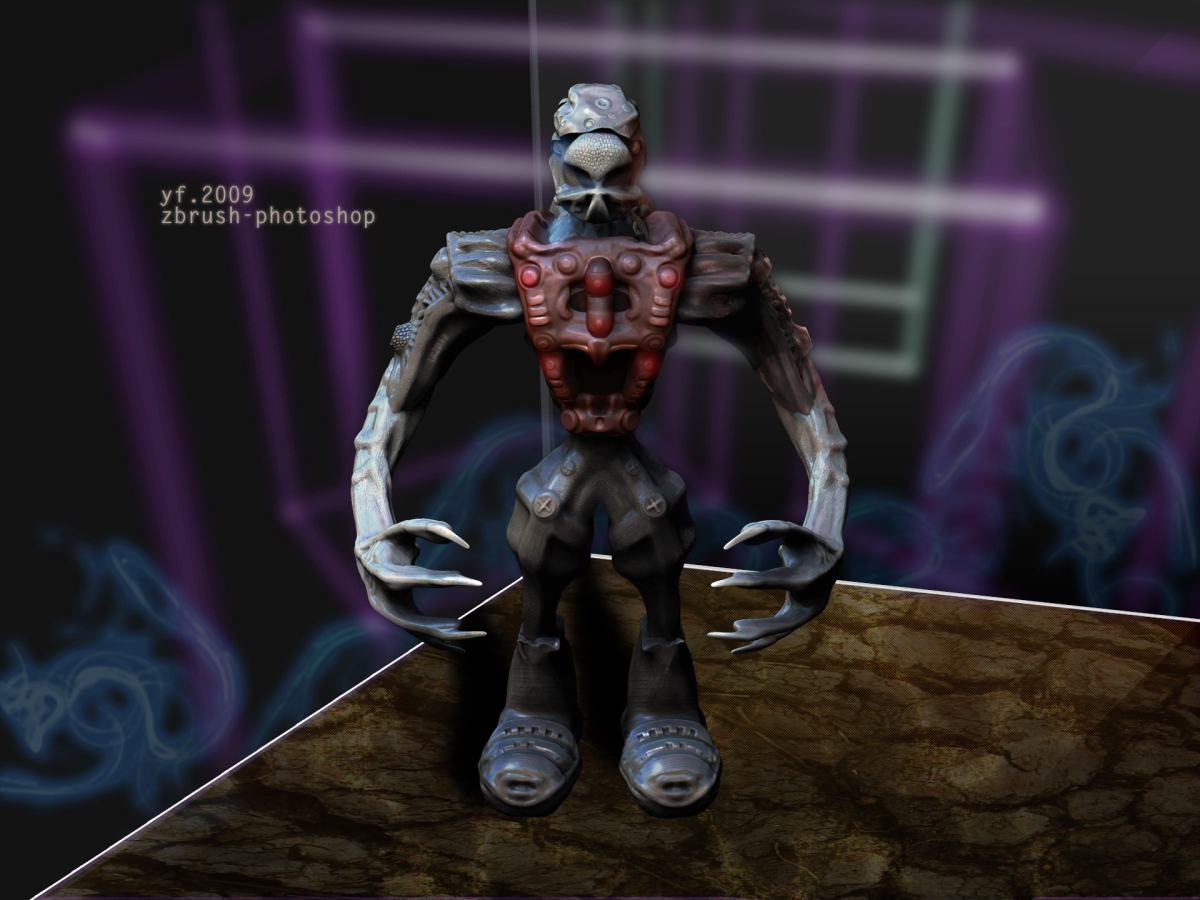
Final. I hope you like if you see this image.
[
](javascript:zb_insimg(‘157184’,‘ihateyou_composite4.jpg’,1,0))I ma de all new an old model, because i m not happy, now a little bit more…
[ ](javascript:zb_insimg(‘157801’,‘the_lover.jpg’,1,0))
[ ]
]
[UPDATE]
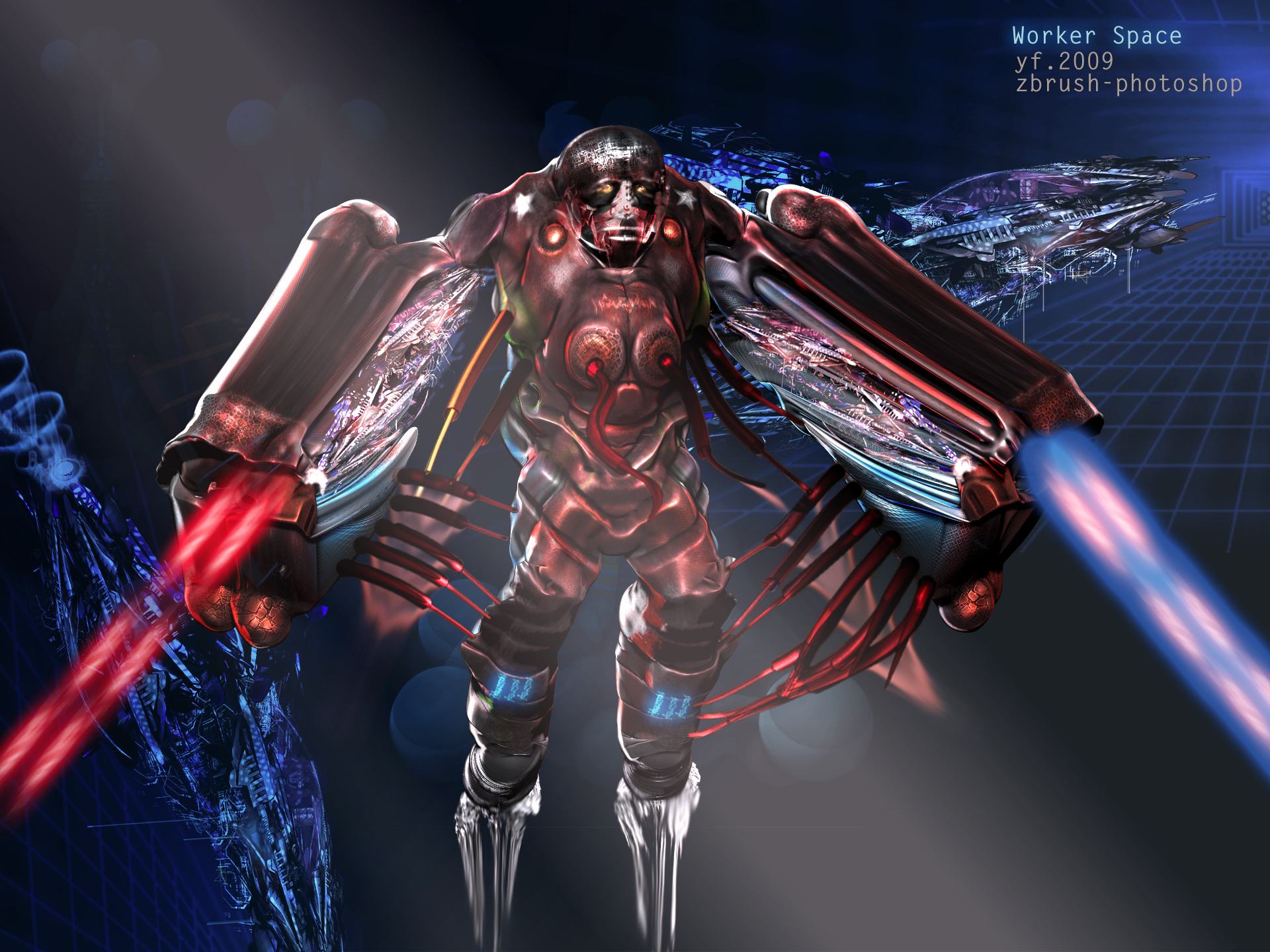
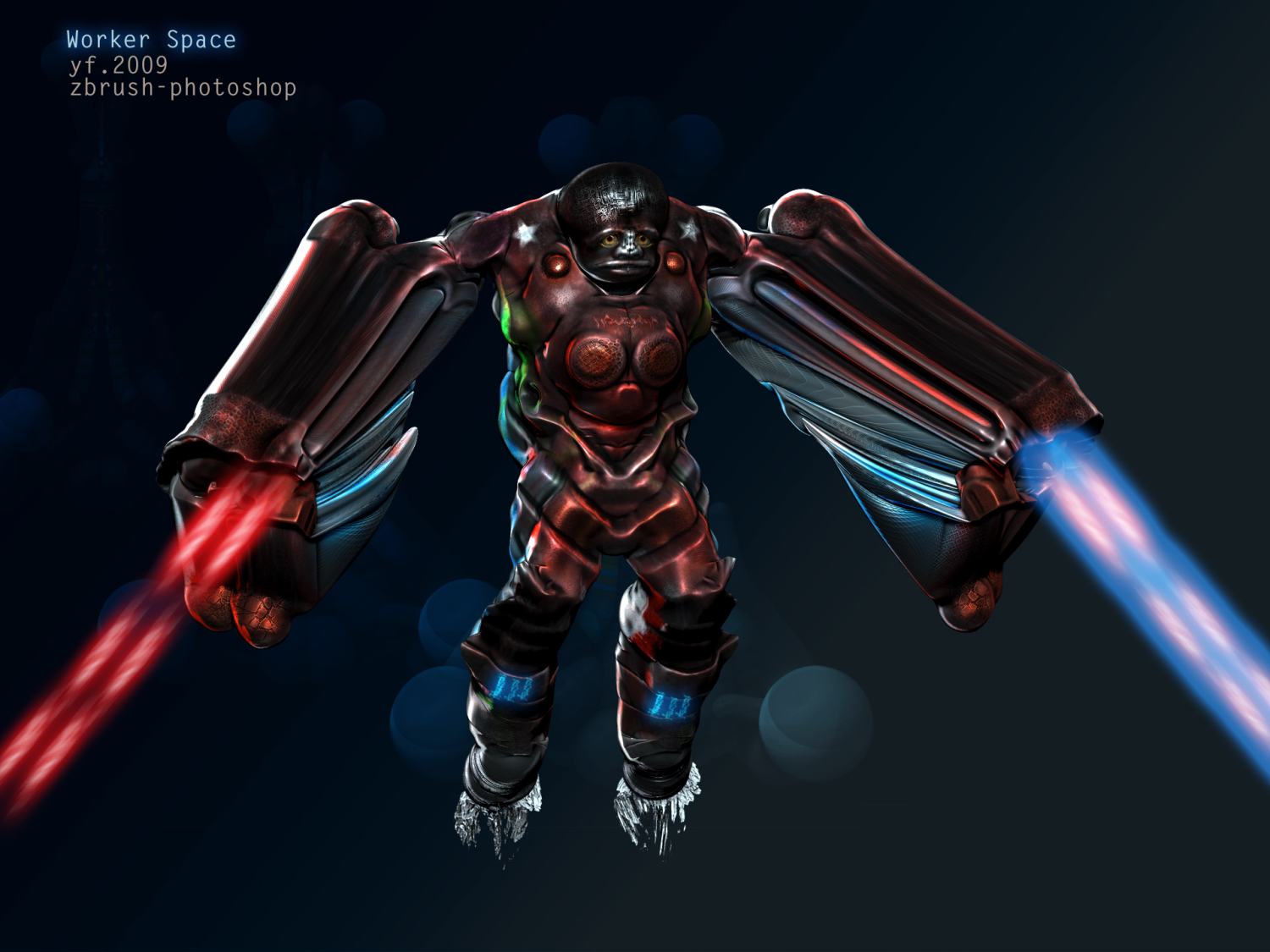
worker space
zbrush 99 %
photoshop 1% (adobe=Pixologic Kill you soft !!!)
[ ](javascript:zb_insimg(‘158623’,‘caputre.jpg’,1,0))
pause job
I update the worker space, see it in the same post. i leave the 1 versio for you see the difference
Pay more attention to the shape. Think more about the anatomy, and keep sharp edges sharp.
Good renders though.
Good luck.


