ZBrushCentral

Exercise one - male character study

Hi Everyone,
Wow, what a fantastic forum with so many talented people.

I am new here, played with zbrush 2 years ago for a month and gave up. Yesterday I saw Zbrush 3 and decide to give it another go and boy am I into a surprise. It can run on my old pc and produce millions of pixols(?) without any problems. :lol:

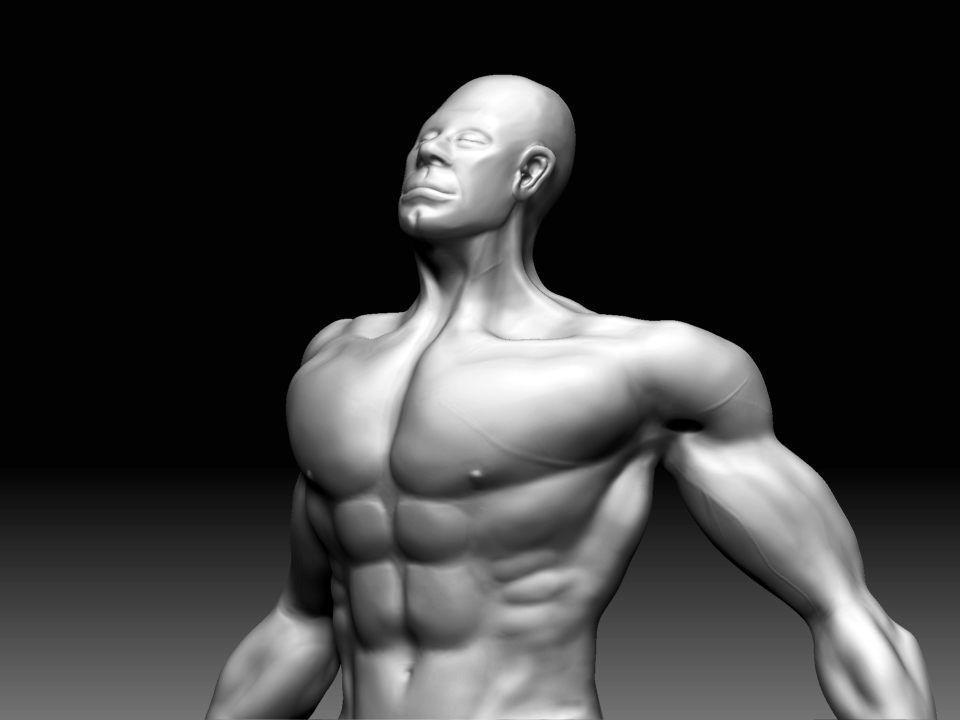
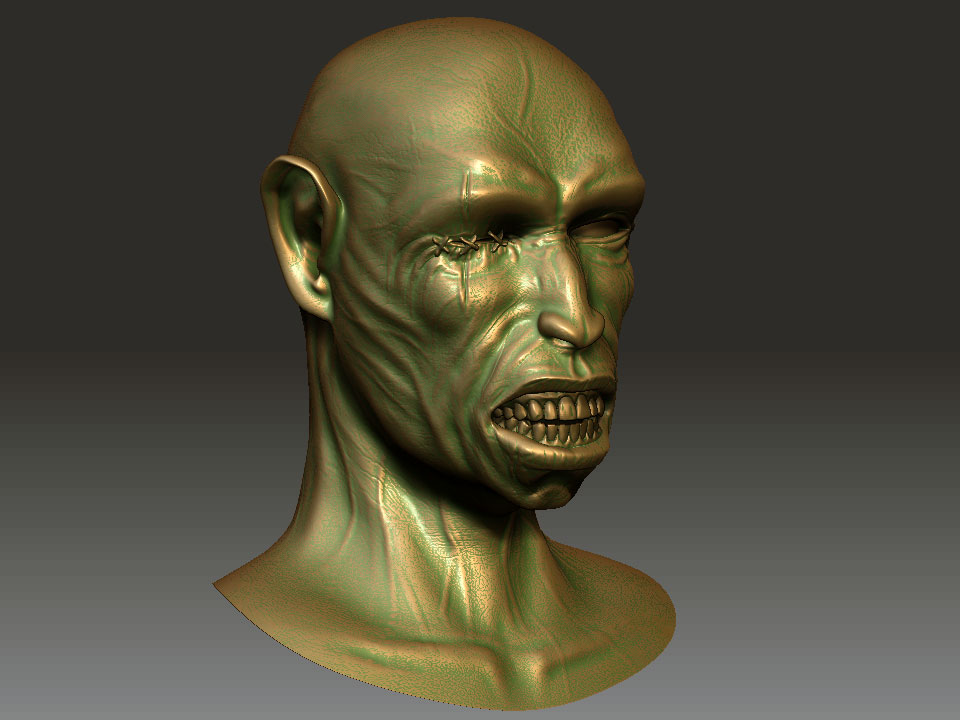
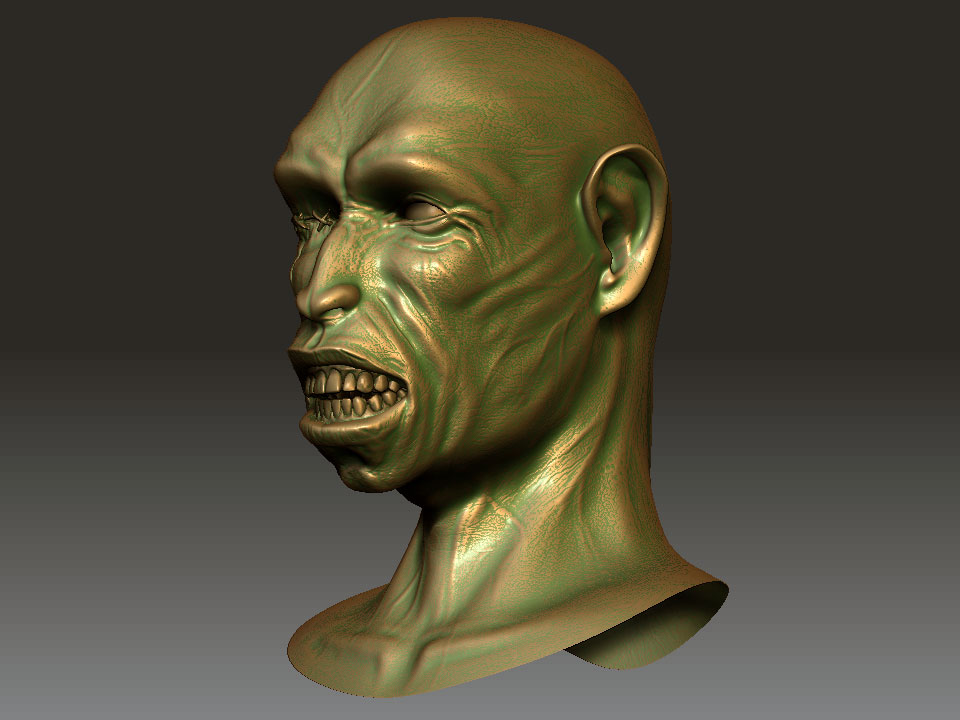
I start it this morning from zsphere, the original idea is to try to make a monkey but it turns out to be human after all. I cannot finish the whole model, in the end my pc cannot cope and crashed.:frowning:

Tomorrow, I will start leaning using alpha.
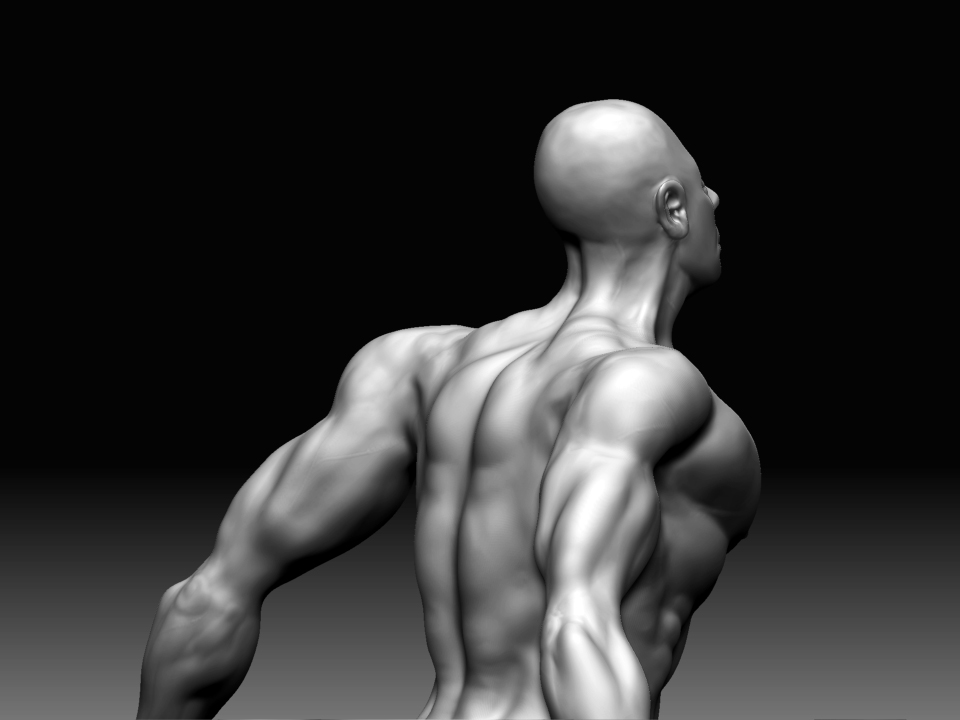
ZBrush-exercise1.jpg

Attachments

ZBrush-exercise1-1.jpg

spend the last day redo the topology on this model. It is far more difficult than sculpting. Anyway, I get there in the end, and was then able to finish the whole model with ( Sort of) even desinty and cleaner mesh.:lol:

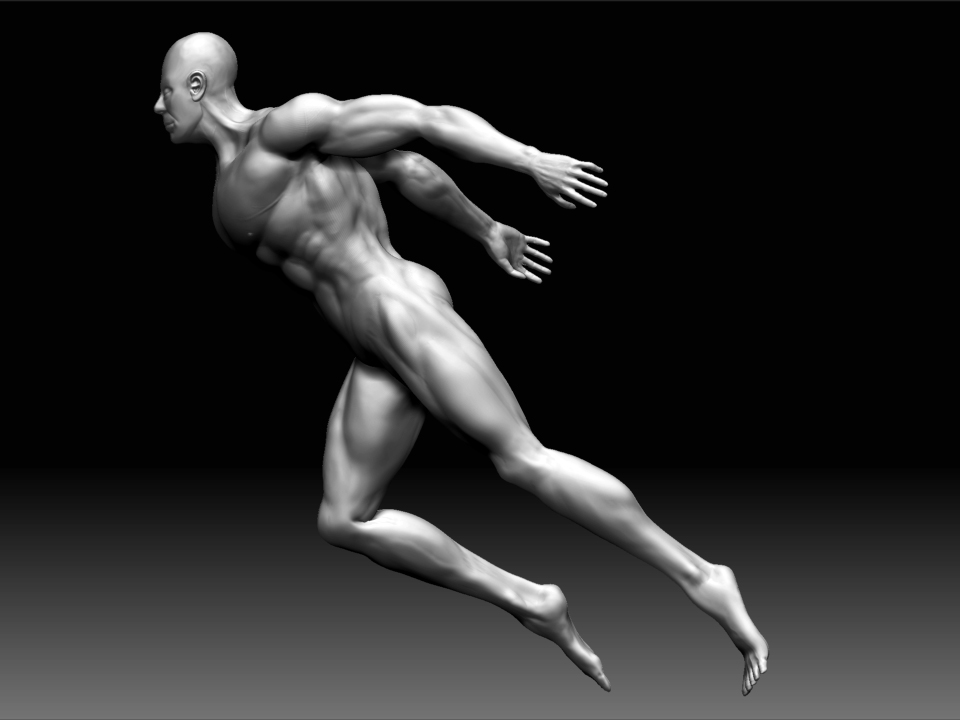
Also spend some time on transpose. as you can see from this image that I called- finish line!! hope you like! Will twick some more tomorrow!
finish-line.jpg

Great start, not perfect anatomy, but I understand you were just getting used to the software.

And man that was a quick evolution from monkey to man. You can be the next Darwin!

thx, gregsf. ya, the anotomy is by no mean accurate will try work on it when know how to use zbrush properly.

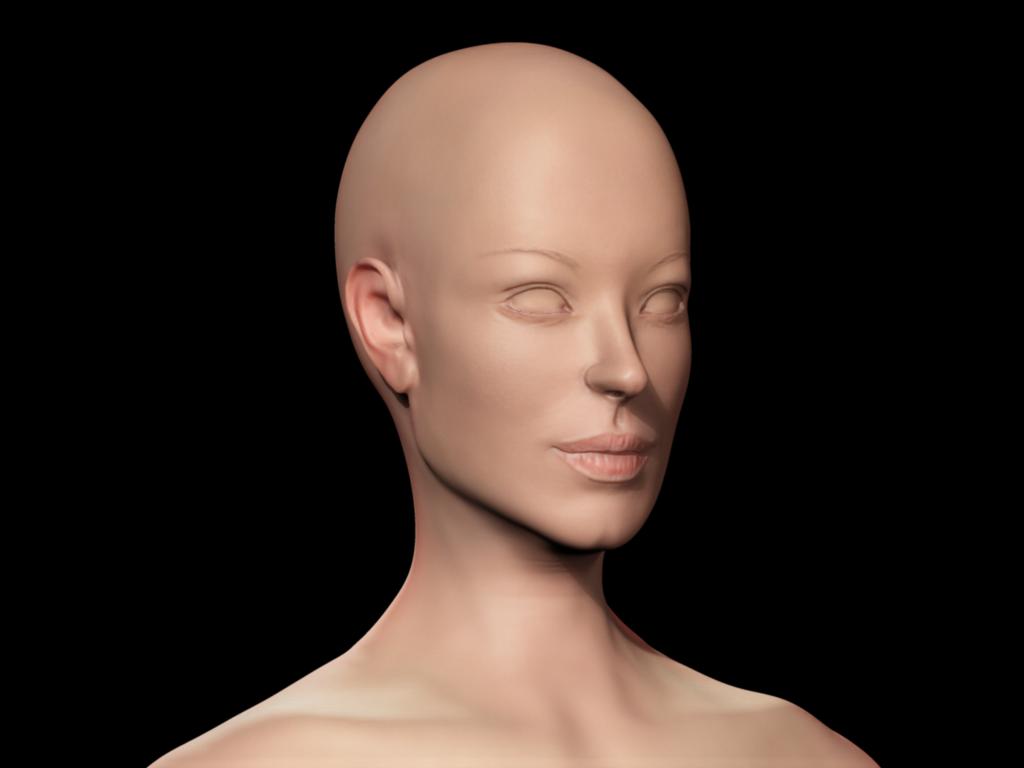
Anyway, at this update the character has been changed from male to female. This is my forth attempt to do a human character. The previous 3 are all dead.:confused: Somehow, my pc can only handle around 3-4 million pixels and all the 3 models I made are became unloadable after I try to subd 8 level.:cry:

So, this time I use subtool and Geomotry HD. It works fine until now. My pc became very slow and crash all the time. So I decided to put some images here before it dies on me again.

Hey, cool I can see the improvement. I need more ram for my PC as well, there are always moments where I wish I could work with more polys, no matter how much I upgrade my pc over the years…I always want more!

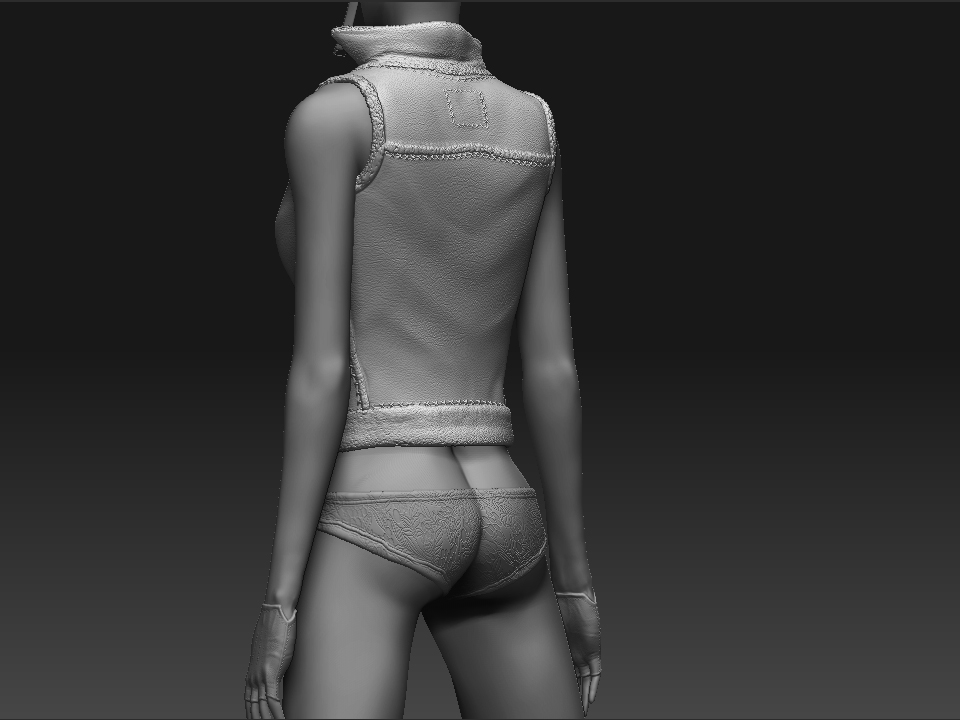
Regarding the lines on the panties, this is a perfect opportunity for you to use Lazy Mouse to get the stitches and edging to be straight. Choose your stitching tool, turn on Lazy Mouse under Stroke palette, set it to .1, then start tracing around the edges of the seams to make very clean and straight stitches. A good trick to use.

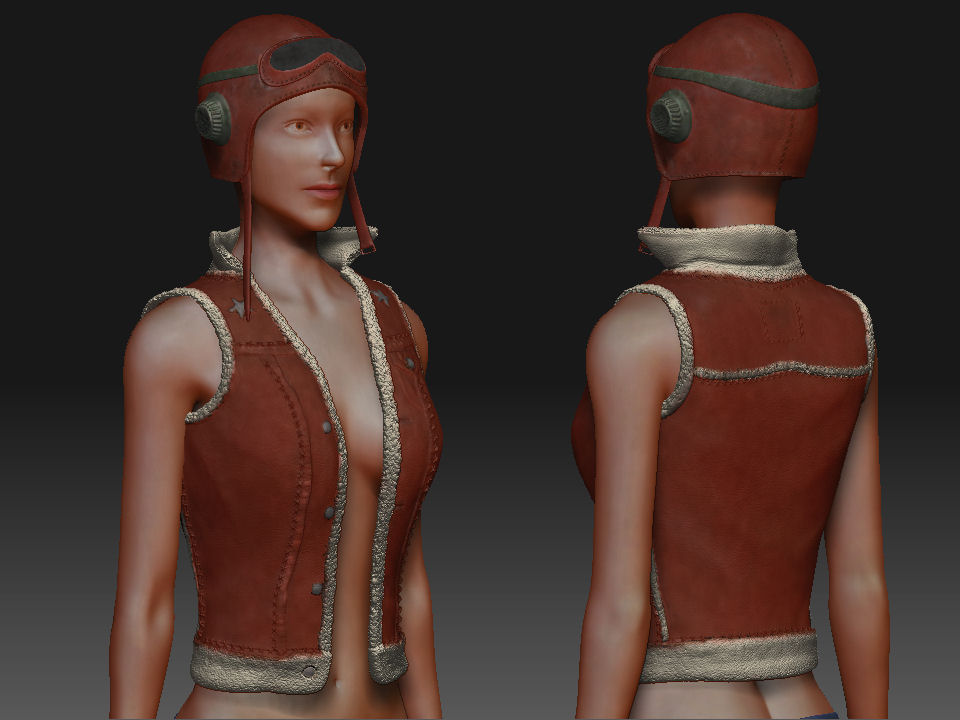
here are some detail photos show all the subtools used on this model.

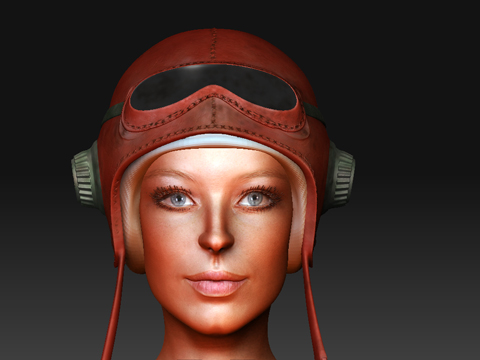
the melmet is made using zsphere in subtool.

this jacket is made using retopo mesh.

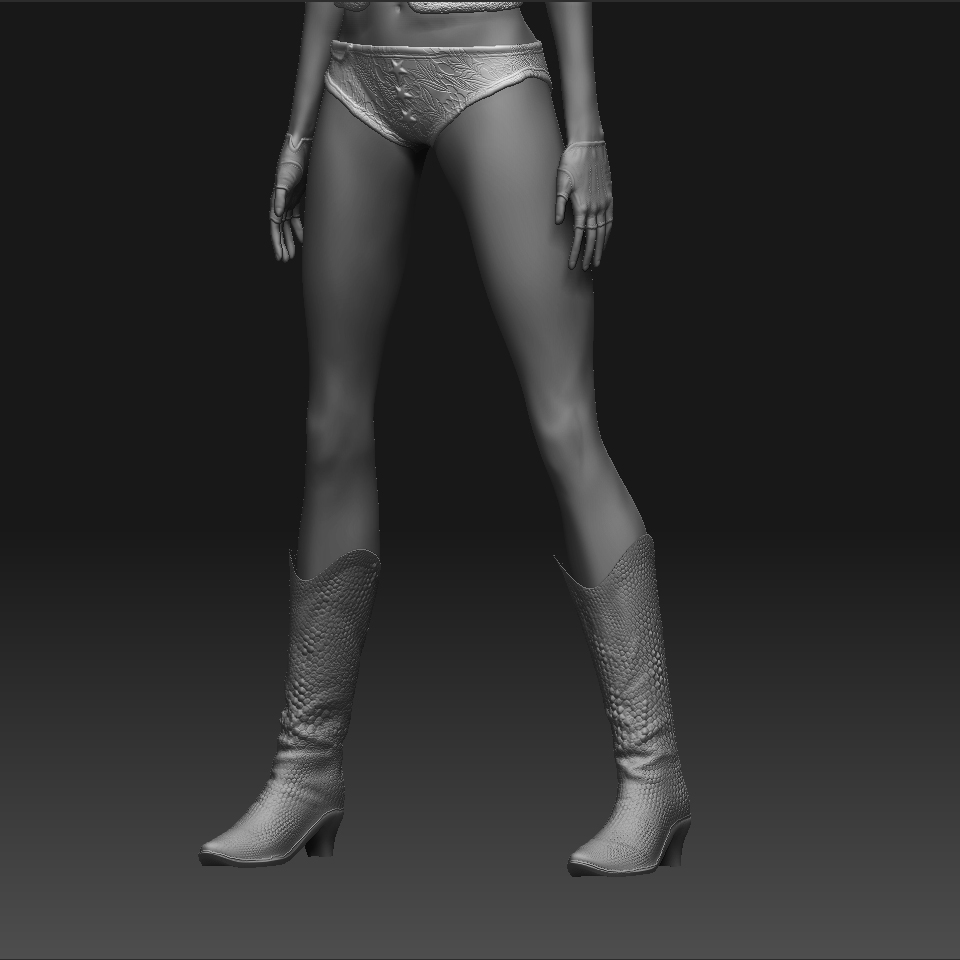
the boots and pants are mask extracts.

I tried to learn to use as many different methods as possible in this first exercise. Since my pc cannot handle the modle anymore I will now learn and try to texture all the components individually. Maybe a little transpose as well later.

hi, extra dim thx for the tip, yes, the lazy mouse was on but the red line is a bit too short does’t matter the setting I use. I cannot work it out.

vikki-jacket.jpg

Attachments

vikki-boots1.jpg

excellent models and techniques!
looking forward to seeing more tranpositions and painted.

thx aa-ron for your kind comments, most appreciated.

At this update I tried to polypaint the model, but as expected the pc fails me just when I finish painting the model. Luckyly for me, this time I only lose the txxture, as I save a backup file for my model.

Anyway, just start painting again, still using polypaint. As this is the only methord my pc can cope. Here is picture of the painted jacket, the rest will follow… thx for looking

Attachments

vikki colourf.jpg

Lookin really nice. Personally, I think you should invest in a new comp so you can really crank out some killer stuff without hassel haha. Keep it up!

ya ron, maybe I will get a new pc this xmas, or I have to find a better work flow, let’s see.

I played with transpose, material and lighting a bit earlier, it’s all very interesting until my pc… ya same story.

Anyway, I will call it a day for the painting part. here is the pic…

by the way, I really like the polypainting as I never was able to paint texture on photoshop.:lol:

Very nice model. I like girl model. :smiley: :+1: :+1:

a bit of pose exercise, not final yet just trial and error run.

vikki-colour-pose.jpg

Excellent pose :wink: and good weight placement. Poly paiting is turning out quite nicely. I havent experimented with it too much because I havent made a model I wanted to carry that far lol.
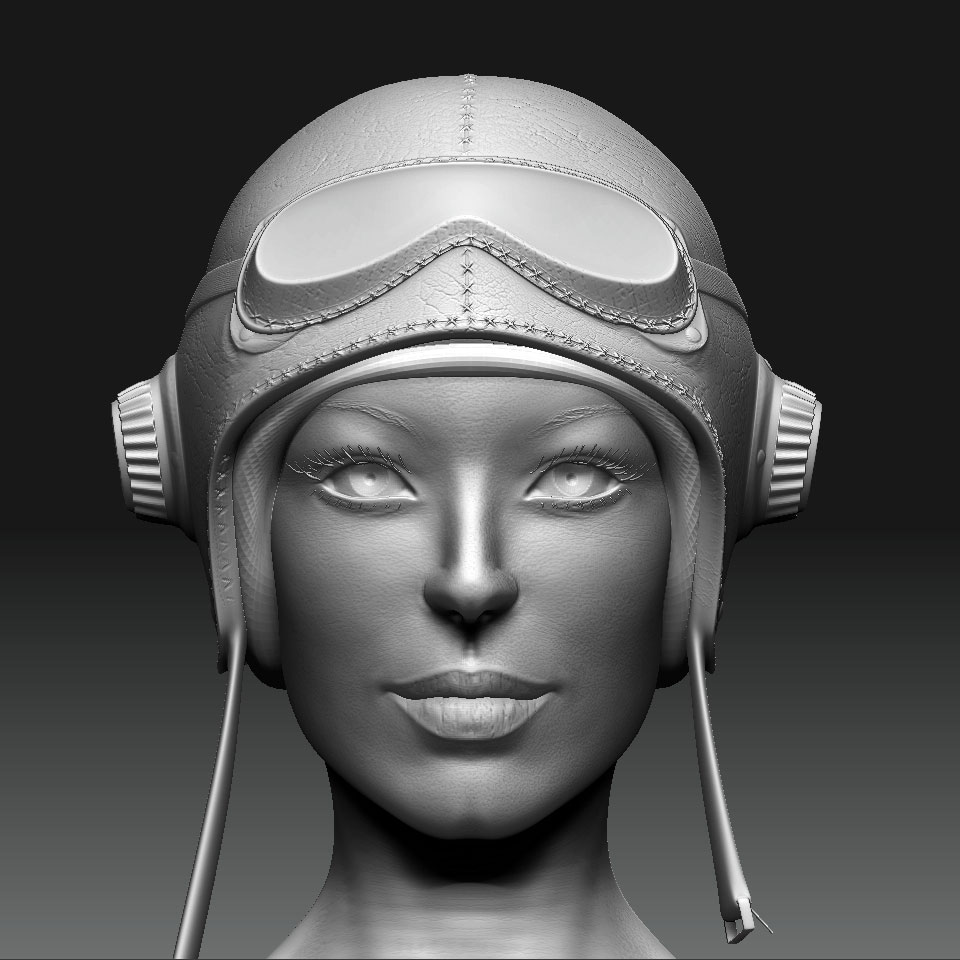
Are the skirt and jacket extracts like the boots? I like the way the skirt flows.

thx again aa-ron for the kind words. the transpose was good fun but not so good when there are many subtools as in my case.
as for your question, the boots are the mask extracts at level 1. and the skirt is either extract of retopo mesh, can’t remember now.

anyway, at this update, I work a bit more on the head and delete the rest of the subtools. my pc cope better this way. thx!
vikki-head.jpg

very cute girl model. i like it. :smiley: :+1:

thx gookle, am glad you like it.

here is a render test. can’t work out how to render a model with each subtools with its own uv and texture. In polypainting mode it is not a problem, but when I apply uv and texture to the model it seems to affect every subtools.:qu:
can anybody tell me how to solve the problem?
The image below is done using 2 layers, one render the head and the other for the helmet, not very practical imo.
vikki-render-test.jpg

another day another disaster, just as I almost finish the girl model, the file refused to be loaded to my pc again.:cry:

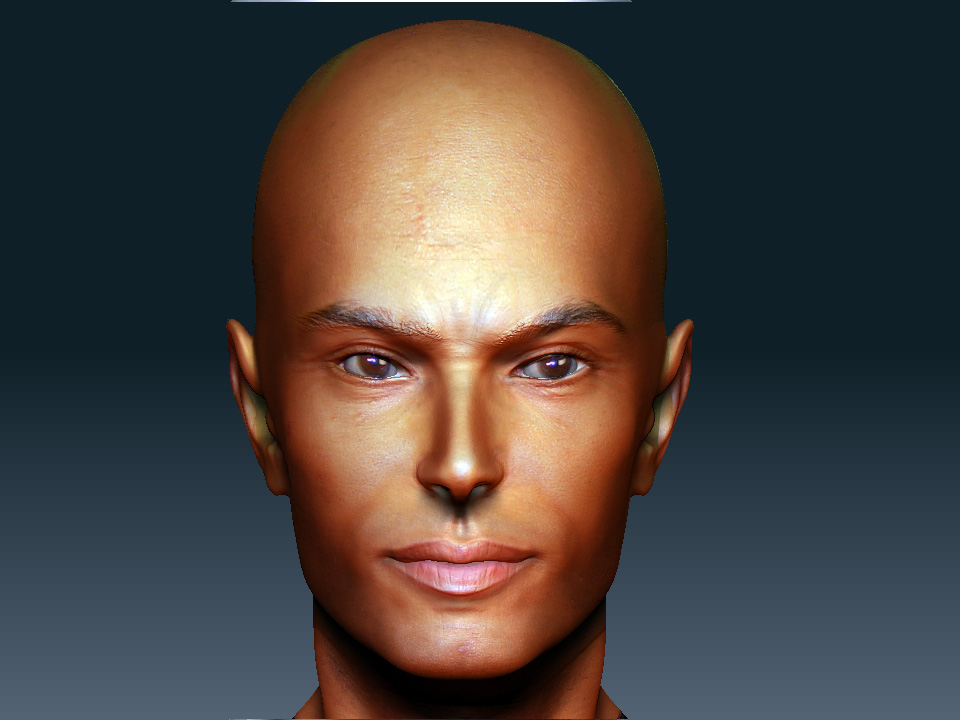
tired of trying to make that girl again, I try a little bit on another male face base on that girls head.
hope u like.
james-head.jpg

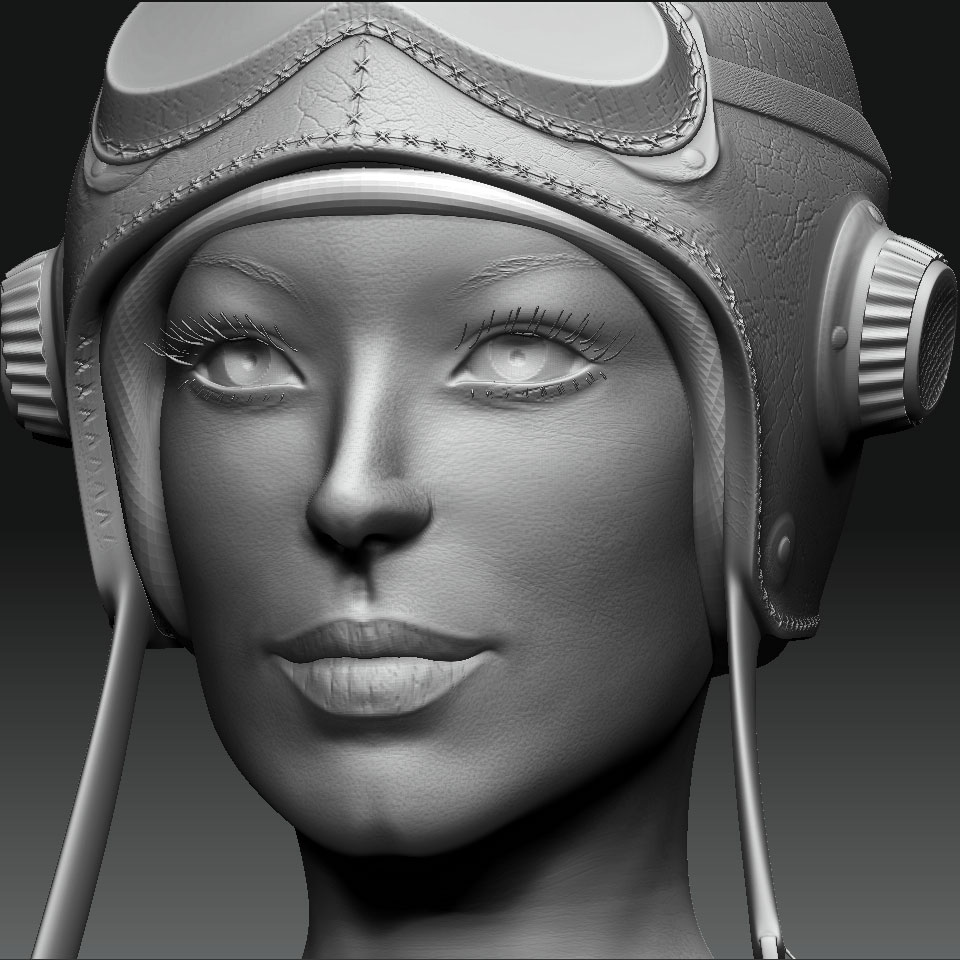
have been busy learning normal map and displacement map for the past few days. it’s not easy I have to say, still cannot get all the details I want ( one can clear tell the difference compares the too images)when exporting the model to maya using zmapper or multi displacement3. getting really fraustrated.

anyway, I am also learning sss shader in maya mentalray. the model was exported at level 4 and displace map was applied along with bump map (am using the same map for both displacement and bump, don’t know if I am suppose to do it). anyway, too much too learn and too little time.
vikki dis sss.jpg

Attachments

vikki-head-closeup.jpg

last few days have been learning the new workflow- basemesh start from maya and inported into zb. This is much better workflow for me since it’s much easier on my pc. I can get all the detail I need at subd level 6.
tomorrow will start learning modeling industrial stuff on zb.

caveman1.jpg

Attachments

caveman2.jpg