Hi! I click edit yet I can not rotate or move objects.
It seems that is locked. What should I do?
Attachments
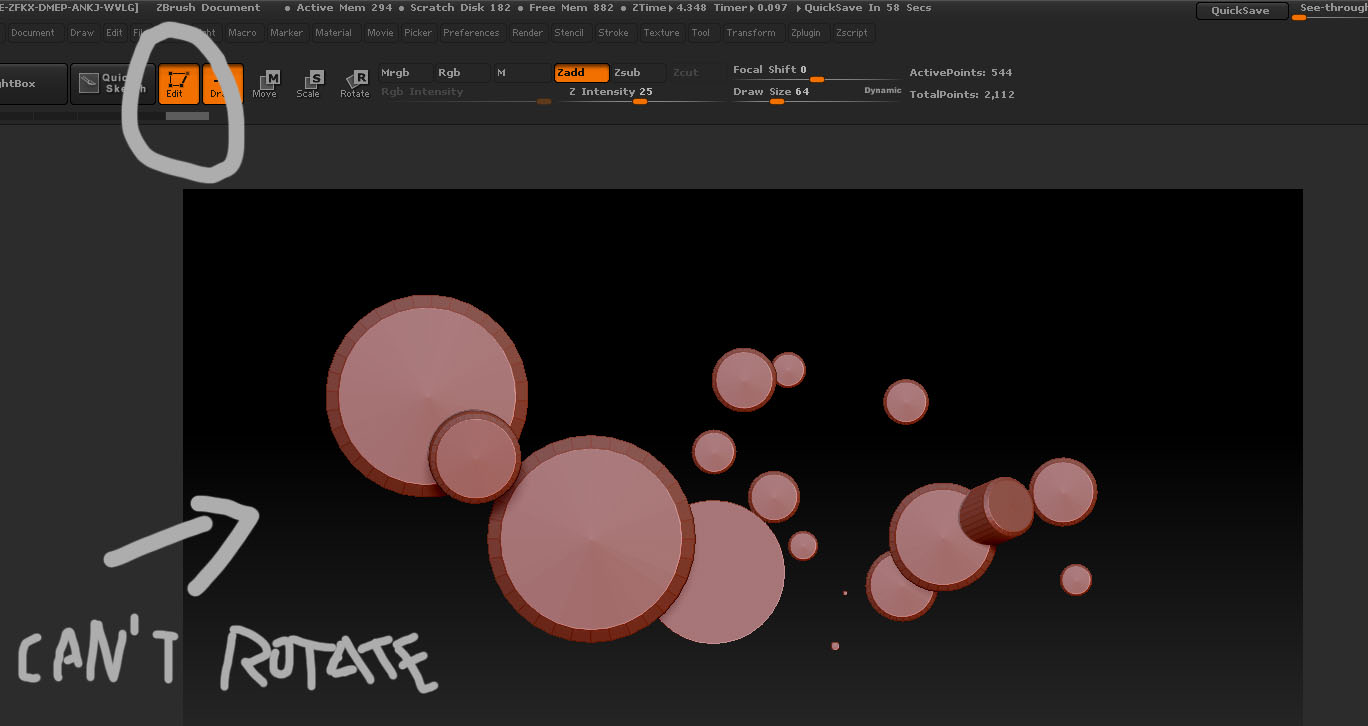
Hi! I click edit yet I can not rotate or move objects.
It seems that is locked. What should I do?
On your canvas are multiple objects, one looks as though it might be able to rotate. Clear your canvas with Ctrl+n, draw a new cylinder and then immediately hit t to enter edit mode, no other things before that t. All should work as designed.
doug, that single one just looks like it was built on an angle.
try ctrl+N (new document)
then draw out your mesh 1x and hit t (edit) see if that fixes your problem.
I think that was a kind of bug. I close and open the program. I remake the object in scene with the new document, and works normally. Thanks all!
OR somehow you moved the object off screen in which case >frame object should have brought it into view.