Hello,
I am having an issue that seems like it should have a simple solution and I’m not sure what it is.
So I created my own alpha channel in Photoshop. But whenever I try to
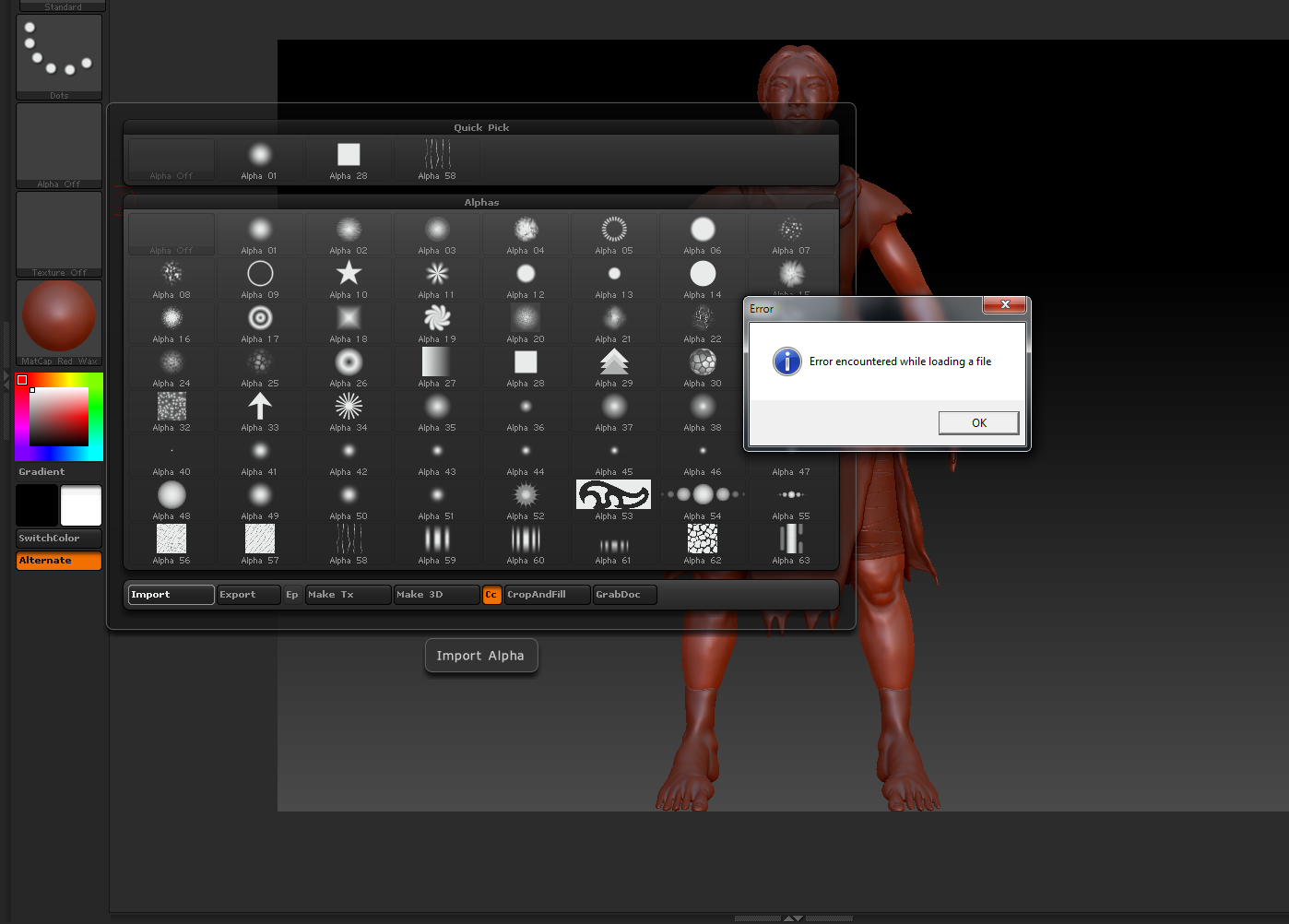
import it into Zbrush, the .psd file won’t load and I keep getting this error
message that says, “error occurred while loading file”. I tried saving and
loading multiple iterations, saving as .tif and .tga files (which don’t give me
an error message but don’t seem to load anyway), recreating the alpha channel
from scratch, reopening ZBrush and saving and importing from another location.
I don’t know why, but nothing I’ve tried so far seems to work and there
only seems to be an issue with that file in particular (and it opens just fine
in Photoshop). This is somewhat frustrating and I would like to know whether anyone here can help me solve this problem.
I’m new to this forum, so I’m not exactly sure what or how much I need to show for anyone to help with my problem. But here is a snapshot of the image I created an alpha channel from, as well as a snapshot of the pop up window with the error message in ZBrush:
Attachments