ZBrushCentral

edges, holes and pinching

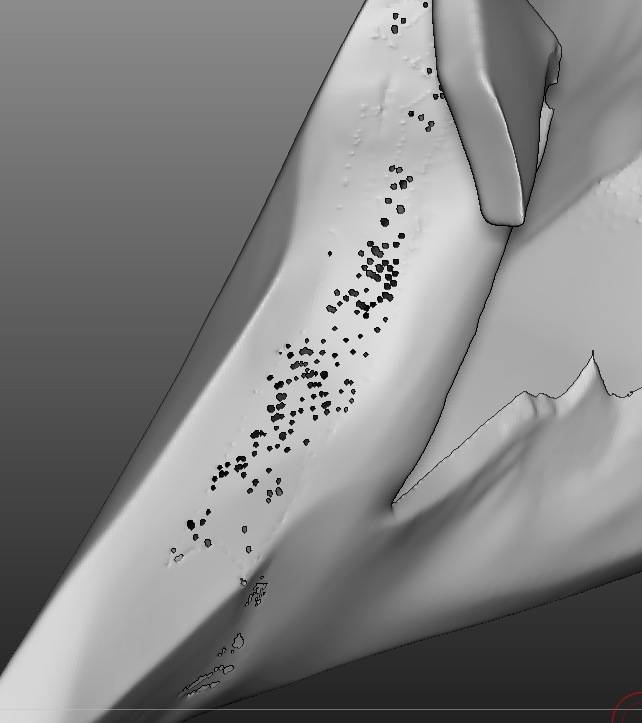
Since I’ve been trying dynamesh I’ve had terrible trouble with edges pinching over and holes appearing in the mesh when I try and smooth it back.

I understand it’s my technique (I’m a bit heavy handed) but with a regular mesh I could always go back down the divisions and smooth it. but with a dynamesh there’s no way of doing that. Sometimes it can means hours of work gone as I just can’t get rid of a problem area that’s been there from early on when I eventually stumble across it. even dragging the area out and clipping it off doesn’t work for me as the clip brush can bring it’s own edge problems.

are there any methods for eradicating this kind of problem? other than not doing it in the first place!

Attachments
Screen shot 2012-03-21 at 23.35.49.jpg

What does it look like before the dynamesh is applied?

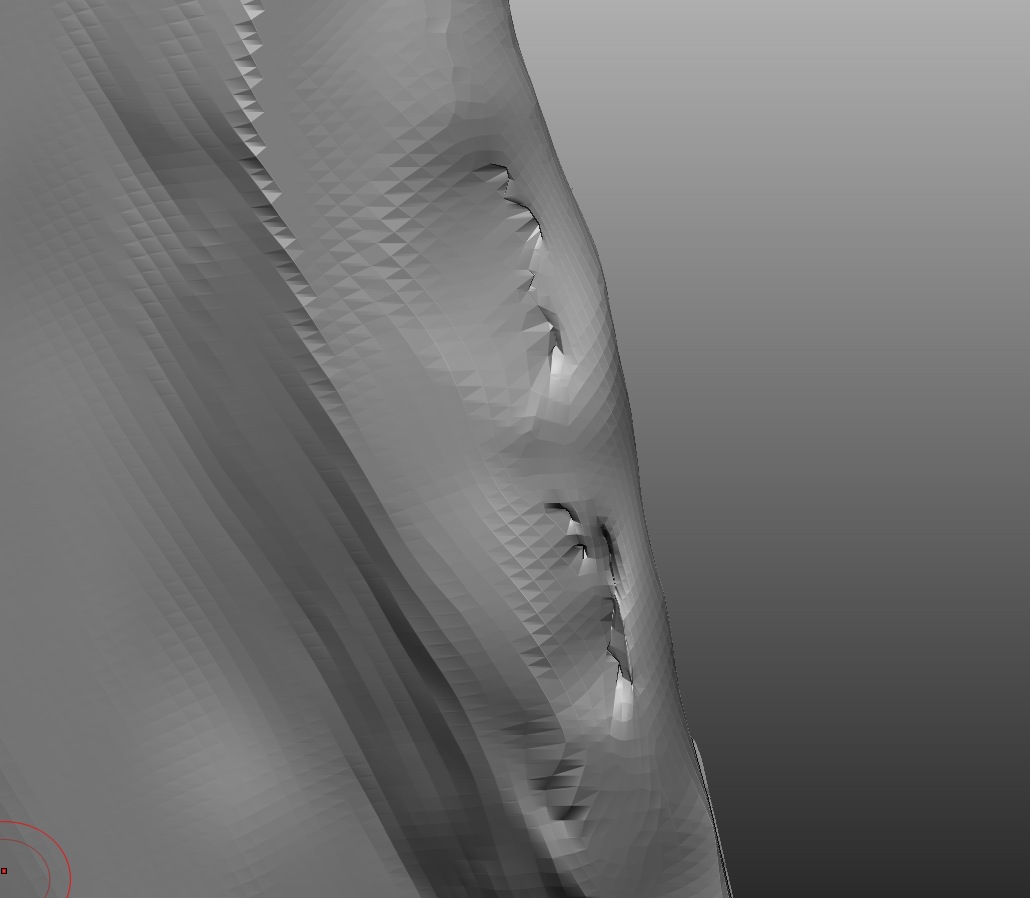
generally ok - it’s caused by me trimming down too hard on an edge trying to get a sharp finish - eg. a blade. and the mesh crosses over itself. I think dynameshing ‘bakes in’ the cross and increases it. If I forget dynamesh is turned on and activate it by mistake a few times (as I did the other day) it tears big holes in mesh eventually…

It’s not caused by the mynamesh per se. but It’s harder to fix without that standard base mesh that we’d traditionally have.

Attachments

Screen shot 2012-03-22 at 00.26.02.jpg

Dynamesh doesn’t like thin models. It’s also more for your basic shaping. This means you should do all your dynameshing at first and then add the details after you’re done with dynamesh and turned it off.

yeah i think it’s my approach and putting too much faith in the tools to get me out of any trouble. I’ve worked out a fix though - just delete the problem area and ‘fill hole’…

how would you recommend tackling something like a blade, that needs to be thin, straight and even? this is what I’m having most trouble with