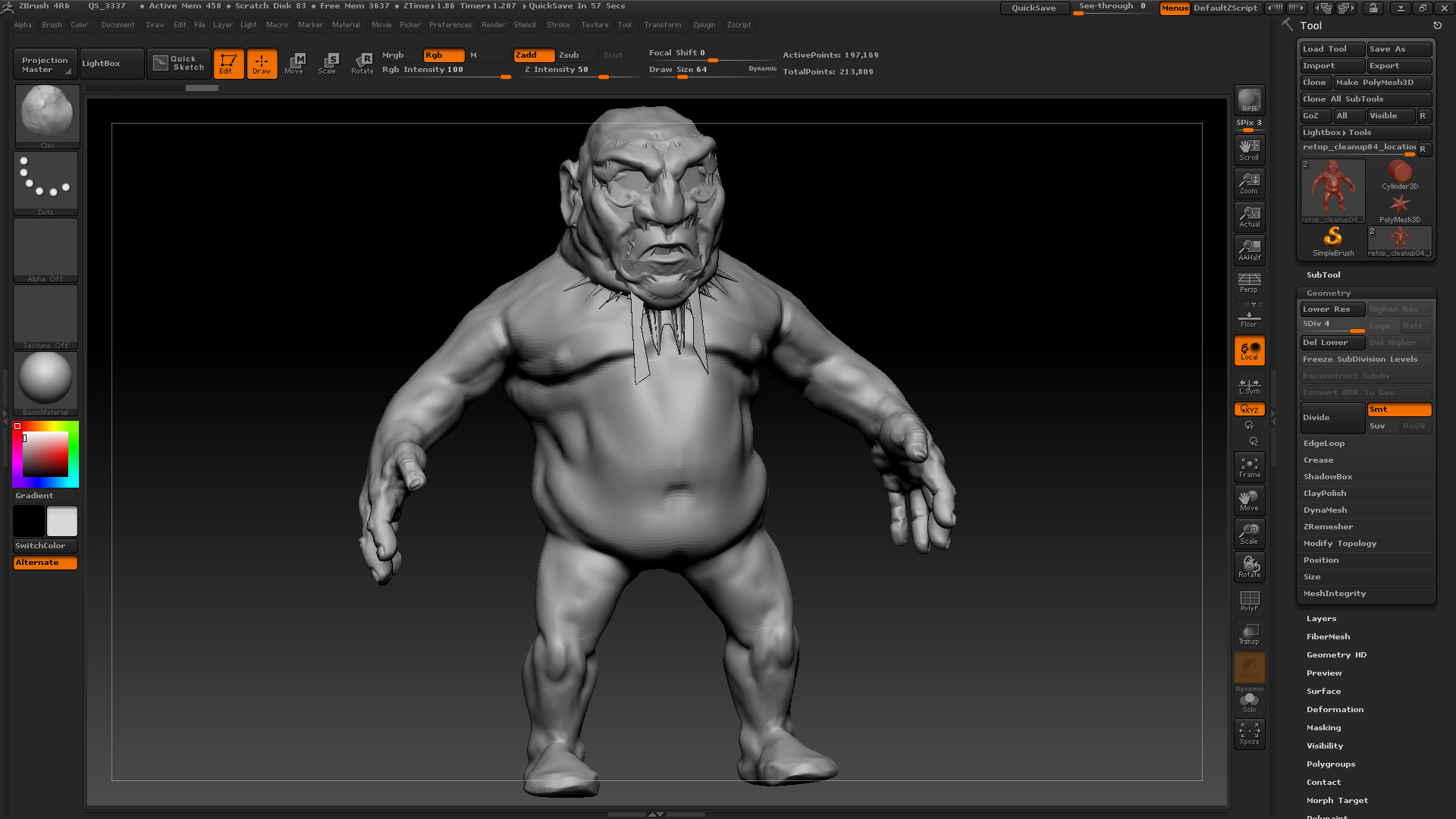
I am following tutorial from eat 3D, and in 5th movie of that tutorial man is importing model to maya from zbrush and making there mouthbag. Before taking model from zbrush he is changing level of sub from 4 to 1.
I use 3ds max but i think those 2 softwares are pretty same so I shouldn’t have much problems but unfortunately i have one.
After exporting and importing again from 3ds max to zbrush appears information that mesh was changed and if i want project it so I click yes and… in tutorial model goes to 4 level with sub. and i can see the mouthbag from model imported from maya but in my case when i try to project them (clicking yes when the information comes) my model looks like on the pic attached below.
I am trying everything but I can’t understand what could i do wrong…
Please any help or advice. What can i do wrong here to get this ugly results
Attachments