ZBrushCentral

dynmesh not working correctly

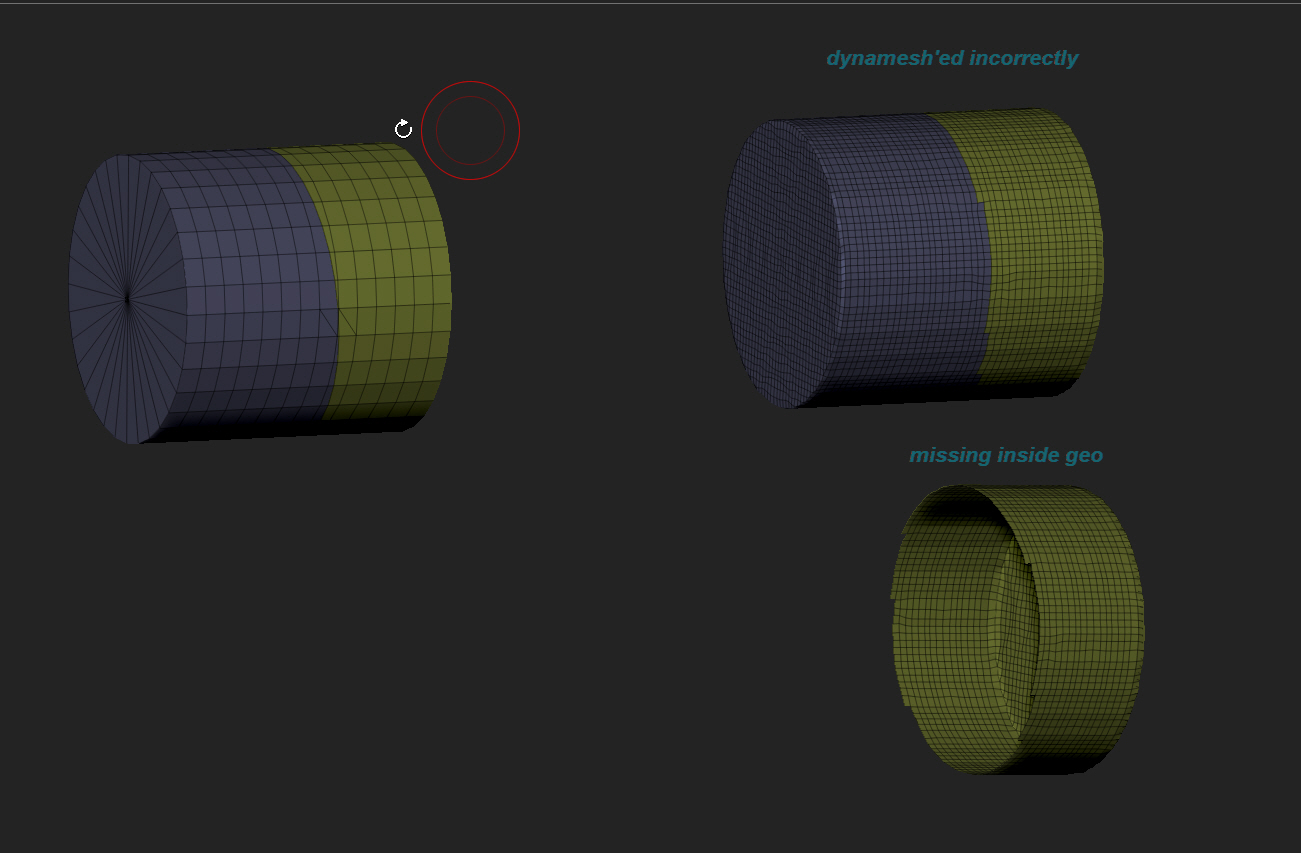
is it me or is dynamesh not working correctly, using r6, maybe i have a button unpressed ???

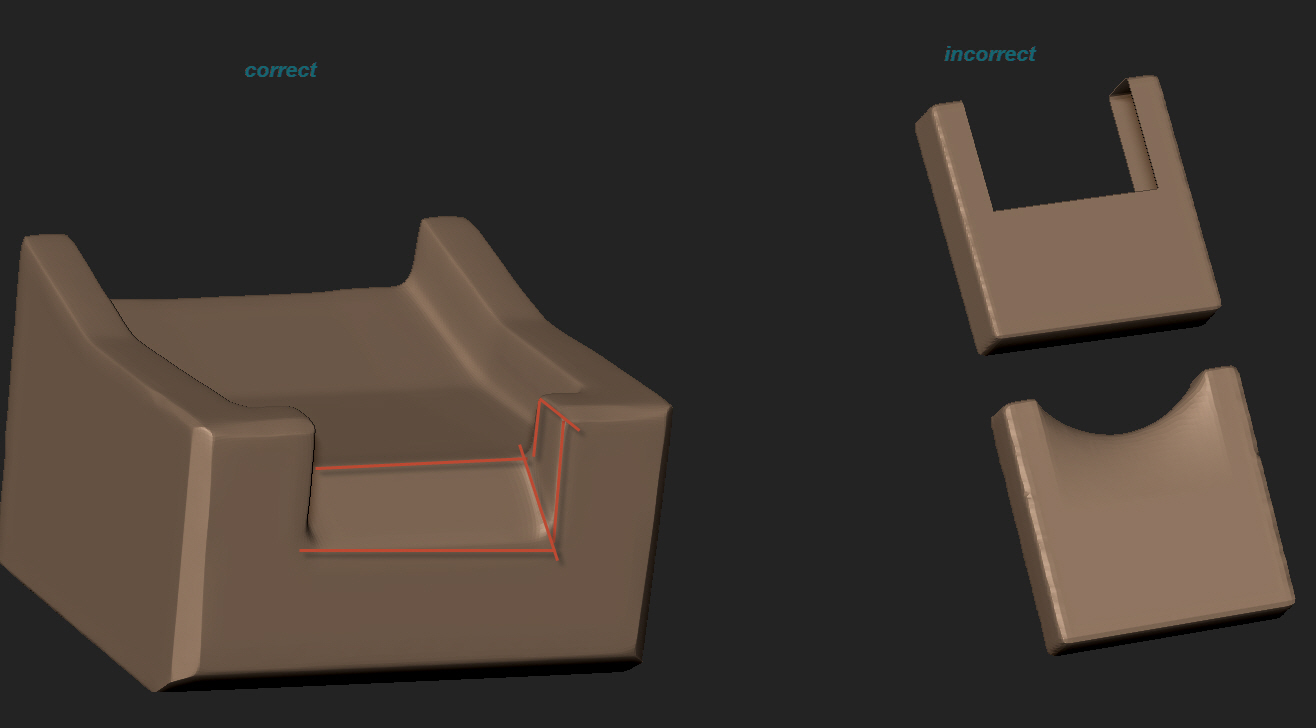
left image was when this was working correctly, bridging nicely, image on the right gives me weird results using dynamesh (i don’t know if i accidentally pressed a button)

im not sure if its the poly group

*ignore attached picture

Attachments
8-7-13 23-00-47.jpg

8-7-13 23-00-53.jpg

8-7-13 23-00-57.jpg

i believe it has always worked this way…the curved bridge surfaces I mean. I have noticed it has a bunch of wavy lines in it that it didn’t create before r6 though.

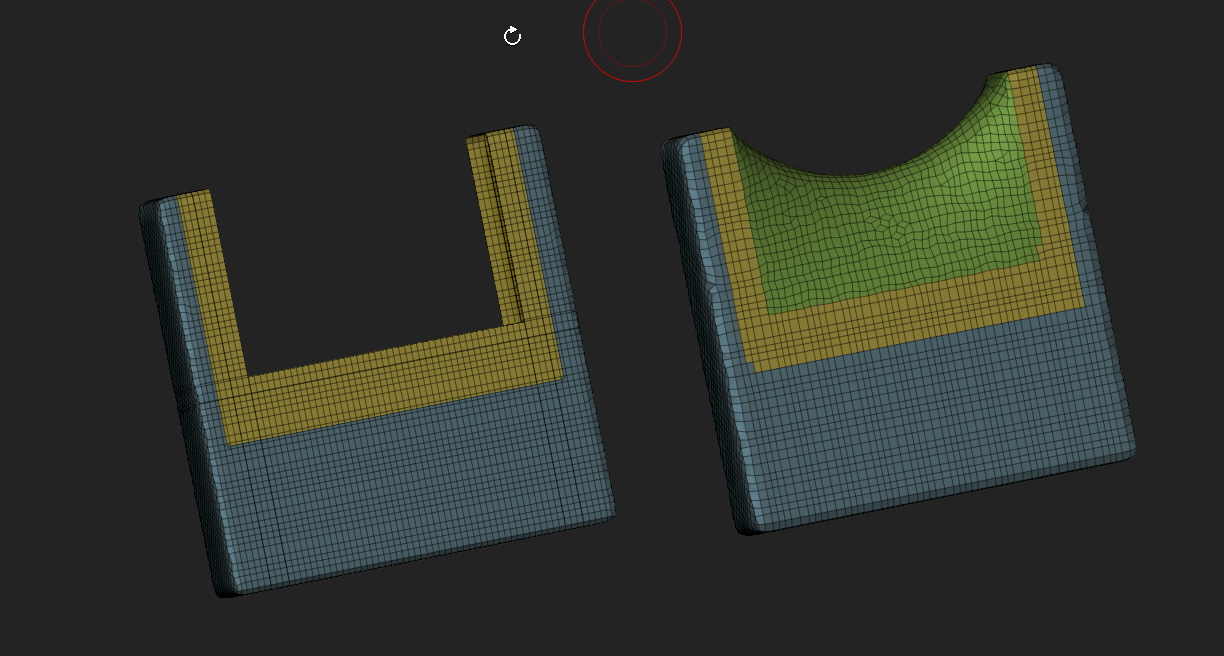
i dont think so, i even went back to an old eat 3d hard surface tutorial, and he was praising how clean the edges were, here is a screen shot of his correct dynamesh

79g6.jpg
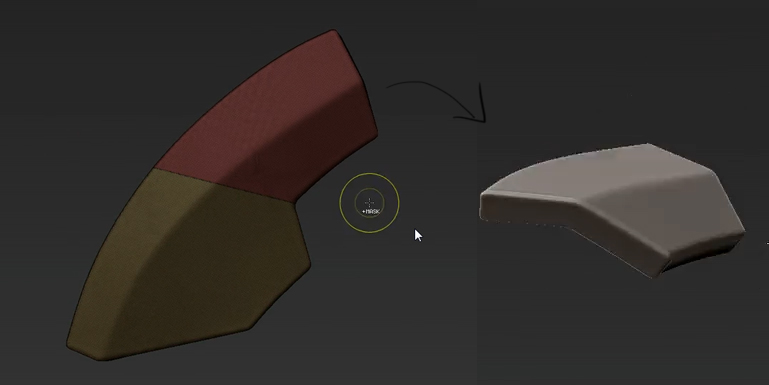
this is another test i did, still wrong with the curved surface
znrk.jpg

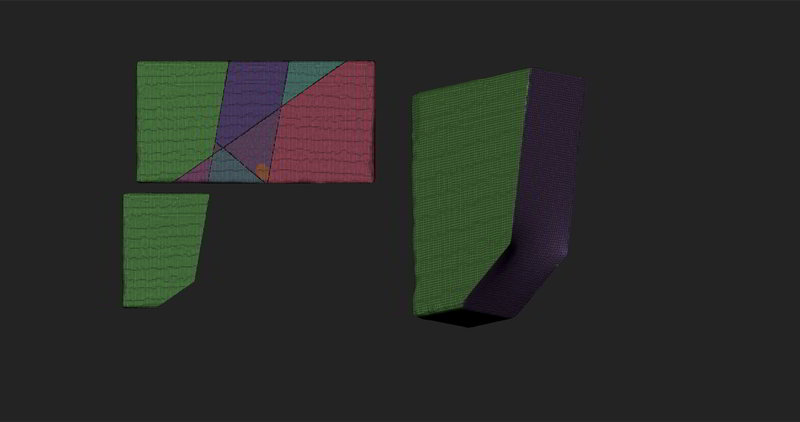
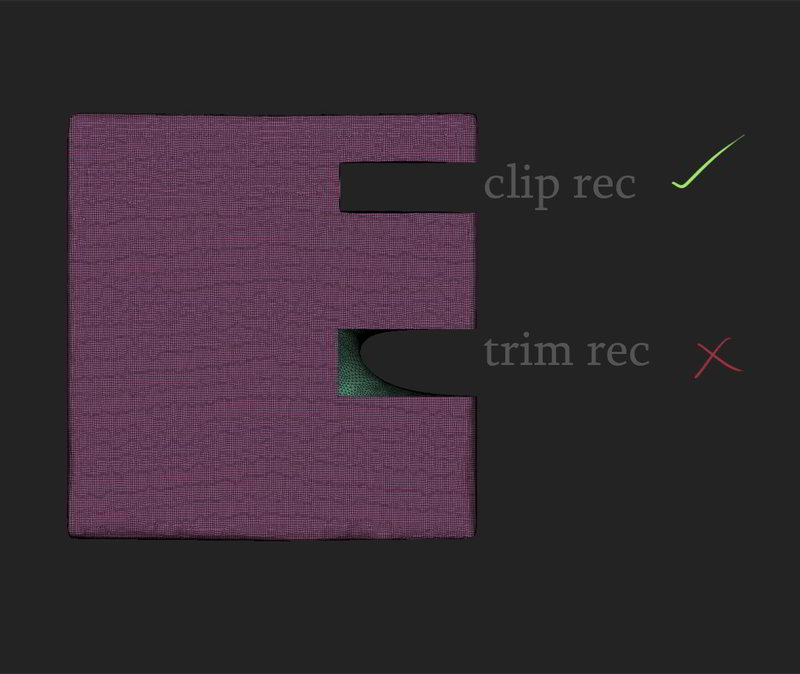
this is also affecting the new trim brushes
8jdg.jpg

as i said, i dont know if this is because of a button i pressed, or if this is happening to anyone else