ZBrushCentral

DynaSubtraction doesn't work/ Causes Poly Artifacts (from ZBrush4 R6 on)

Hi Community,

I have an issue with the using of Dynamesh Subtraction. Dynamesh emerge new chaotic polygons in the hole after the first and only clean subtraction.

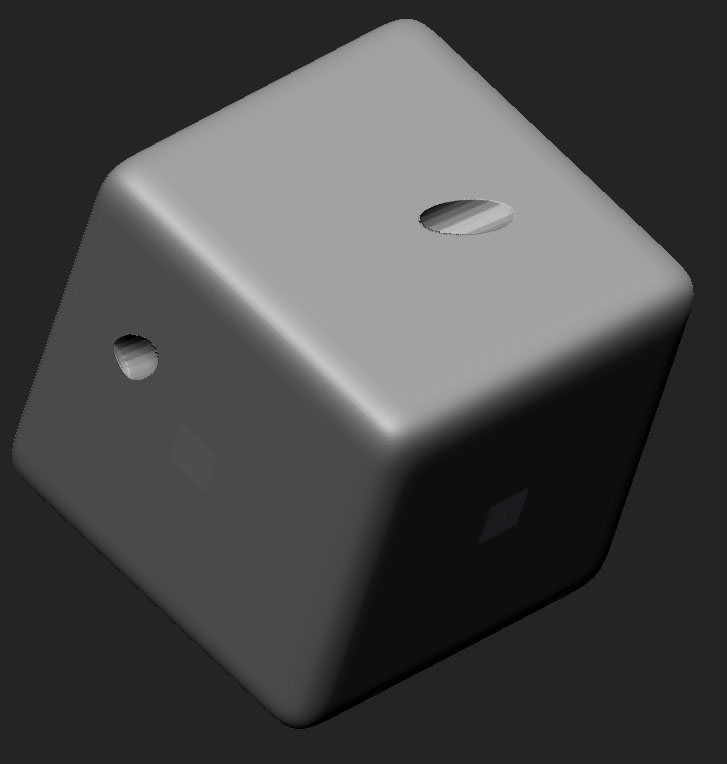
I tried to visualize the problem with a cube and some CurveLineTube insertions:

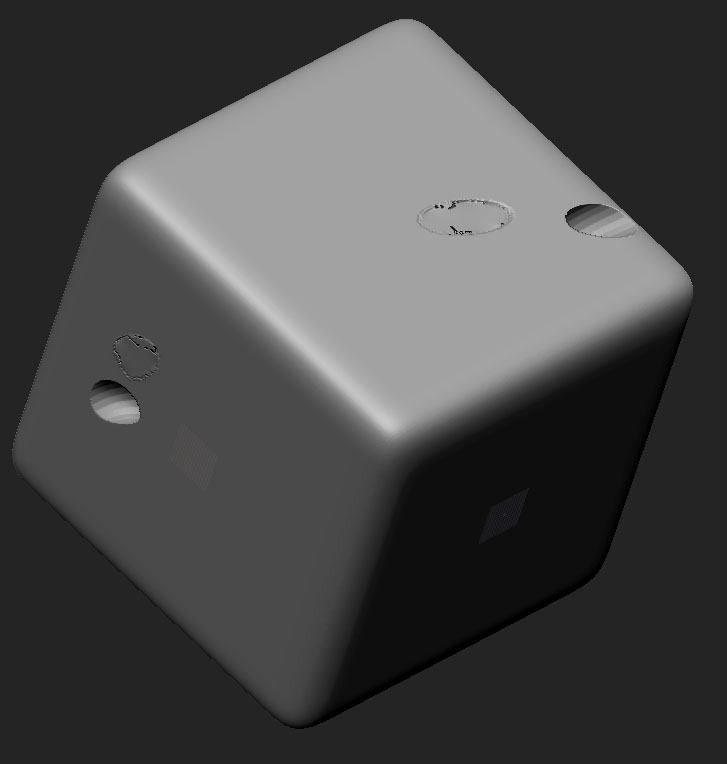
Step 1 - everything is fine… the first subtraction works every time

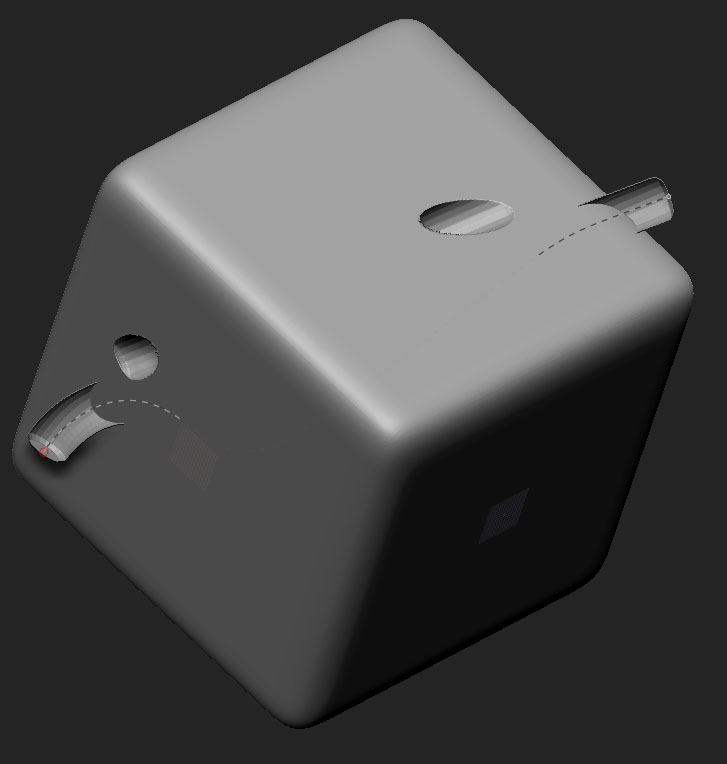
Step 2 - polygons emerge inside the ends of the last hole

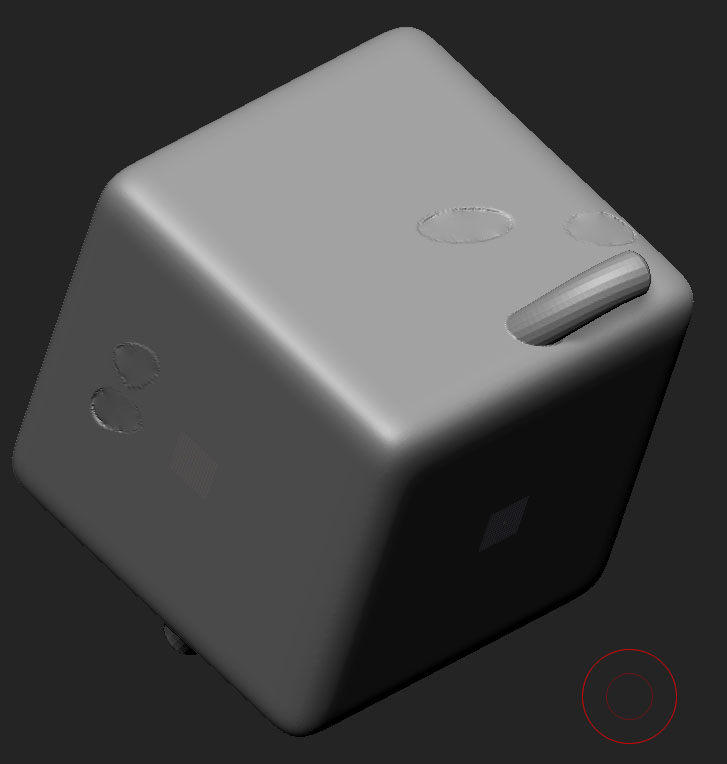
Step 3 - the third subtraction doesn’t work, all holes are closed now… it looks like an addition in every case

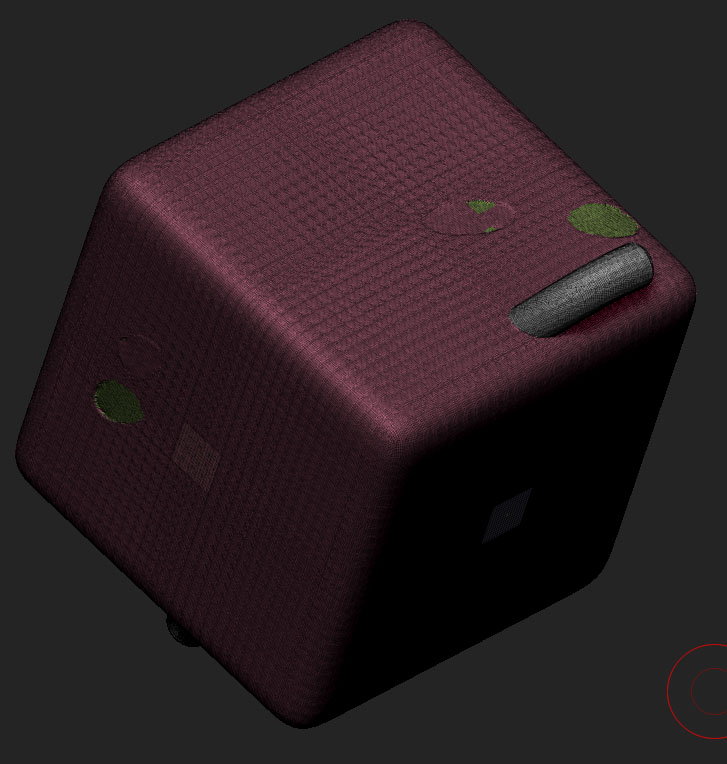
the polygroups after the third time of subtraction

I couldn’t find a similar problem via the community search. I hope you can help me.

Attachments
dyna_sub_issue_box_step01.jpg

dyna_sub_issue_box_step02.jpg

dyna_sub_issue_box_step03.jpg

dyna_sub_issue_box_step05.jpg

dyna_sub_issue_box_step04.jpg

I tryed it again with a highpoly sphere and some tubes, it dosn’t work. Did you have an idea?

btw: the problem only appears at ZBrush 4 R6 …it works in the old installation of Release 5 !

samesame_highres.jpg

Check out the last reply in this thread and see if that method works: http://www.zbrushcentral.com/showthread.php?180221-Subtract-parts-of-a-DynaMesh-with-CurveLineTubes&p=1039942&viewfull=1#post1039942

Thanks, but it doesn’t work on this way… I’ve made it at the same(I used the Alt-Key on step 3)…

  1. turn on DynaMesh
  2. Insert a tube (I used the CurveMultiTube brush this time, I haven’t tested this with other brushes)
  3. Hit Zsub - not sure if this is necessary
  4. hold down left-alt and move/touch the tube. You will see some kind grid overlayed on top
  5. unmask (ctrl + left mouse drag) twice

Does anyone have any idea of what goes on here?

I think I have to reinstall Release 6 and try again. :confused:

Problem solved!

An update to R6 P2 fixed it. :slight_smile:

Same problem here.

Subtracting meshes have white polygroups and after subtracting the resulting mesh keeps those white polygroups, which will get subtracted with a new subtraction.
So : in order to work around that you can do “Auto groups” before a new subtraction and then the only white polygroups are the ones of the subtracting meshes.

By reading your post I’ve found out there’s an update to ZB so now the problem has gone : after subtraction the polygroups are not white in ZB 4r6 P2 anymore so the only white polygroups are the subtraction meshes.

Strange that I did not know there was an update to ZB :confused: