Hi people,
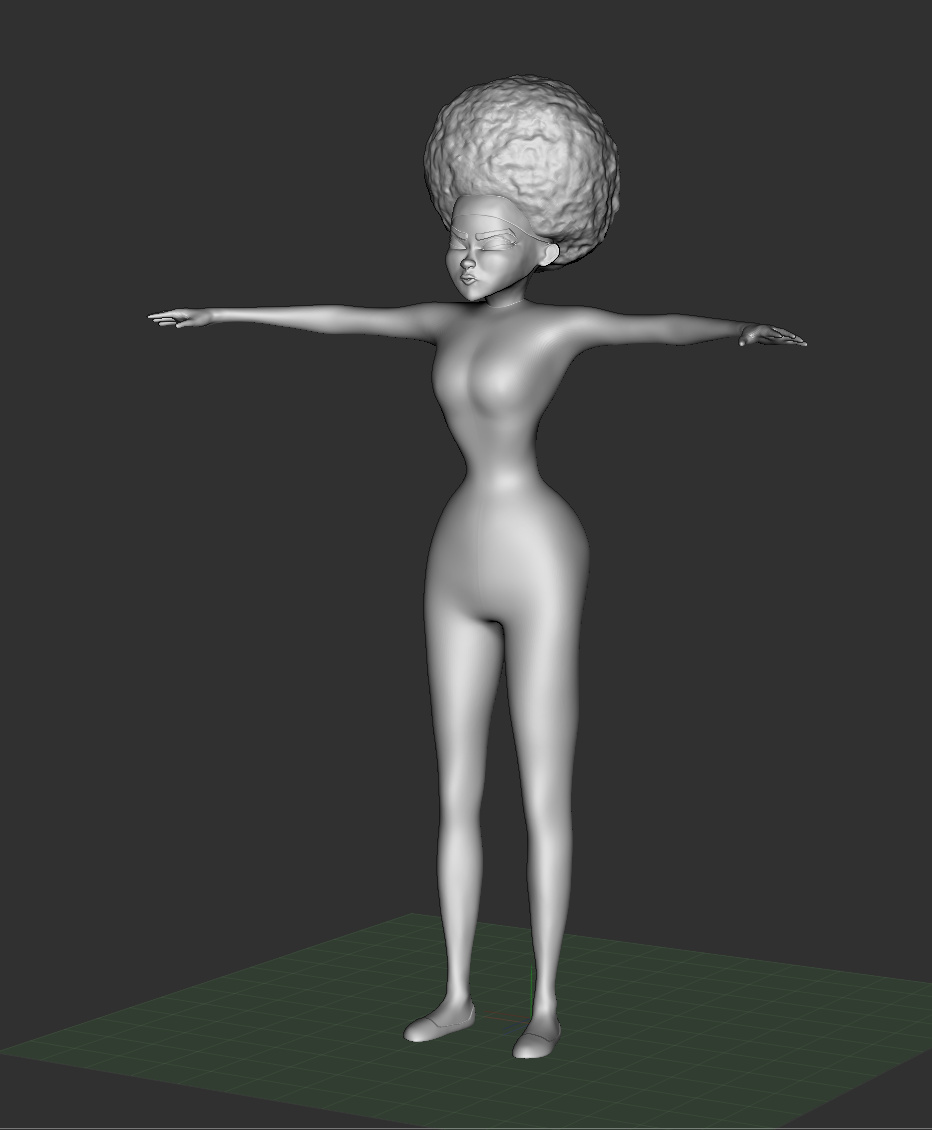
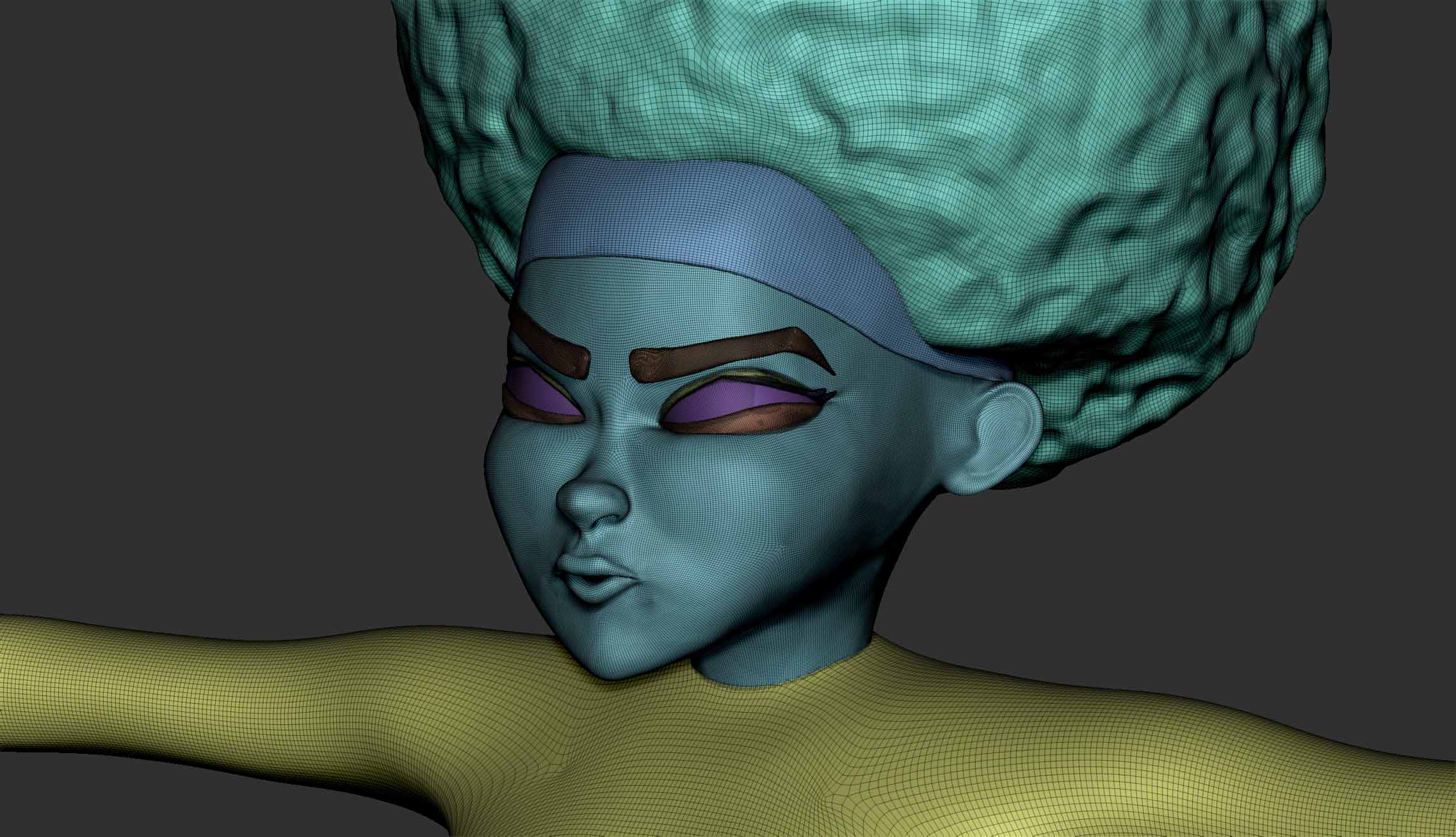
I’ve been creating a model of an animation character to be 3D printed as a reference model. I have created the sculpt in Tpose, but composed of about 10 subtools (Hair,Bandanna,Head,Eyes,Eyelids,Eyelash,Teeth, Torso and Shoes).
If I’m right in thinking, in order to 3D print it on a Form 1, it has to be a single object that can be hollowed and cut apart to print and re-assemble. I have remeshed all my subtools and merged them.
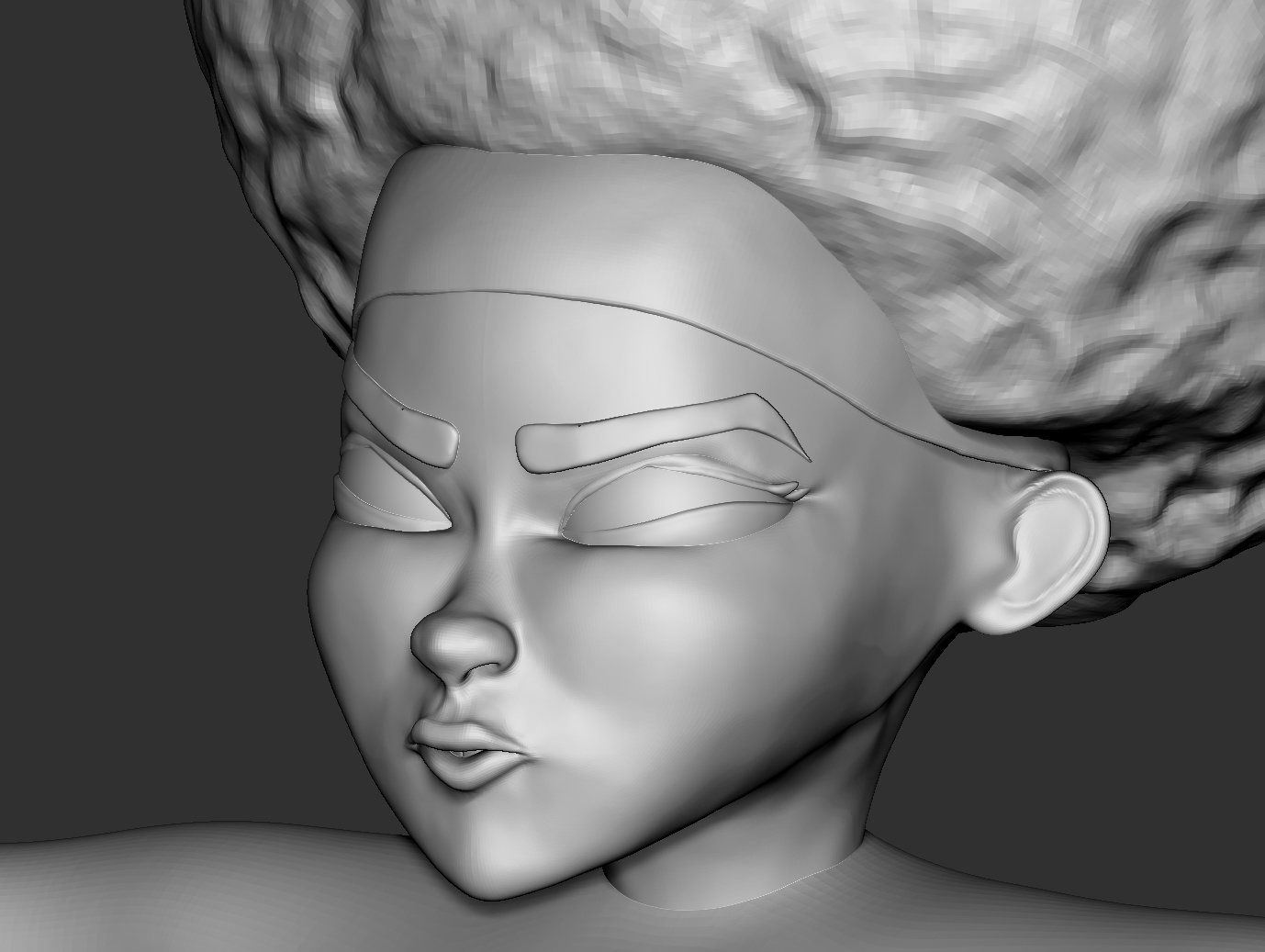
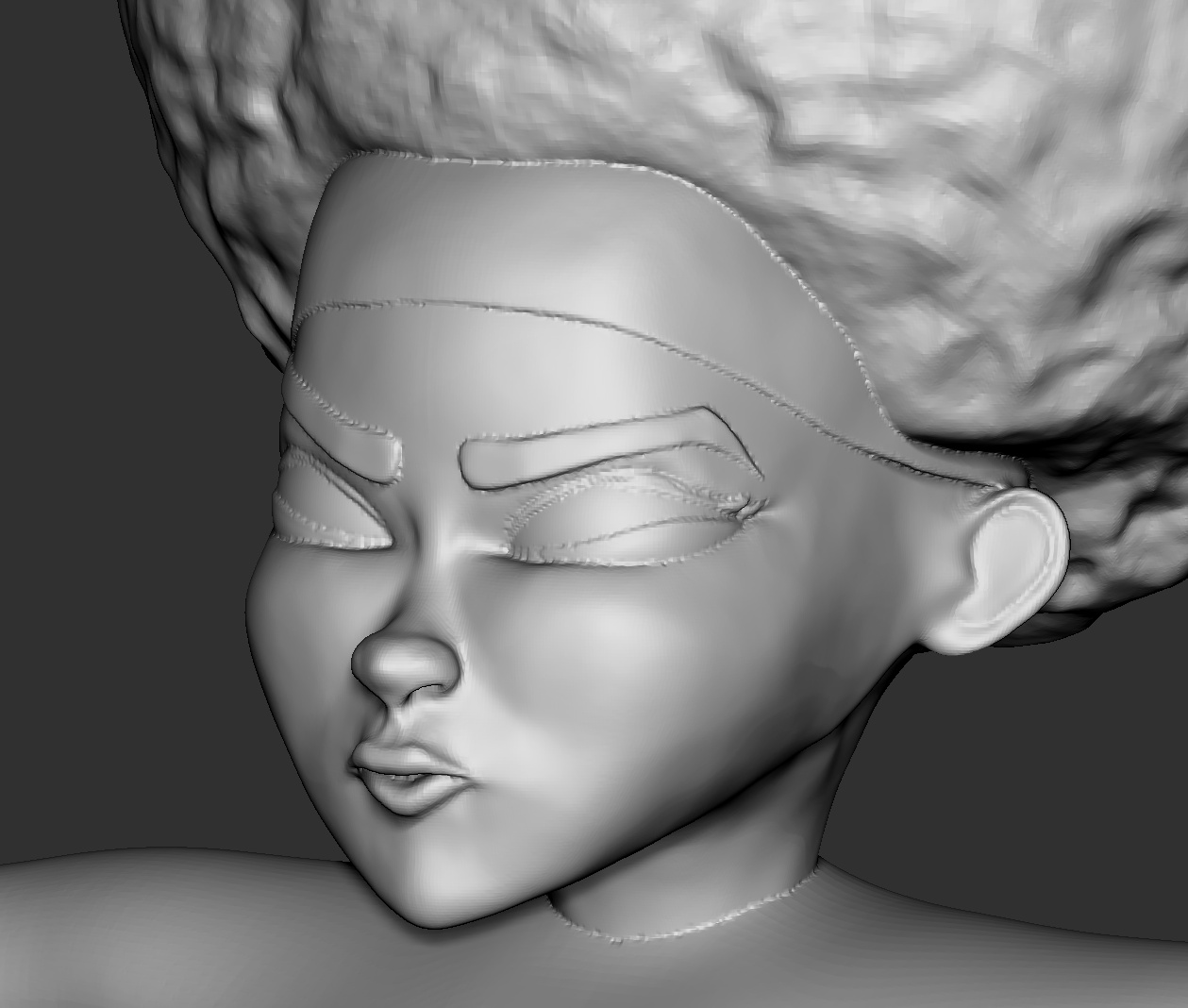
When I go to Dynamesh, all of the clean lines where the subtools intersect become filled with jagged geometry.
No matter the resolution I put it to, whether project or blur is on or off. Even using Dynamesh master plugin has had little effect to improve matters.
Can anybody help or explain what it is I’m doing wrong?
Any pointers would be greatly appreciated.
Attachments