ZBrushCentral

Dynamesh Triangle Trouble

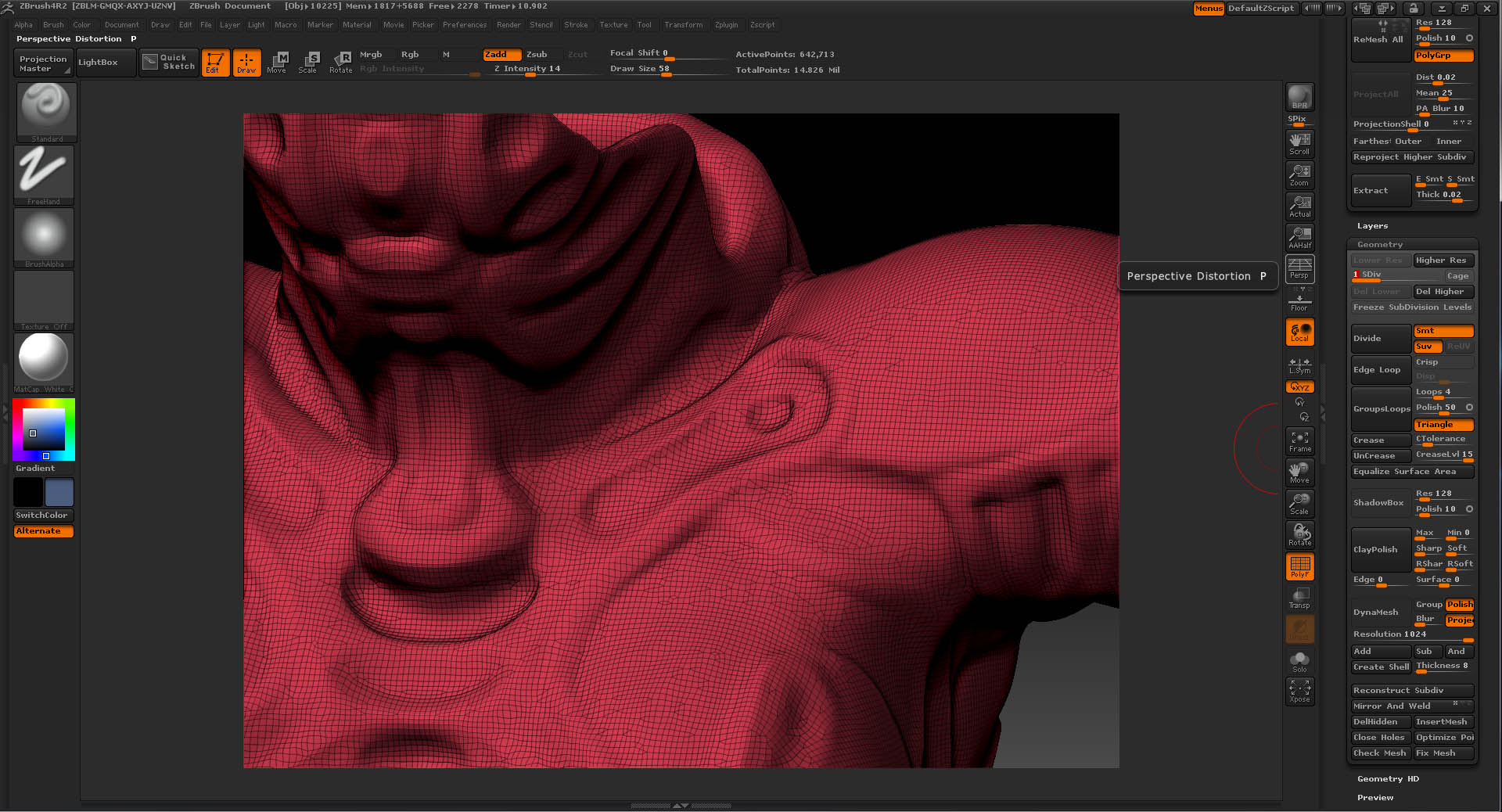
Holy cow what did I do?! So I’m sculpting in Dynamesh at a 1024 resolution but I guess that was a mistake because when I subdivide the mesh all these triangles are now causing smoothing issues. How do I fix this this? Do I do a reprojection onto another mesh? Note that the triangles weren’t there before and I’m not sure what I did to create them. I would really like to know how to not get any triangles in my dynamesh, they are horrible.

Attachments
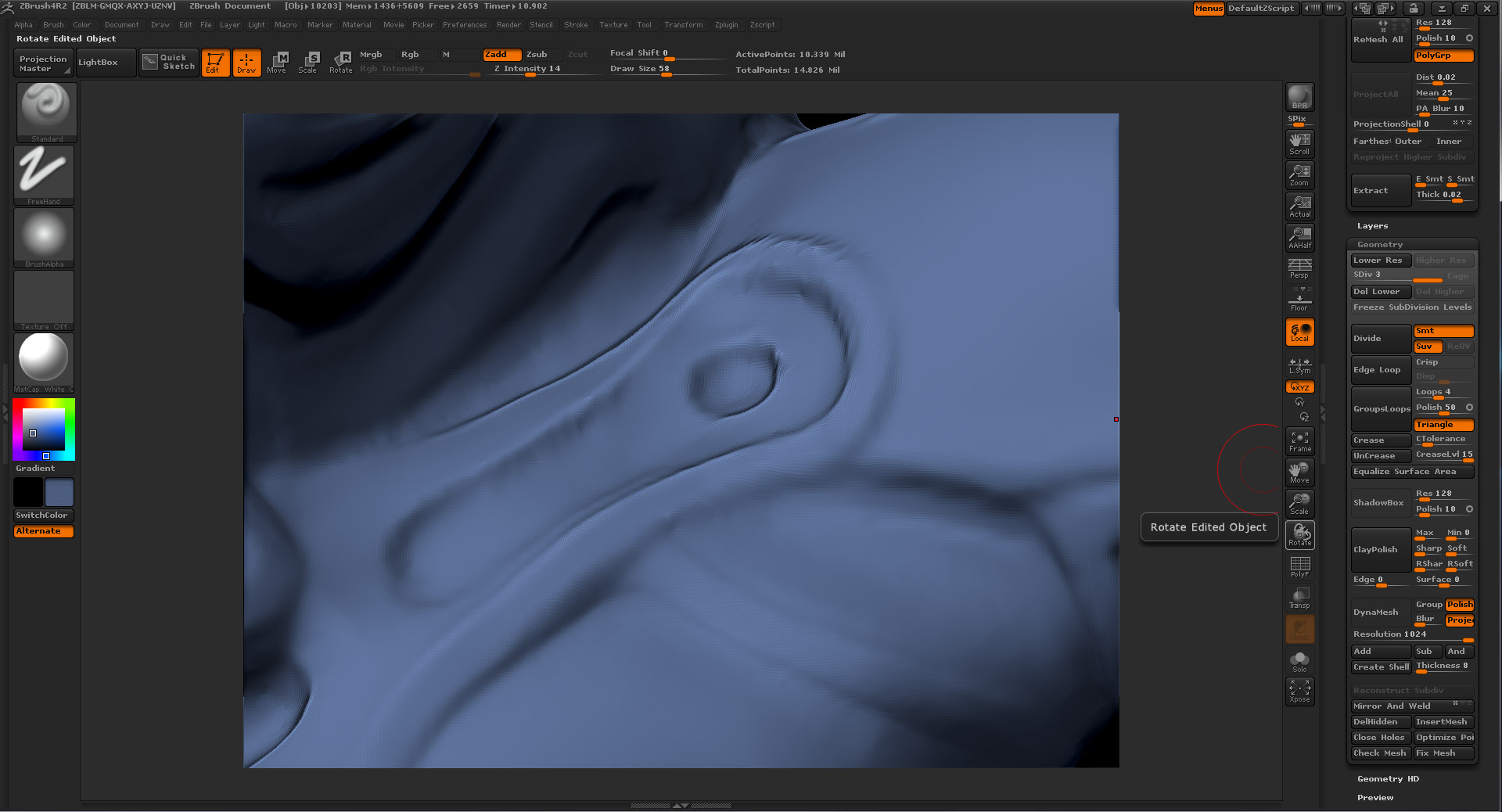
Dimples_HighRes.jpg

Dimples_Wires.jpg

Found a pretty good solution from Pixologic support. I think this will work since I’m pretty sure it’s impossible to avoid triangles with Dynamesh it seems. This smart smooth will smooth those nasty triangle artifacts right out. "The smooth brush has two modes. To use the standard smooth mode, simply press and hold the SHIFT key while smoothing. The 2nd smooth mode is a ‘smart’ mode which is able to easily smooth extra ordinary points. This mode is engage when you let go of the SHIFT key while the mouse/tablet button is still pressed.

Try this ‘smart smooth’ mode and if you still encounter any difficulties, please include a complete screenshot of the ZBrush window with the mesh that you are having difficulties with."