ZBrushCentral

Dynamesh Subtaction Problems

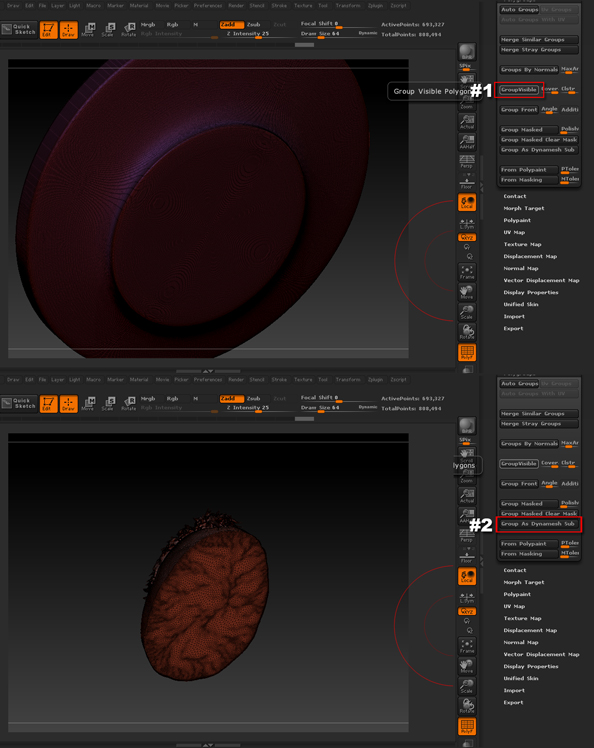
I have tried using the subtract and merge subtools method as well. This is the Dynamesh Subtraction Polygroup workflow.
I have two polygroups:
A Head
A Disk

I set the disk to group visible in polygroups
I have the head portion as Dynamesh Subtrtact Polygroups

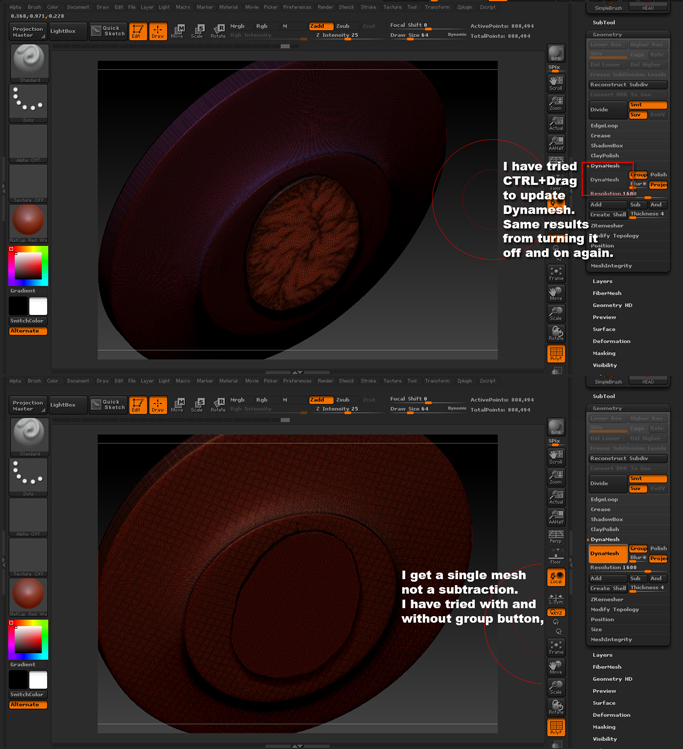
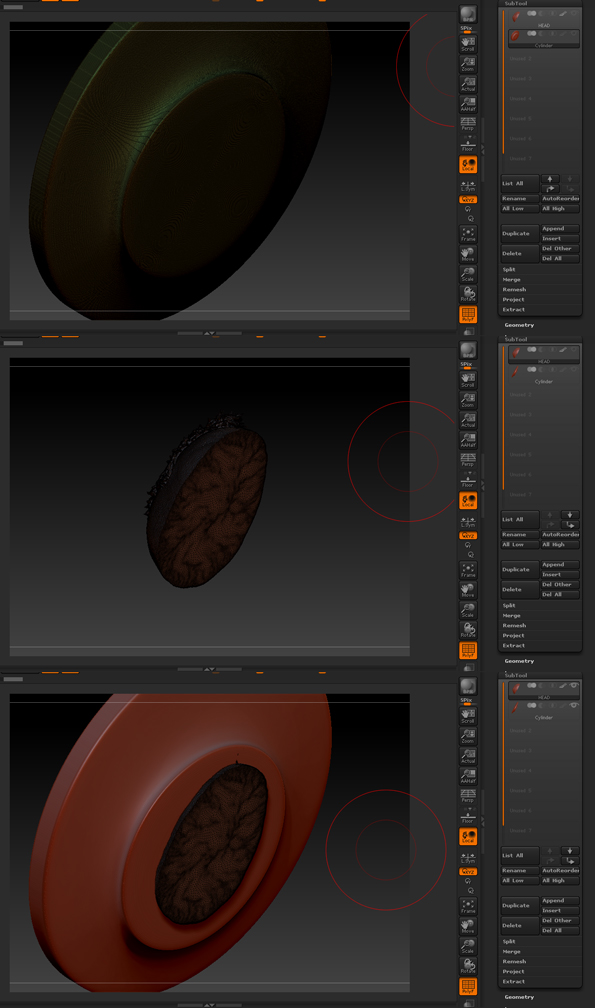
No matter what method I use, and if Polygroups is checked or unchecked in the Dynamesh tab has no difference. I continue to get a single mesh! Why is it not subtracting the head from the disk?
Any help would be GREATLY appreciated. I have spent hours trying to figure it out.

Attachments
01Subtools.jpg

02PolyGroups.jpg

03Results.jpg

The part you gonna cut away with need to be above the tool you gonna cut from.
Also you need to press the Half moon next to the tool you cutting away with (the above tool), That indicate its a minus tool for the other object.

Then merge down

and update the dynamesh

That should fix your problem.
i hope it helps.

its all about layer order bro…still doesn’t always work

new-2.JPG

new-4.JPG

new-6.JPG

new-8.JPG

new-10.JPG

For Zbrush subtractive working you need the subtractive mesh to have less polygons than the mesh you want to cut from.
Asuming we have the “master” mesh dynameshed first here is what Zbrush does:

So In order to subtractive functions you need to have your master mesh as a dynamesh and Zbrush will keep that resolution in the final result after subtracted by other mesh. If your subtractive mesh has more polygons that your master mesh, then Zbrush will keep that subtractive as the new master and will use the old master as a subtractive.

Hope this helps

Regards

Fran

Thank you everyone for the help. I have no idea why it would not work with polygroups. The merge method worked out. Thanks again everyone, I appreciate the help on such a simple task.

Thanks a bunch for the breakdown. I think that polycount issue is exactly what my problem was. I thought it was related to layer order, or groups… nope i think you are correct with that theory.