ZBrushCentral

Dynamesh "Sub"

Hi,
I have a DynaMesh where I like to substract the negative of my eyeball-hole. I have to insert the mesh with pressing ALT-key. This is really annoying. As far as I understood “Sub” in the Dynamesh sub-palette should do the same. But that’s not working for me and I don’t understand why.
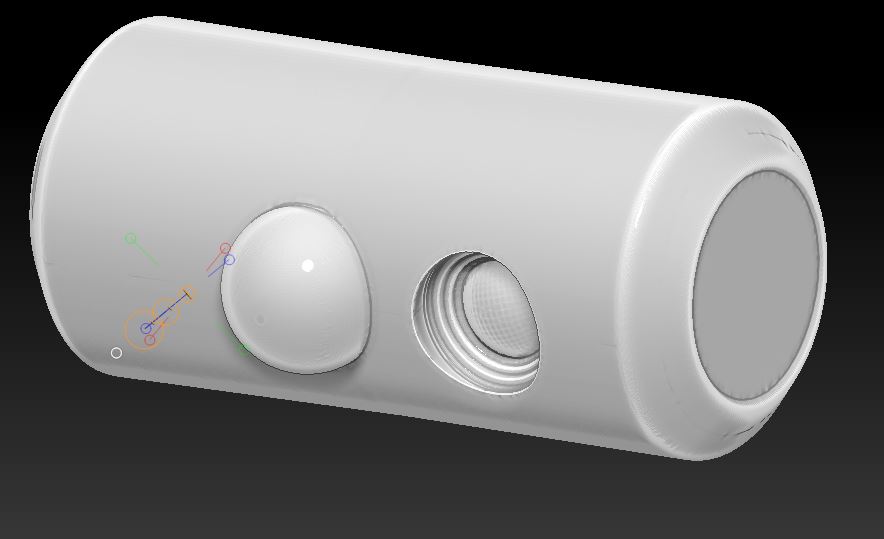
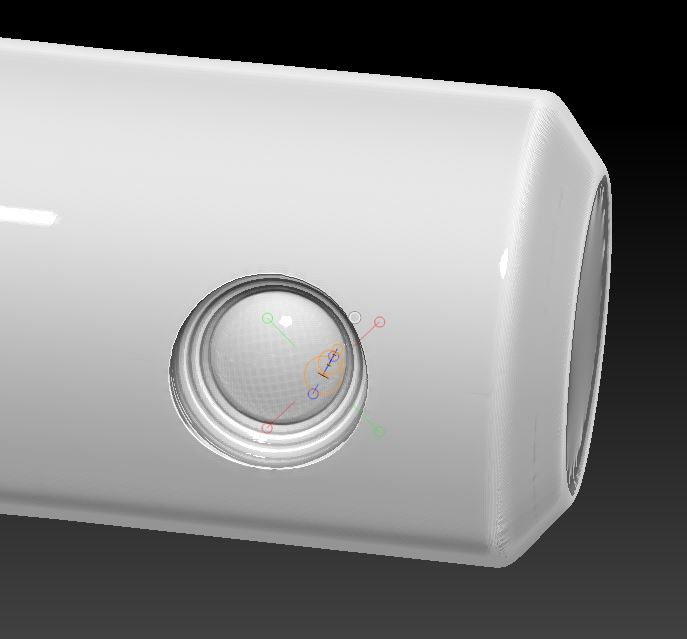
Left mesh is combined with “Sub” command, right mesh with pressing ALT while inserting mesh and then CTRL-drag twice.

Any suggestions why “Sub” is not working?

Thx.

Attachments
Eye-Hole-1.jpg

Eye-Hole-1.jpg

It was either 4R4 or 4R5 that changed the way you do that operation. Check the PDF’s in your ZBrush installation’s Documentation folder.

Hi aurick,
thanks for your hint.
I’m using 4R5. I have checked the PDFs and in the changelog of 4R4 on page 91 there is a section about “Group as DynaMesh Sub”
As far as I understood it should be possible to “mark” inserted meshes or appended sub-tools as “to-be-substracted” while next Dynamesh remesh.
This is a third option, isn’t it? But I don’t have success with this method either.


  • I have 2 subtools
  • I have converted both subtools to dynamesh
  • selected the eye-hole negative and grouped with “Group as Dynamesh sub”
  • I switched to the “main” subtool and did a remesh
  • nothing happend

If I use “insert mesh brush” I still get additive remeshing.

I tried a lot of variations. No success for me. Hmmm…

Joseph Drust did a nice tutorial on dynamesh substract.

http://pixologic.com/zclassroom/homeroom/lesson/military-assets-with-joseph-drust/

Thanks stone3d!
Perfect tutorial for all my questions!