ZBrushCentral

Dynamesh Splitting Problem

Hi,

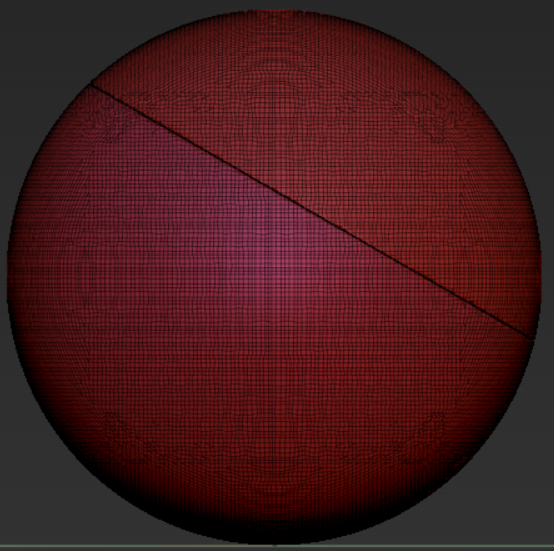
I’m trying to split a dynamesh sphere using the slice-curve brush but it just doesn’t seem to be working for me. I split the sphere like so:

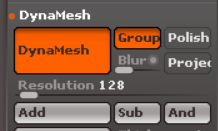
Then I select the ‘Group’ button:

Then I control+left drag once and I end up with this:

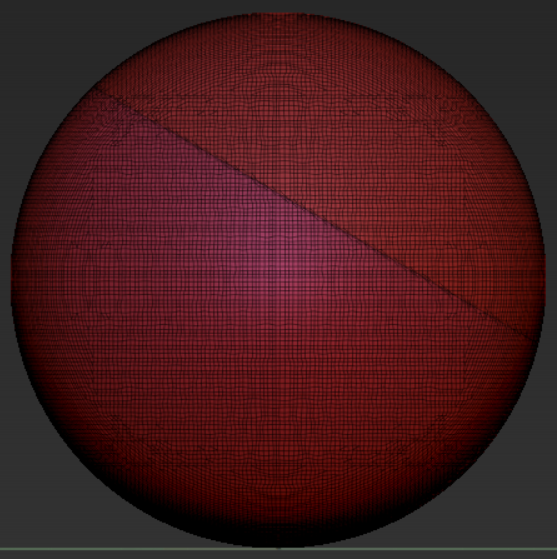
It looks like it’s been split, but when I switch to the ‘Move’ tool and ctrl+left click on a piece and try to move it, I end up with this:

What am I doing wrong?

Attachments
Capture-1.png

Capture-2.png

Capture-3.png

Capture-4.png

Hi,

I don’t have my ZBrush in front of me, maybe you should use the ‘group’ button before you use the splice curve brush.
http://pixologic.com/zclassroom/homeroom/lesson/dynamesh/

CU.

make sure your subtool has polypaint turned on (the paint brush icon in subtool menu)

Thankyou, siumaiii. The polypaint brush icon made a difference.

Oh I see. there was a change in the slice curve brush behavior in 4R6.
I didn’t realize this.

Here is an alternative to the proposal from siumaiii.
Polygroups -> Gouping by normals (maximal angle 90°)
Here is a Quick Tip tutorial about this:
https://www.youtube.com/watch?v=GNqqPEJzN2Q

CU and have fun with ZBrush.

Thanks for the insight Harry. I think I may have seen you video some time ago but I forgot all about it. The polypaint brush icon is definitely less work than having to set group by normals all the time.