ZBrushCentral

Dynamesh smoothnes?

Hello,

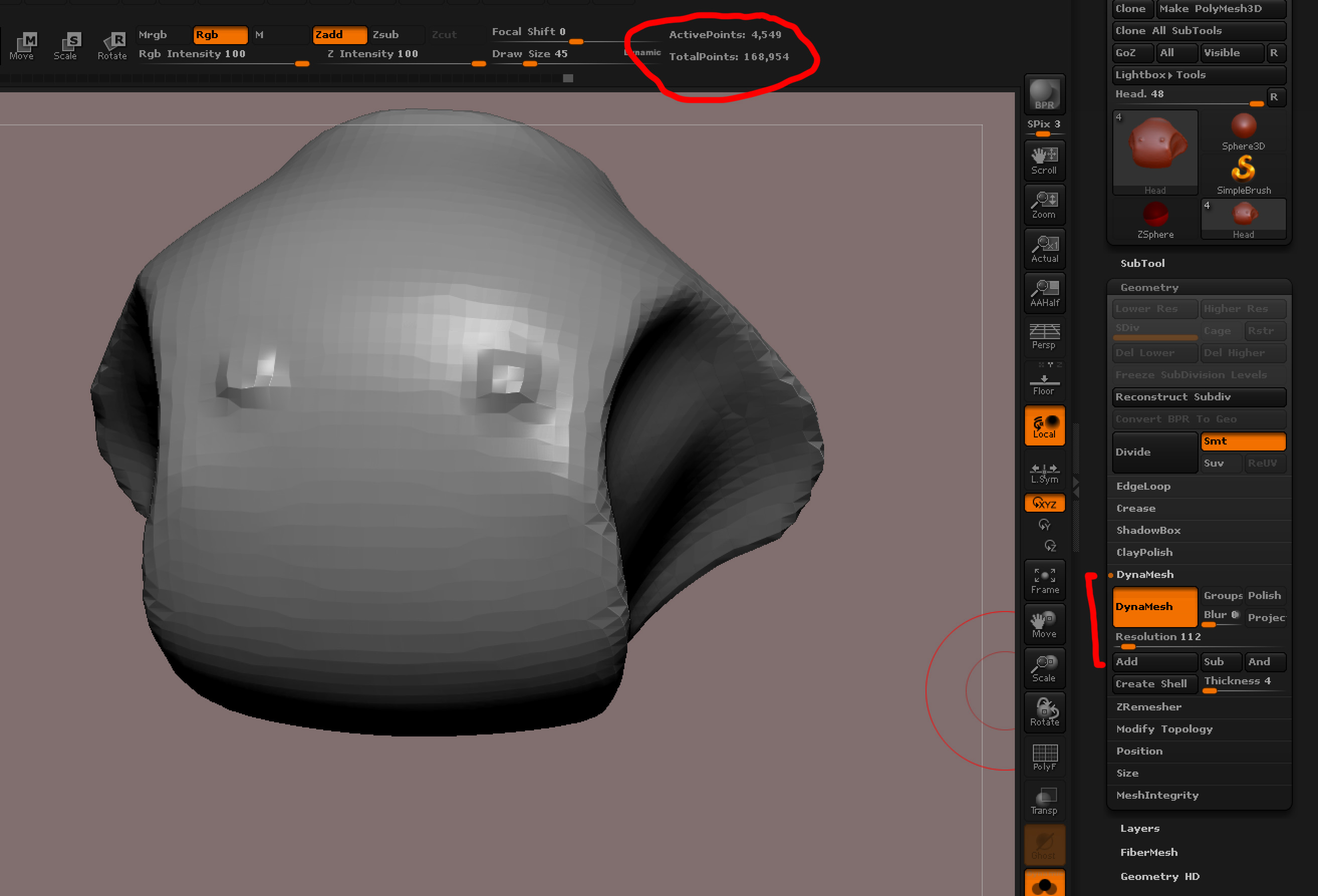
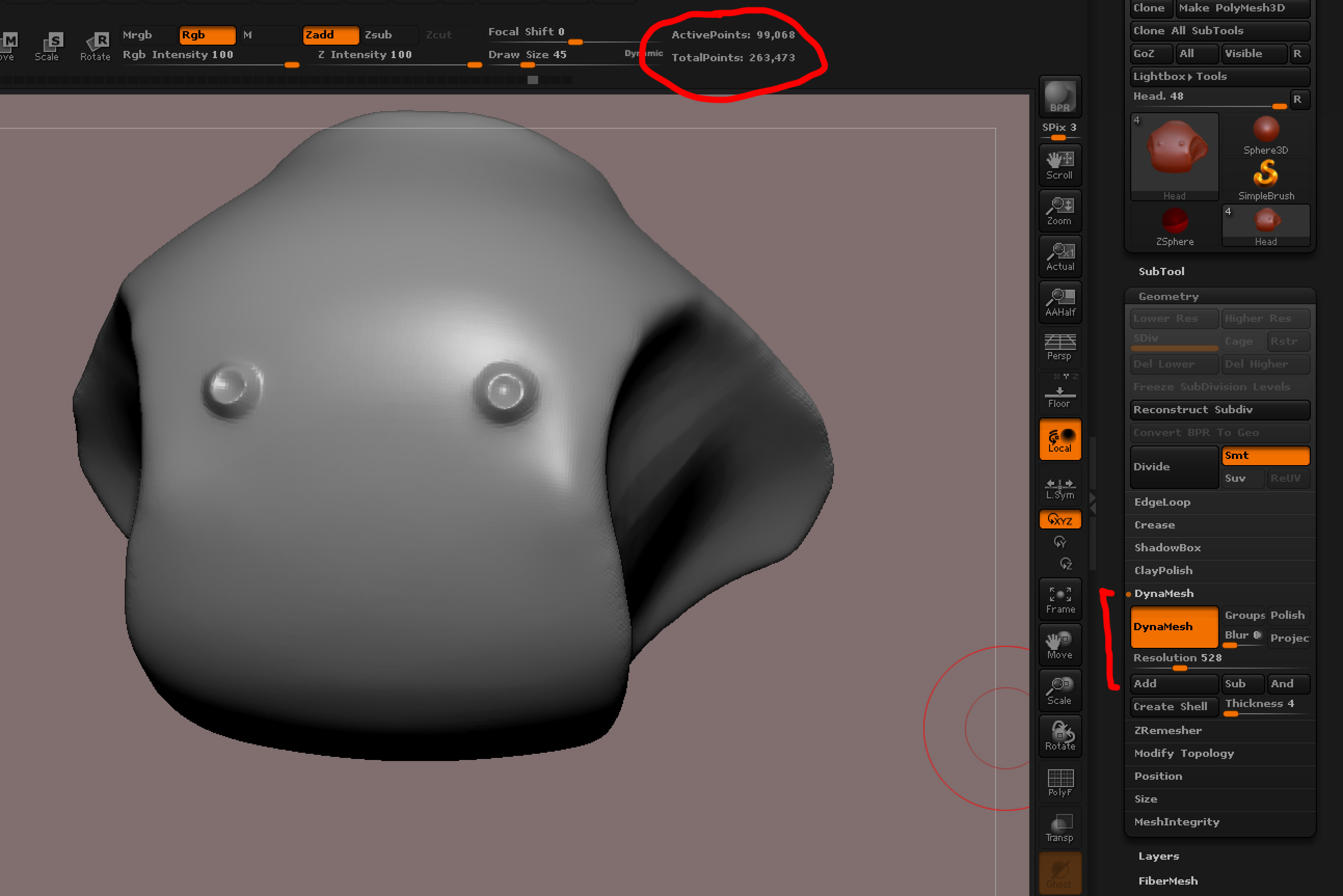
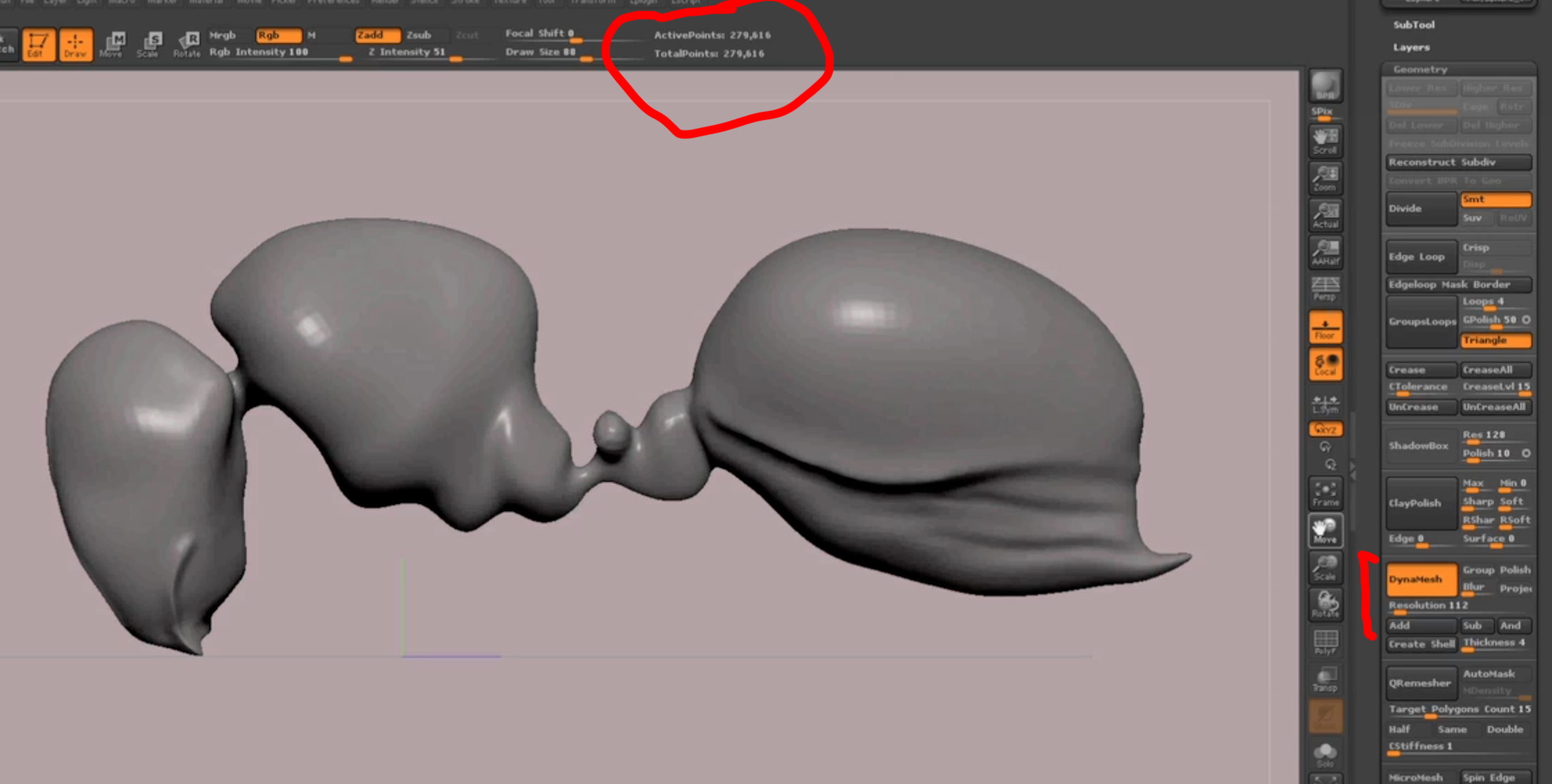
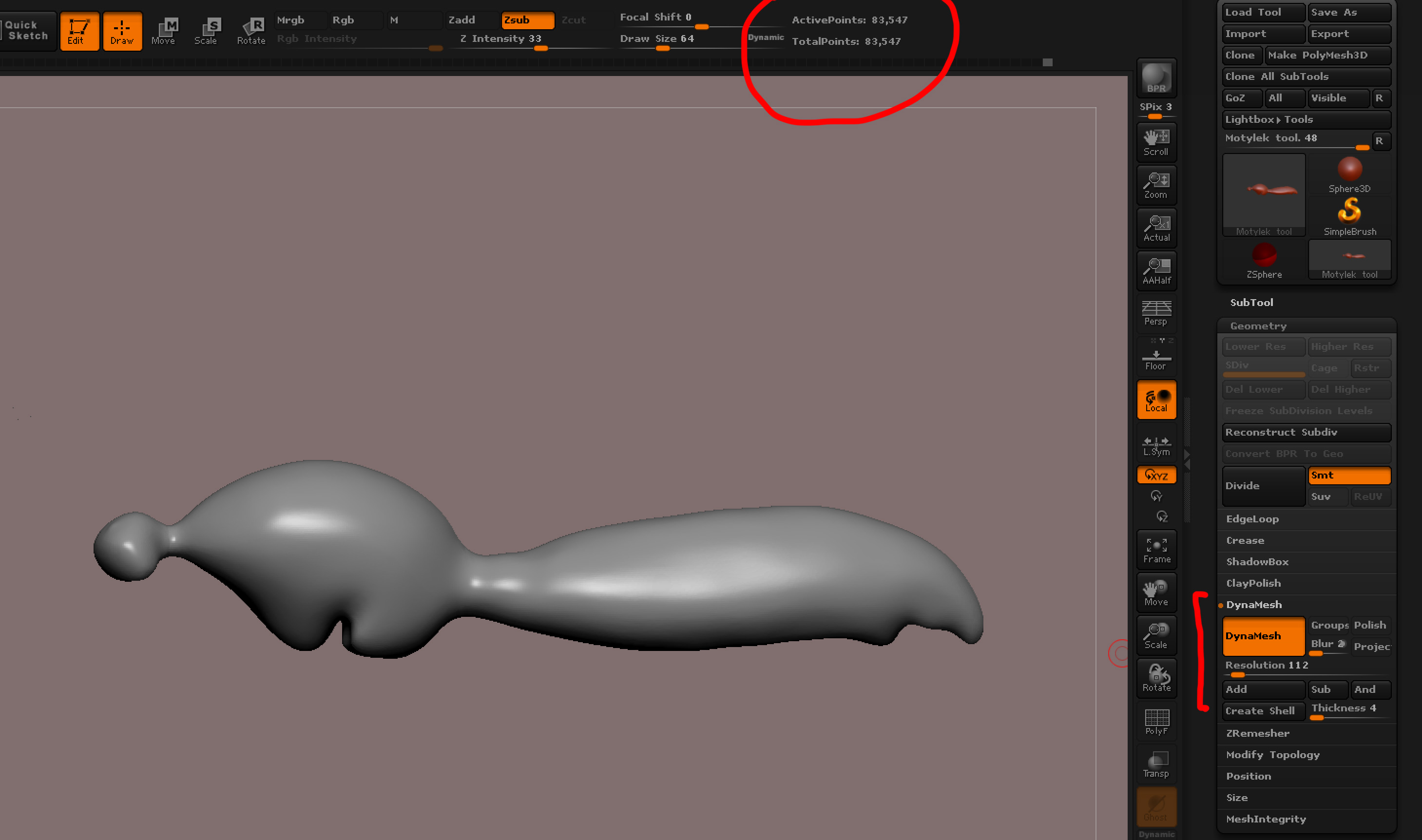
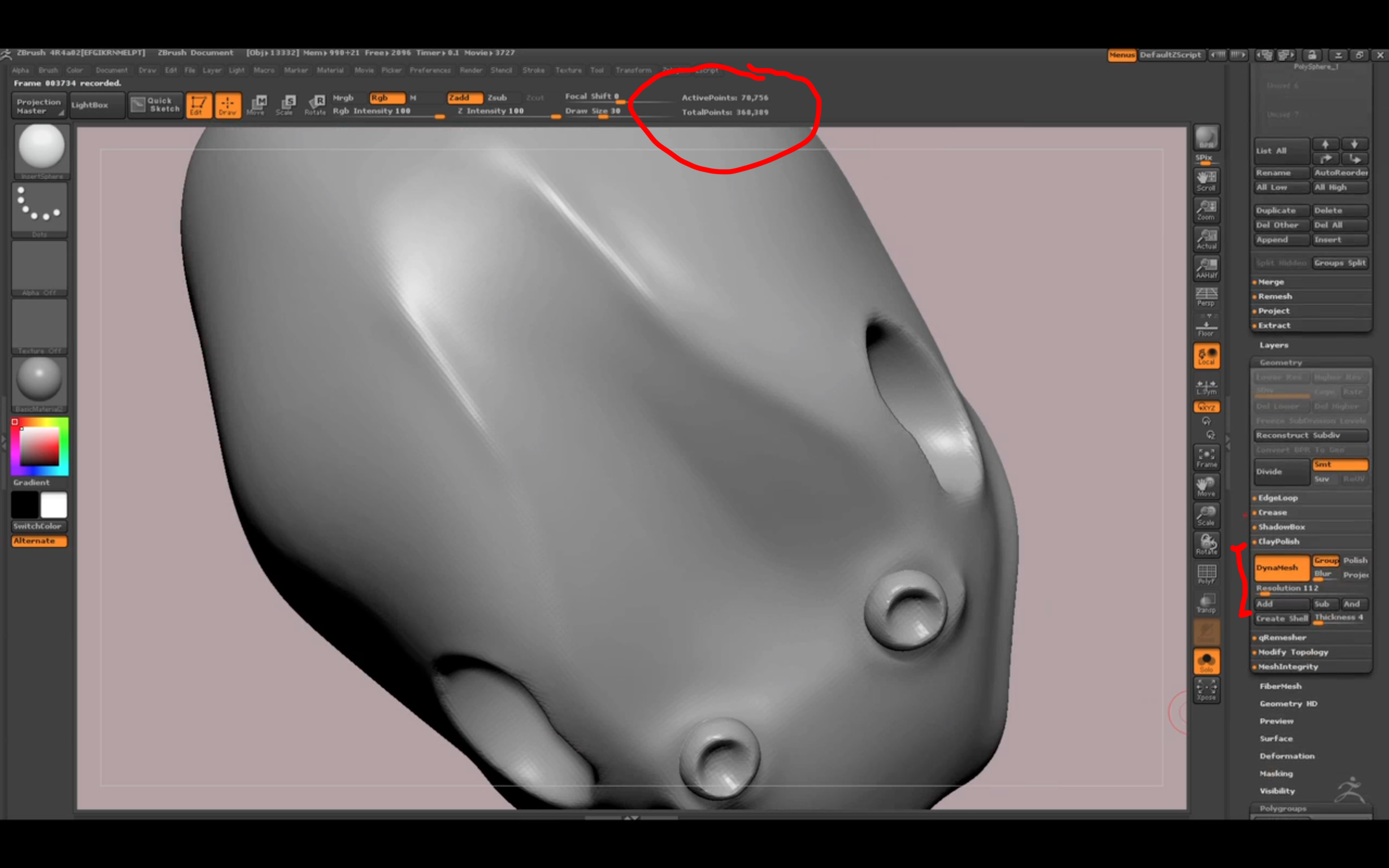
im trying to understand something. im following this tutorial and im doing basically everything the same as the guy except his model is wasp mine is butterfly. most of the body is similar but my dynamesh looks completely different. in order for me to get the same kinda polycount as the guy i have to crank up resolution to over 500 whereas the guy has only 112. And it was the same procedure. He inserted sphere and shaped it and so did i. this is the subtool (the head) and if i set the resolution to 112 my mesh looks awful.

Is that normal?

pic1-the tutorial video how it looks
pic2-how it looks if i have the same setting
pic3-how high i need to crank it to get similar result

Attachments
Screen Shot 2013-07-28 at 13.21.34.jpg

Screen Shot 2013-07-28 at 13.30.23.jpg

Screen Shot 2013-07-28 at 13.30.47.jpg

Look at his ‘point count’. His model has more defined areas… What is your document size?

before sub tool splitting 358mb.
after splitting 16mb.

yes, he has higher polycount but i can only achieve that by increasing the resolution on dynamesh

here are pics of his before splitting and mine :slight_smile:

I;m just confused how he achieved that and what is my best solution to get the same?

and thank you for helping, i know its loads of questions but this is new to me :slight_smile:

Attachments

Screen Shot 2013-07-28 at 14.29.13.jpg

Screen Shot 2013-07-28 at 14.32.16.jpg

I mean number of active points. Again, what is your ‘document size’?

I’m not sure what you mean by active points except what i have on the screenshots which is 99 000.

Document size - feature i didnt know about as i thought you meant the hdd space of that file.
Well, ive found under document 1054x739 if thats what you meant. Does that mean that the guy in the video has higher one? And that is what i should do to fix it?

It’s easy to change the document size in the dialog where you found it. It could make a difference. Reading docs helps but some of it’s trial and error.

I believe Dynamesh resolution is relative to the scale of your tool in the scene. Turn on your floor grid and make sure it’s set at default units. I bet the Tools in the video were relatively small in the scene, while your tools are larger in the scene. Try scaling your tools down smaller then re Dynamesh them.

-Patrick

ok, tried different size of document and almost no change.
however, the model is bigger compared to the video one. now, i have it divided in sub tools. what is the most effective way to scale it all. the scale tool now only scales selected subtools and i dont know how to do it effectively (so it scales all axes) i for some reason know how to scale it from certain point but not overall. :slight_smile:

transpose master

As you are very new to ZBrush, just to elaborate on beta_channels reply…

Transpose Master will temporarily join all your subtools so you can transform them all at once. Click the ‘TPoseMesh’ button and let Transpose Master do it’s thing. Then transform (move or scale or rotate) as you like and when done, click ‘TPose>SubT’ button to seperate the subtools again.

thank you guys. it was combination of both. document size and physical size.

now, does it make actually any difference? I mean if i used what i had then i would just have higher dynamesh resolution then the guy but in the end the result would be the same, right?
there is no need to panic over this i guess, correct?