load tool
alt+Drag re-dynamesh
Attachments
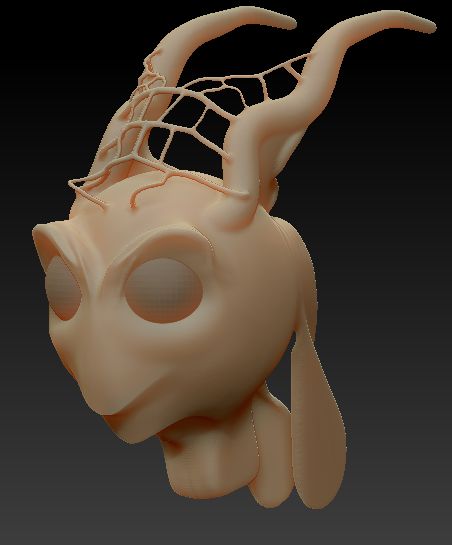
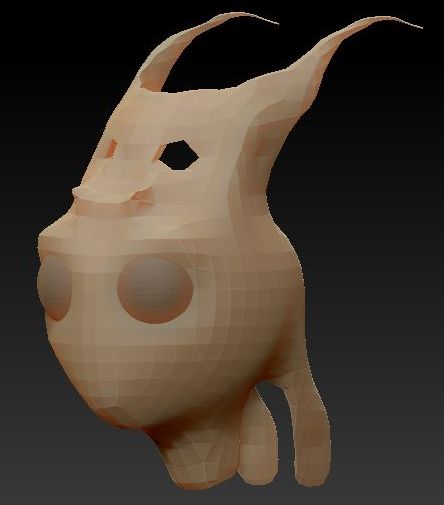
load tool
alt+Drag re-dynamesh
The re-dynamesh resolution is too low, or the size of the mesh is much smaller than it was.
Readjust the DynaMesh resolution and it will remesh without losing the details.
In your next post, please include a complete snapshot of the ZBrush window. See the http://www.zbrushcentral.com/announcement.php?f=100
I have resize after GoZ in Cinema4D.
I have done screenshoot on my Cintiq 12" with a screen keyboard. The Keyboard is big on sceen.
But next time I’ll do full capture 
Thank you…