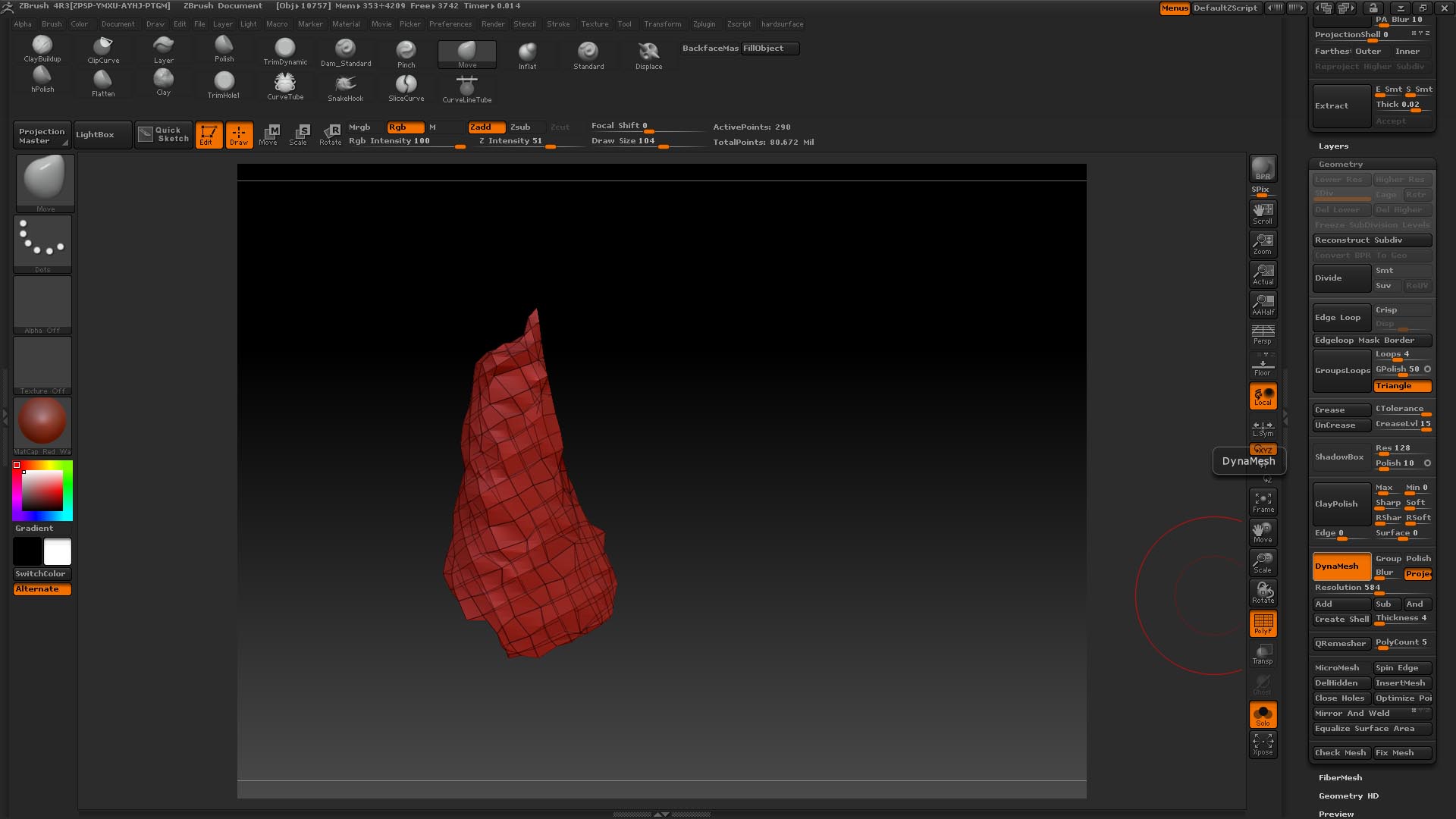
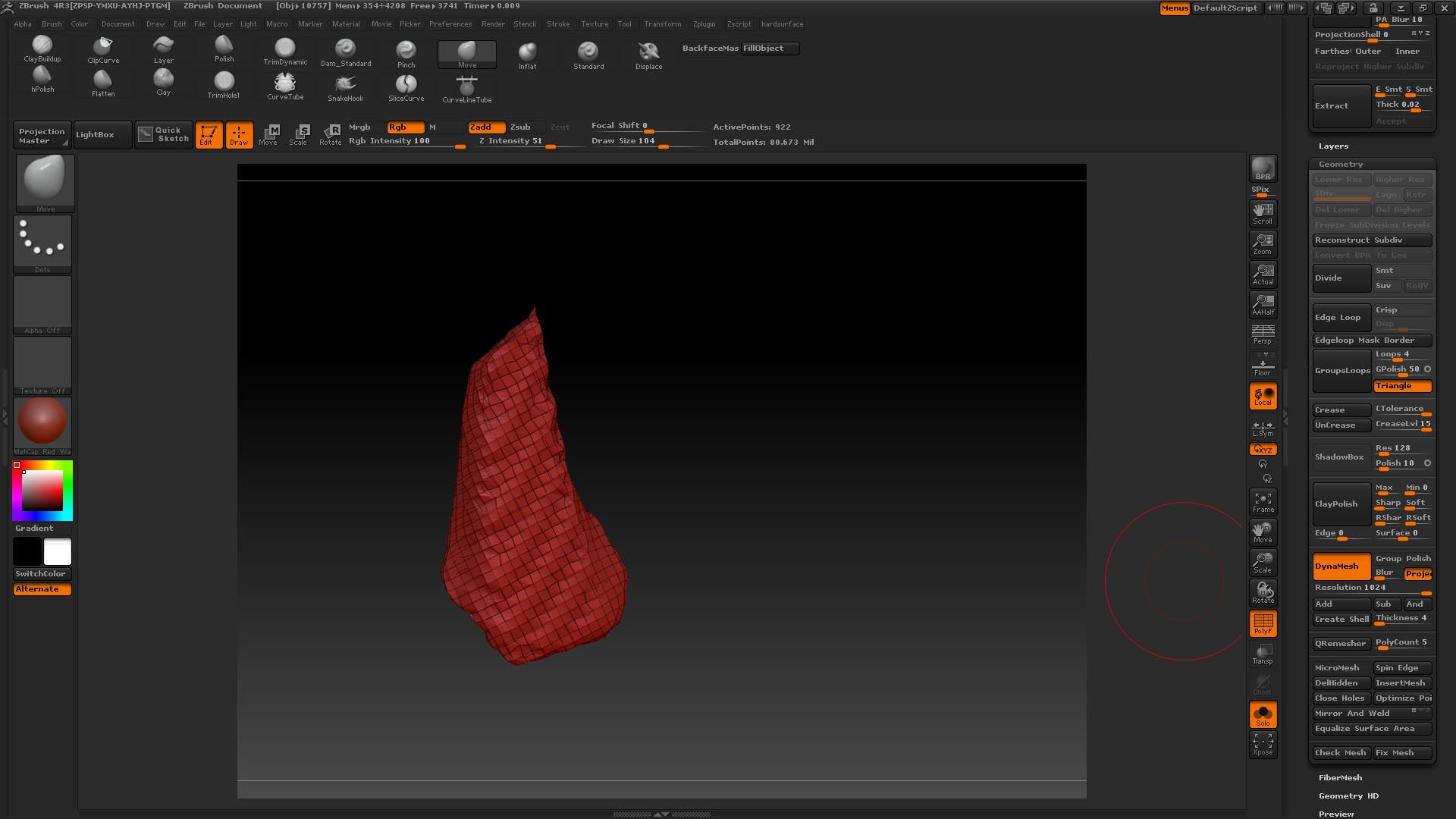
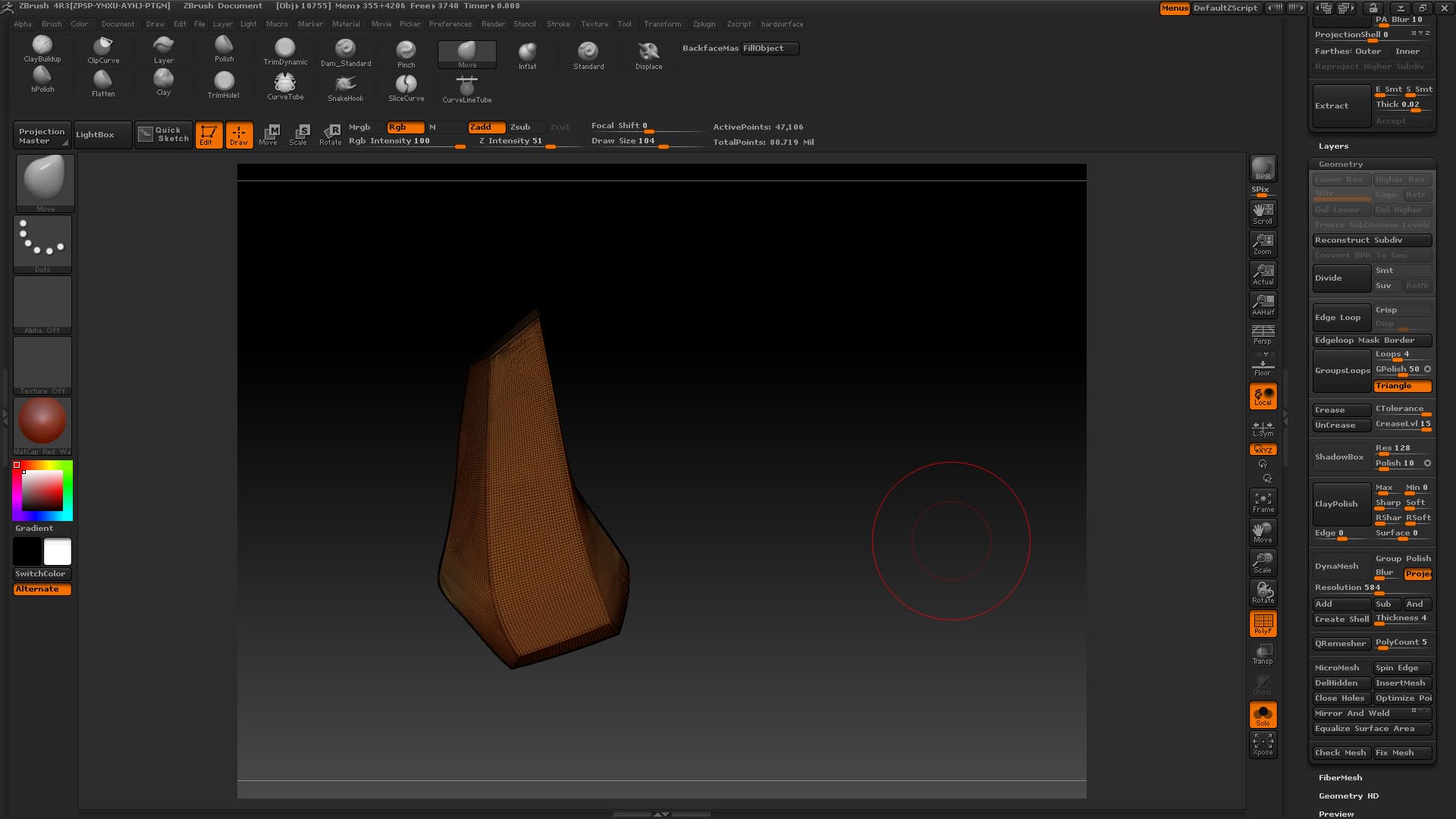
Hi Guys , Im working in zbrush r3 ,I’m working on a character form y portfolio and I have a simple piece with some edges creased cause im building a helmet , and Im trying to turn this small piece into dynamesh cause I wanna make some cuts using the slice brush , basically I’d like to be able to keep the shape of the piece as much as possible but I’m failing miserably, I’m attaching the screenshots with the settings Im using. Ihave seen some tutorials where this operation is performed successfully but I dont really know why I can get a nice result ; weird thing is that I’ve tried the same operation in a separated piece(another document) , just dropped a new cylinder primitive turn it into a poly mesh , sculpting just an squared piece , then creased some edges I do the same operation and it magically works… ??? why dynamesh keeps the shape in this new document and why doesnt work in the other document where I have my main character , just don’t get it anything new in R3 I have not set yet? , pls If anyone has a suggestion , drop me a line . (last image is the subtool I wanna turn into dynamesh, the other ones are simply the result I’m getting when dynameshing )
thanks guys !!!
Attachments