Hi there,
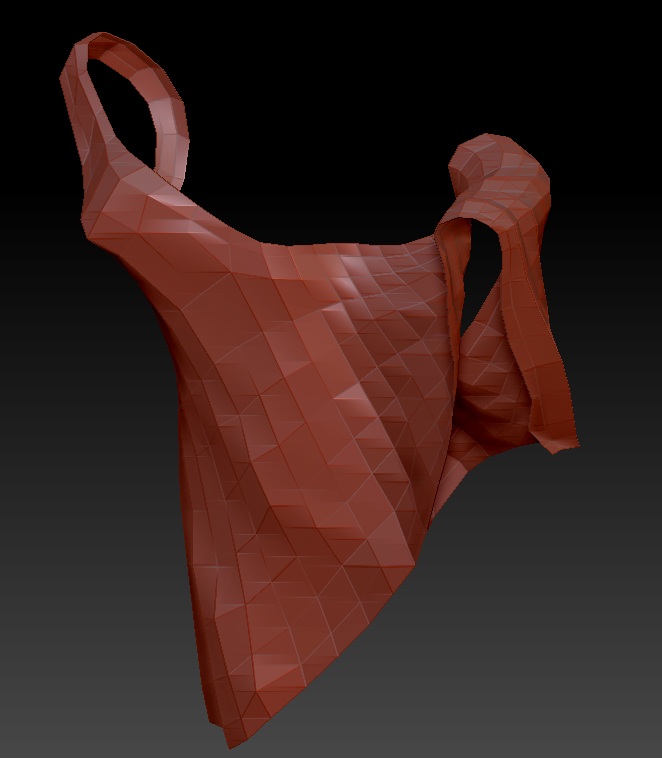
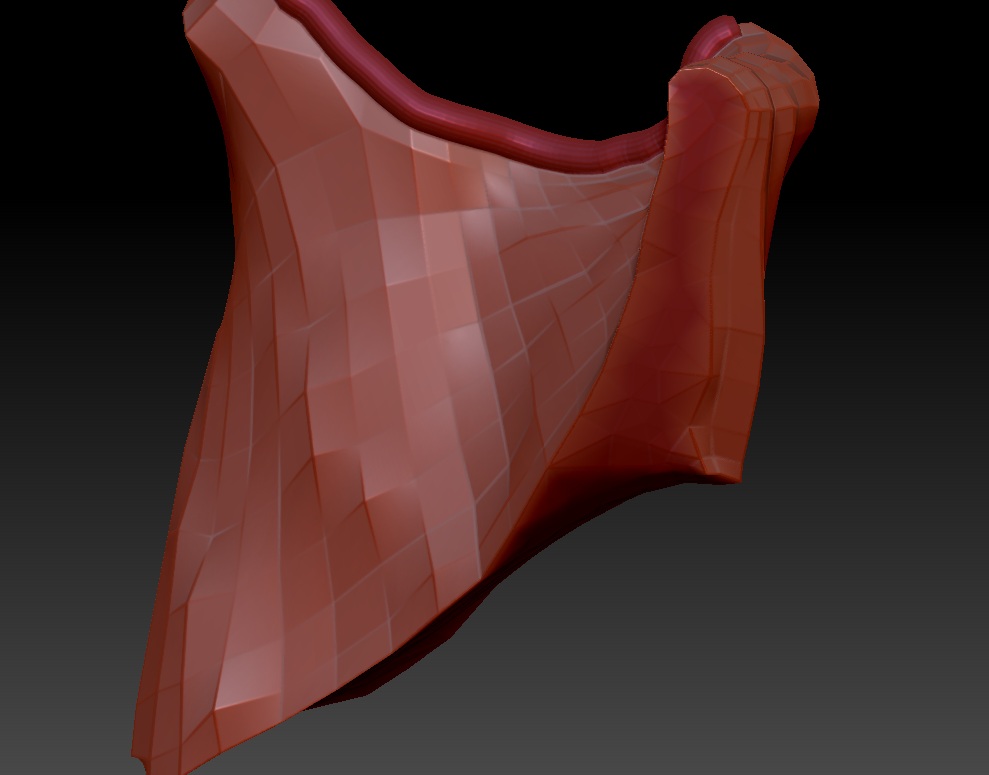
I was a little surprised when I first encountered this too: Dynamesh requires a closed, watertight mesh. If it is an open mesh, like a zero-thickness cloth, it closes it.
You can avoid the problem by adding thickness to the mesh, like so:
In Morph Target click “Store MT” then press shift-S to put a snapshot of your mesh on the canvas.
Go to Deformations and resize the mesh by as much as you want it to be thick (using inflate or size, whichever works best for your mesh) using the snapshot as a guide.
Next go back to Morph Target and click “CreateDiff Mesh”. This will create a new mesh with thickness which is the difference between the morph target and your resized mesh.
Press ctrl-N to clear the snapshot from the canvas.
Go up to tools and select your new mesh. If it looks all inside-out, go to Display and click “Flip” to flip the normals.
One tip:
You need to give it sufficient thickness, otherwise dynamesh will mess up and you’ll get a bunch of “moth-eaten” holes in the mesh. And likewise when you are working with it, you need to make sure you maintain sufficient thickness to avoid the same problem when you remesh. If you do get holes, you can use the inflate brush and then remesh to fill them in.
Due to this, this method is not great for making thin cloth…
An alternative is to let dynamesh fill up the holes, work on the closed version of the cloth, then use “Create Shell” in Geometry, underneath Dynamesh, to make a shell with a certain thickness (see ZClassroom tuts) – it’s fast, but you can end up with big polygon counts and of course you get dynamesh topology.
Or use ZSphere retopology to recreate the zero-thickness mesh around the closed dynamesh – it’s slow and often frustrating, but you can get an efficient mesh with good topology.