ZBrushCentral

dynamesh different levels of blockyness for the same resolution setting> Why?

Hi,

Was going through the tutorial here:
https://www.youtube.com/watch?v=5Fm8d9bqHRE

and it advises to start with a sphere then Polymesh3D, The Dynamesh at 72 resolution this more blocky surface is what I see: whereas in the tutorial at 6:37 his surfaces are nice as smooth. Where am I going wrong please?

Attachments
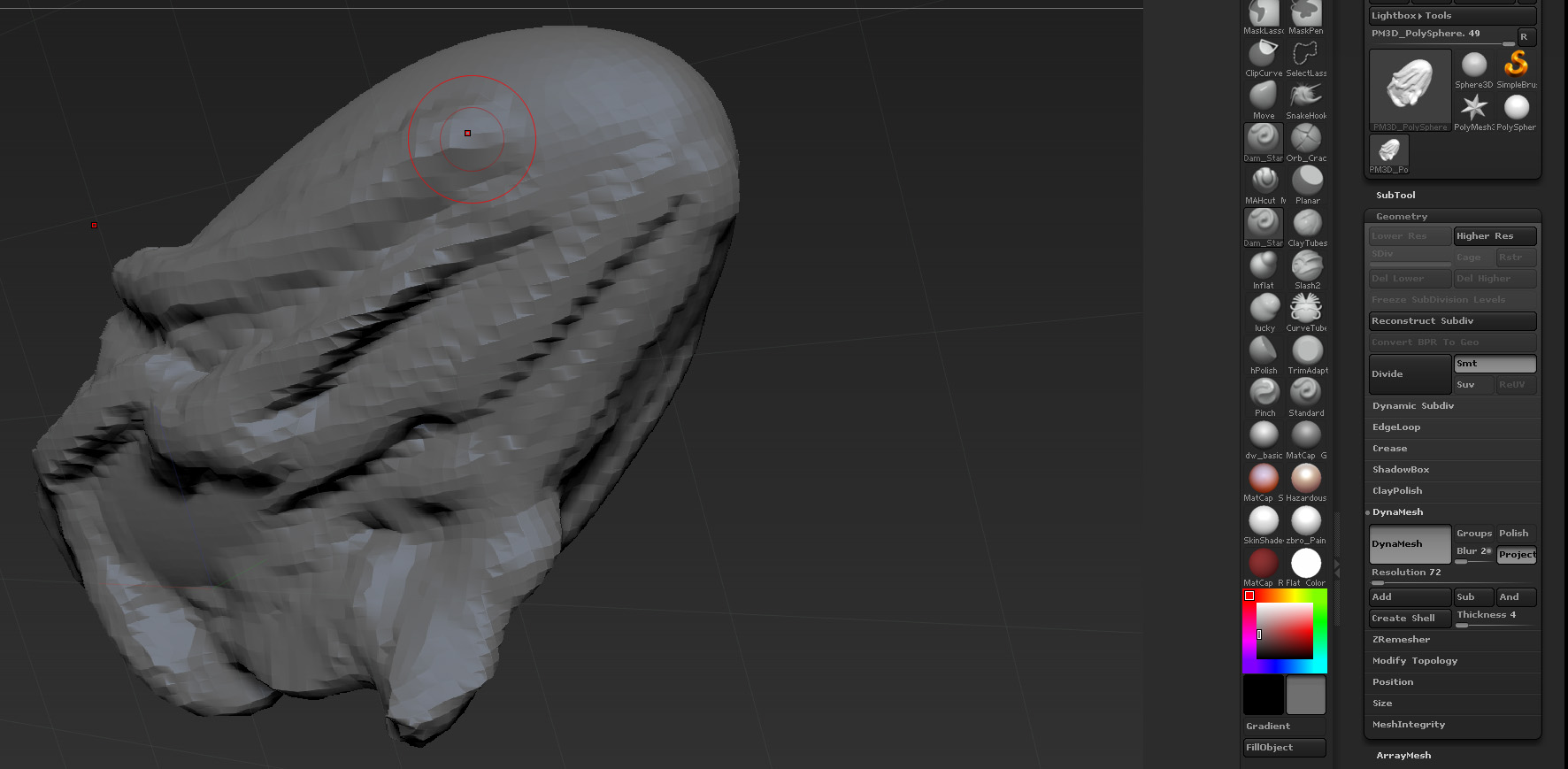
blocky.jpg

smooth.jpg

Have gone through this again and its nice and smooth. Used the Sphere3d_1 from the Tool area and went through the same procedure and its fine. Before I used a sphere from when you press the , might have been the default sphere.

dynamesh resolution is bound to the absolute scale of the world, so, as a theorical example, let’s say a resolution of 128 will produce 128 divisions on a cube of 1 mm. if the cube is 10mm so it will produce ten times the divisions. so objects with very different scales will produce big differences in dynameshed resolution