ZBrushCentral

dynamesh 016 sphere and crash on dynamesh refresh (OSX + Lion). Answered

Hey guys,

Not sure if this is Mac in general or OS X Lion, but on both my laptop, home desktop and work machine if I start with the 16 sphere and put let’s say just one brush stroke on it and then alt drag to dynamesh, it immediately crashes the machine… On all three running Lion.

Haven’t seen anything about it otherwise so I wanted to let you know. Other resolutions seem to work fine.

Thanks!
Holto
You should Ctrl click and drag not Alt. I hope that helps unless your mention of Alt dragging was in error.

Working fine here Holto. Though I am on Snow Leopard.

Thanks for the info. We will test this on OSX_Lion.

Same problem on my 2.66 GHz i7 17" MacBook Pro with OS X 10.7.1

Sorry guys, I did mean ctrl click and drag, my bad. But yes, I tested it on a friends mac too and his is also doing it under 10.7.1.

Thanks for the feedback and looking into it. Luckily I can still work in all the other meshes!

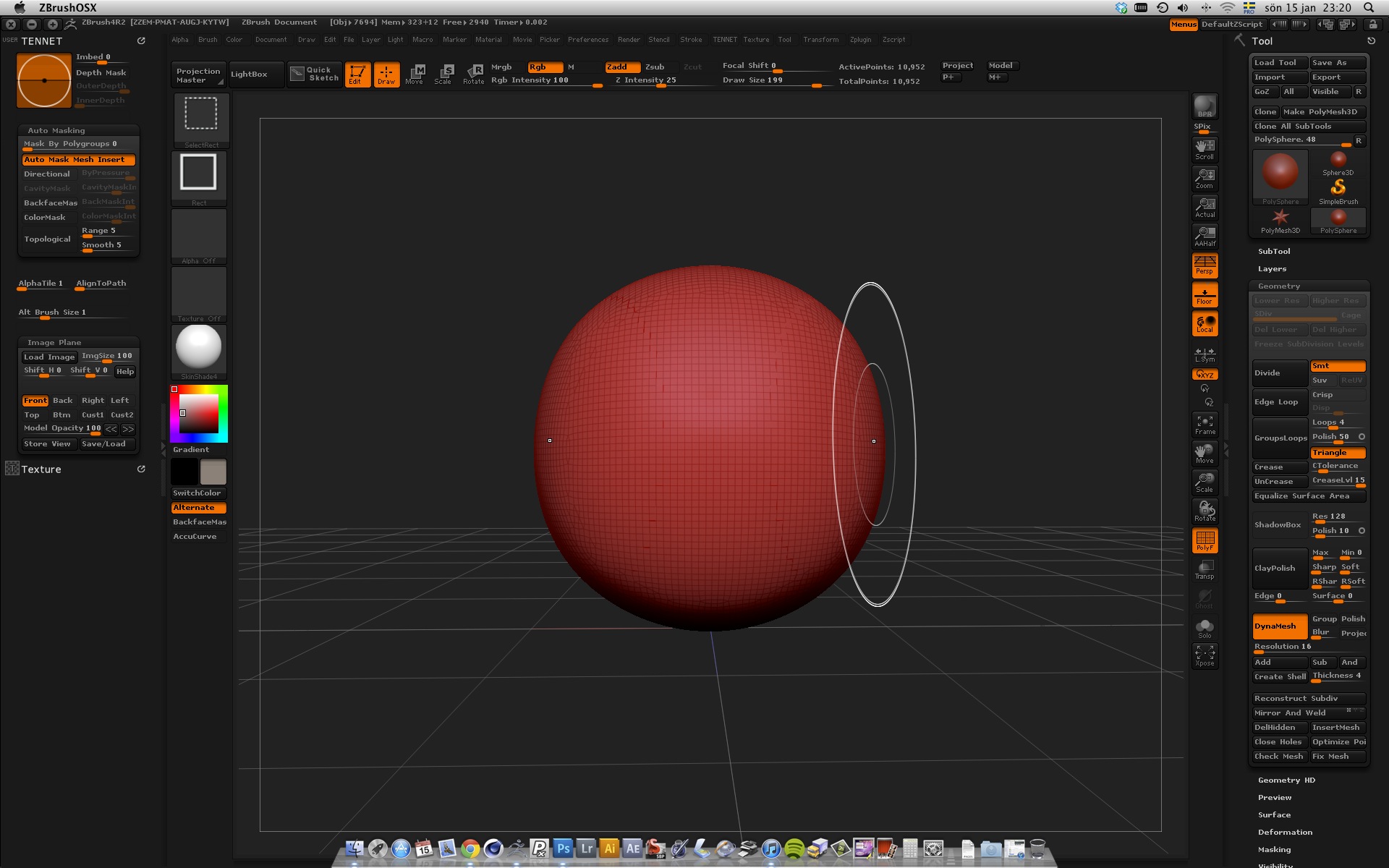
Hi! Same here, Dynamesh crashes if I set the resolution to 16 or less for the ‘DefaultDynaWax64’ tool (sphere). I just need to click the mesh once to modify it and then Ctrl+drag to remesh and that makes Zbrush 4R2 crash directly.

I am using a Mac Pro, 2x3GHz Quad-Core Intel, OS X Lion 10.7.2, Nvidia GeForce 8800GT, 20 GB ram. Attached is a screenshot from right before the crash.

// tennet

Attachments

ZB4R2-remesh_crash-kl.23.20.06.jpg