Hi there 
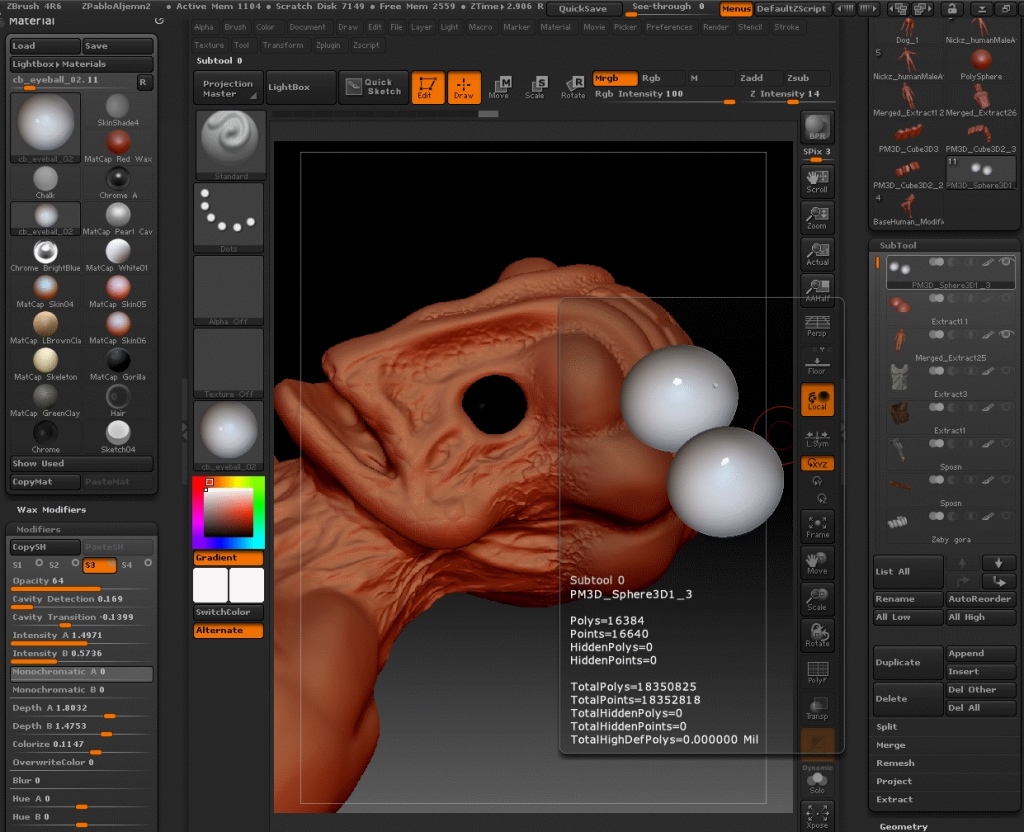
So I’ve downloaded Matcap material from Pixologic Download Center - "cb_Eyeball_02 "
- I am trying to applay it to my object with MRGB selected -> color -> fill object
- Object is showing black but when i hover over object in subtool pallet it shows that it is filled with that material
- If i click on BPR render nothing changes it is still showing black
- Wax preview is ON in render settings
Any help please ?
Attachments

 small_orange_diamond
 ), but as soon as i click it turning black again