ZBrushCentral

doubled lights in lightcap - Answered

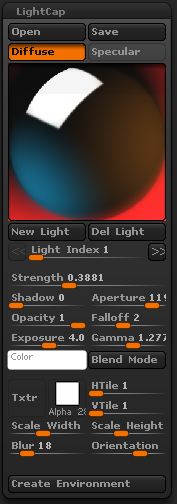
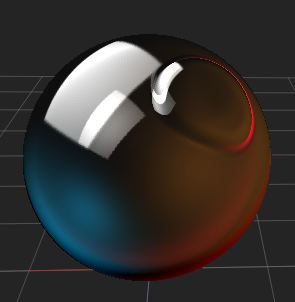
I’m just discovering lightcap and made this one.

its composed of 4 lights
a cool one left
a warm one right
a kind of whitecard specular top left
and a glowing red rimlight

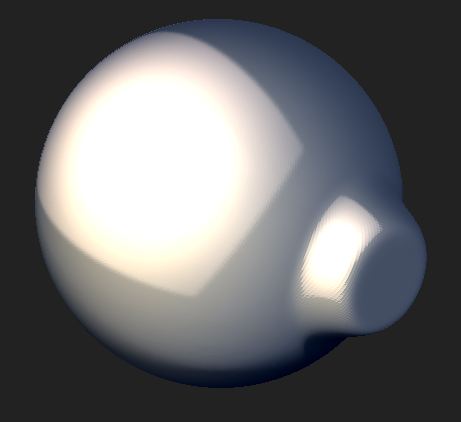
What i dont understand is that the lights seem to get doubled on the canvas.
While its looks pretty good for the glowing red i find it undesireble for the whitecard.
Is there a way to get rid of it?

edit:
OK i found out this has to do with the default red wax material wich was my base here.
It does not occur when using for example skin shader 4 as a base material.
However i still dont know what material attribute causes this effect.
What if i want it for one light like the red glow, but not for the specular?

edit2:
wrong again :slight_smile:
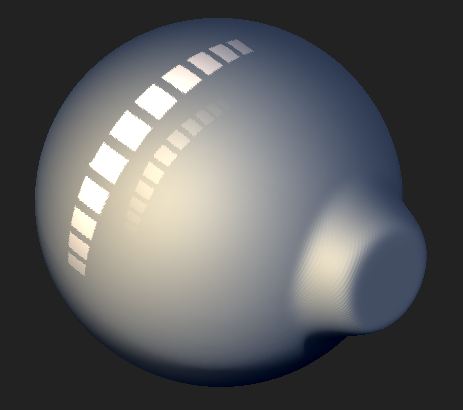
The skin shader 4 too has this effect but it is, for some reason i am still unaware of, only visible when using stretched or tiled alphas.

So i figured that the second reflection was the REAL specular while the first was the light itself.
I somehow thought I had to fake it. So i just have to disable either the real specular or the diffuse
by turning down the opacity for that channel.

Attachments
lightcap2.JPG

lightcap1.JPG

spec1.JPG

spec2.JPG

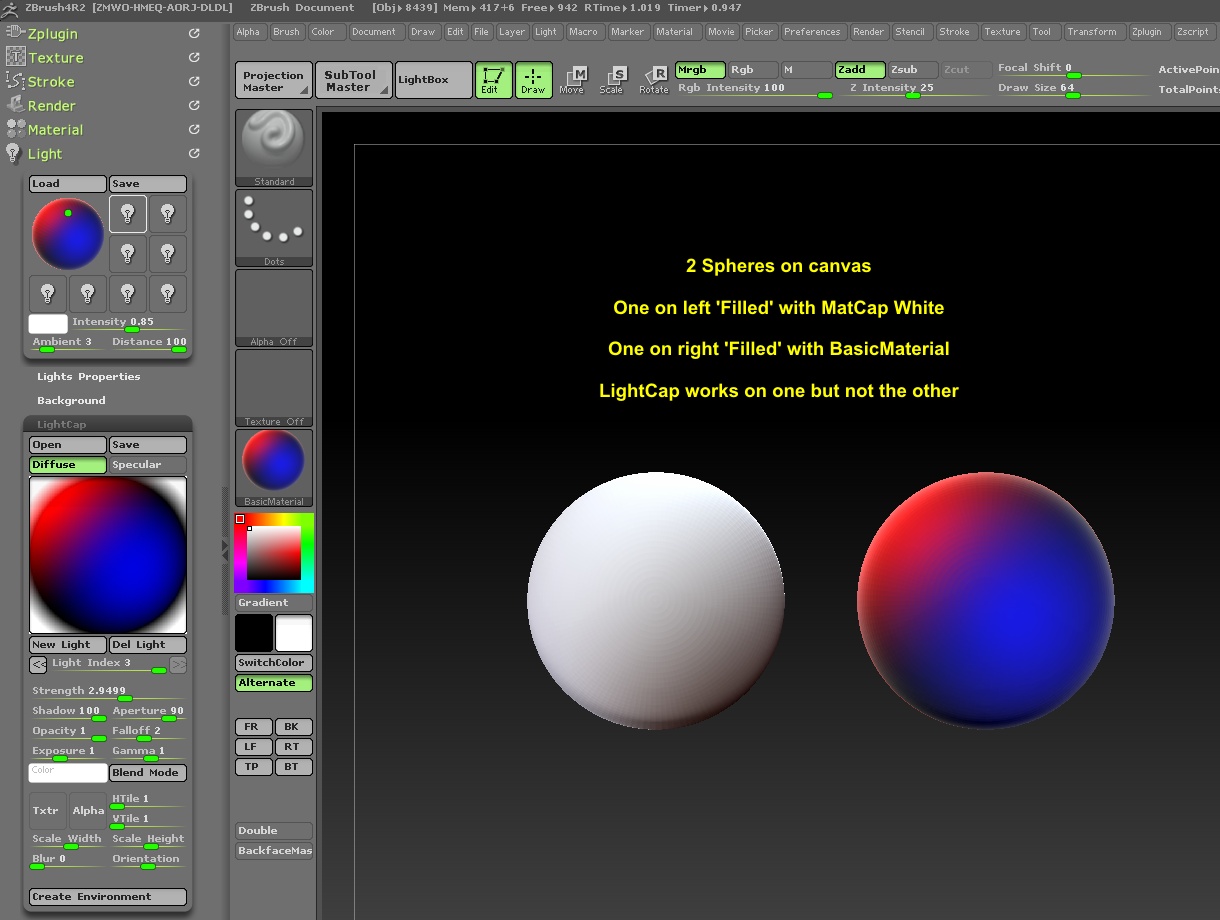
The reason why MatCap materials are behaving differently is that they have a baked-in light map. It’s then fighting with the LightCap. When using LightCap it is best to use a standard material rather than a MatCap material.

Also, think of LightCap as a light for your environment. It will work in unison with any of your other lights. So if you want your lighting to be derived only from the LightCap you will need to turn off all other light sources.

@aurick

I don’t think LightCaps work on MatCap materials anyway, only on Standard Materials. If you have a regular light on or off, it doesn’t make any difference. You can still see secondary.

lightcap.JPG

what do you mean with “lightcap wont work on matcaps”?
I can choose a matcap and then do tweaks in the lightcap section which will have affect on the appaerance of the material.
The only difference I see is that normal light from outside lightcap wont influence the picture on the canvas.

As for the secondary reflection:
this seems to be a lightcap only thing and has nothing to do with the standard lights.
the first one is the lightcap light itself shaped like the chosen alpha. the second one is the specular of that light.
You can control the opacity of those two individually

diff+spec
both.JPG

spec only
spec only.JPG

diff only
wo spec.JPG

Yes, this wouldn’t be the first time that “sometimes it does, sometimes it doesn’t” happen to me in 4R2. The first time I tried a LightCap on a MatCap material, and when I tried it in my image above, it didn’t work at all, so I assumed that they only work on Standard Materials. After reading your post, I tried it again, and this time it worked. Go figure.

Here’s another reason why I didn’t think it worked on MatCap material. Which is what I did in the image in post #3.