Hello!
I’ve got some strange problem… I edited my model at max normal poly number, then I don’t know how, but when I switched showable polys, I’ve got this… Any Idea how to solve it?
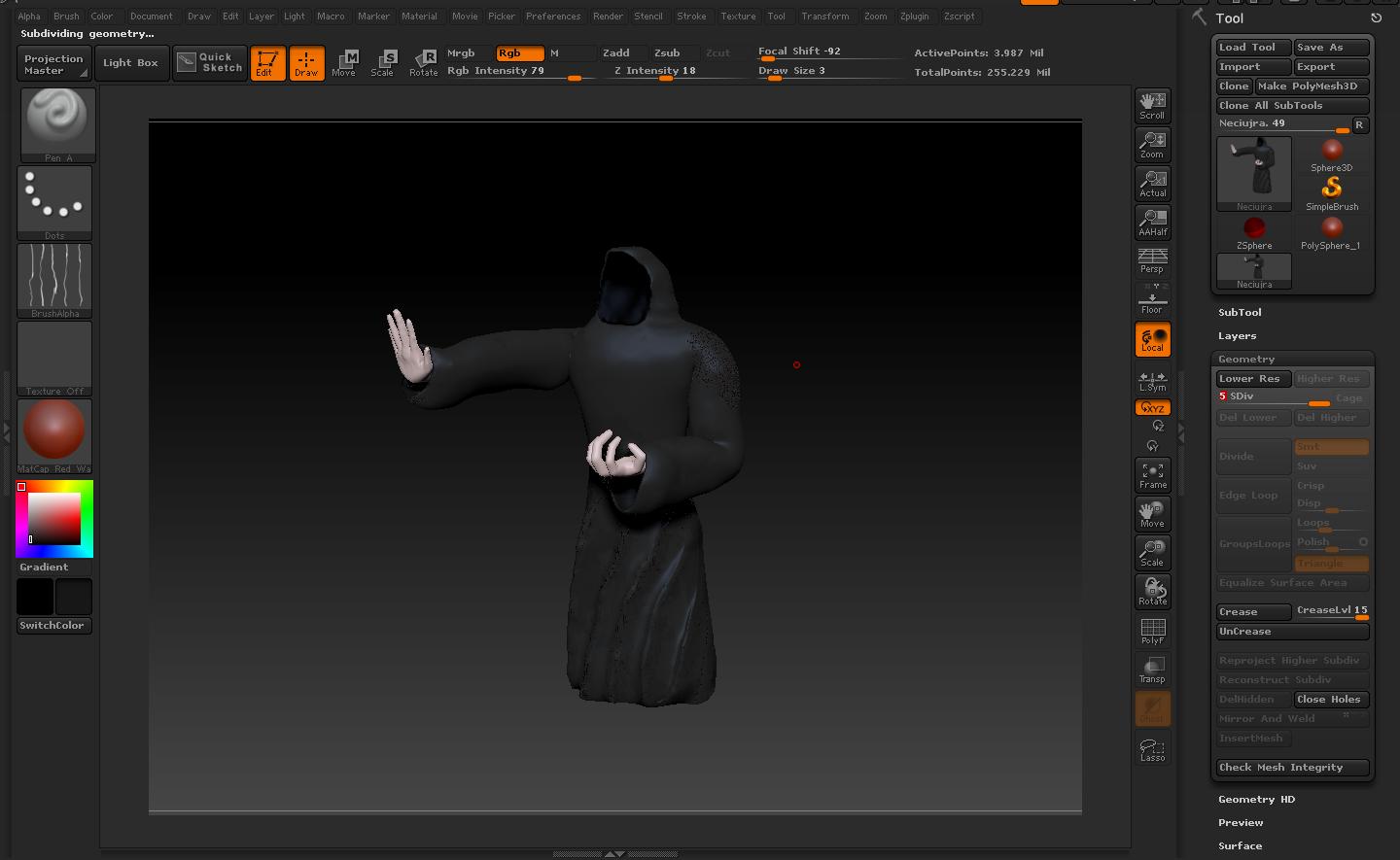
I’m not too sure about this, but I guess it was your inner face material penetrating into your outer face material because the mesh is too thin.
_Revel
Hardly Possible… It happened I think when I switched to the highest poly mode I could reach (6) then when I edited the model the dots came there around the edited area Oo
Try selecting the Flat Color material. Do those areas remain unchanged? If so, turn Draw>M on and press Color>Fill Object. Then select another material, which should now apply to the whole model.
A bit better, but still have some strange pattern…
Attachments
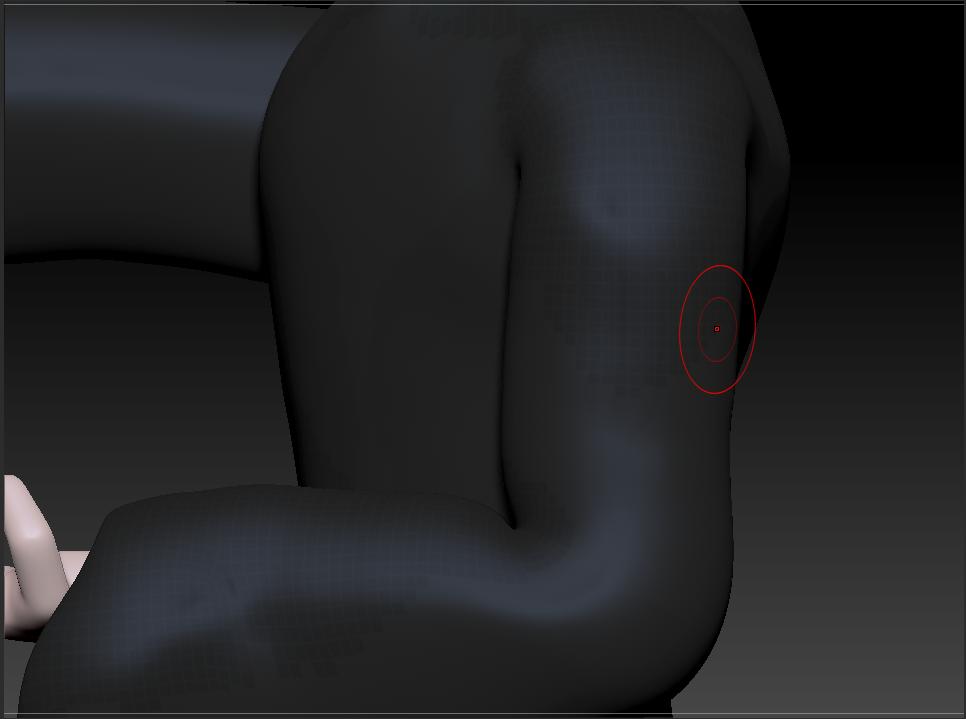
Ah, nevermind, I had to refill the colors too 