hi, this is my first post i was wondering if anyone could help me.
im making a pair of shoes for a character. i would like to have some zigzag detail in them like leather cut with those zigzag scissors.
using a modified layer brush…
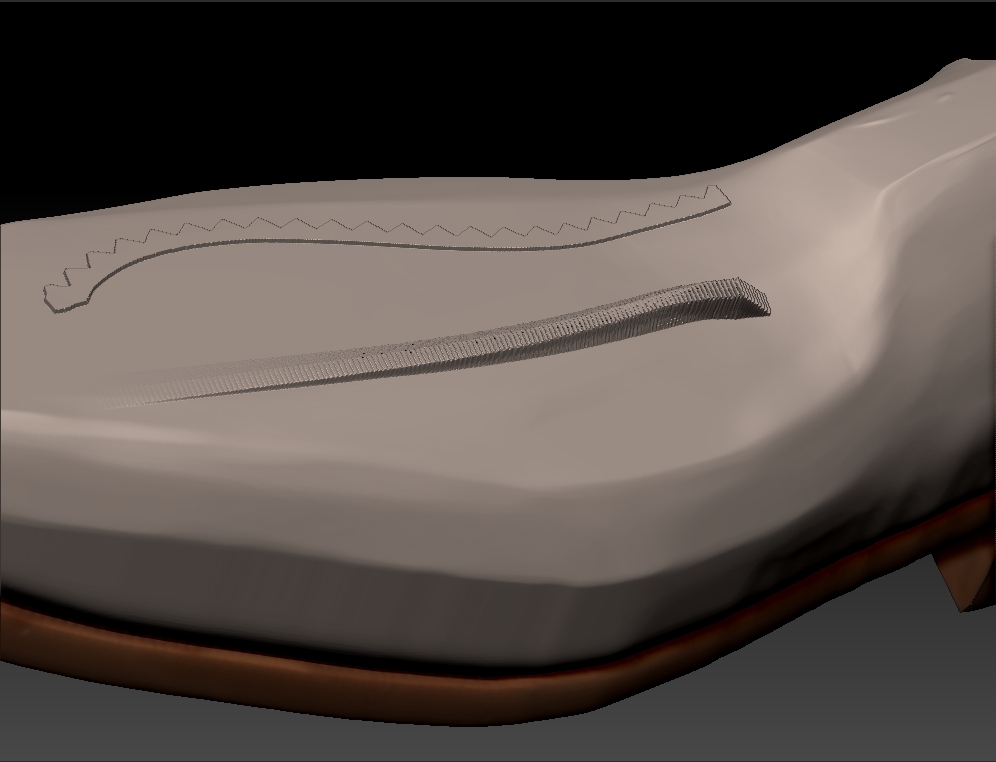
i made an alpha and put roll on and lazymouse at 0.1 and i get the effect i want. but i would like to use curves to get it perfectly in the right place. so i activate curves i drag it out on the surface and click the end and nothing happens. so i drag it abit and the stroke appears on the surface but the roll of the alpha doesnt seem to work even though its active. have a look at the picture below. top stroke is the effect i want and the bottom is the same brush wih curve mode activated in the stroke pallete.
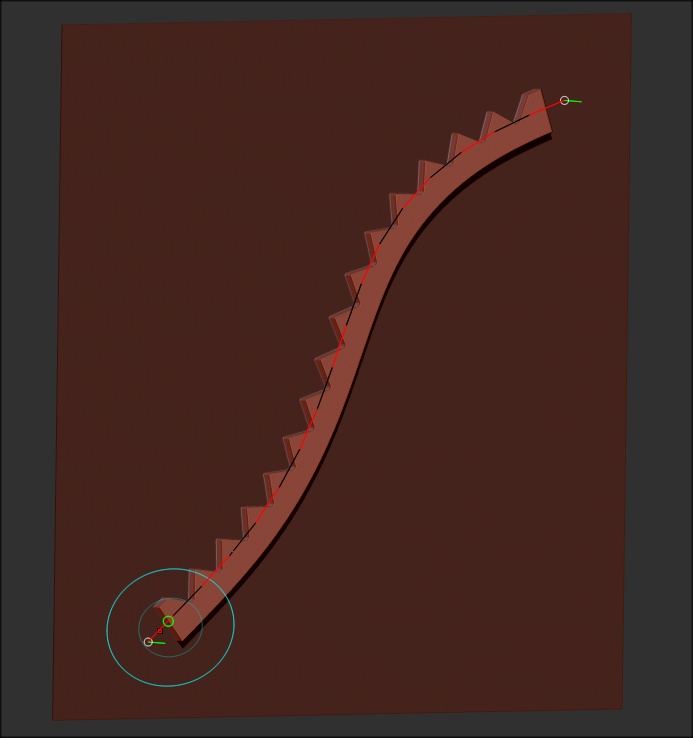
i have been playing with the curve steps in the curve mode and i think the number of verts down the curve path affects duplications of the alpha down the line. its got me thinking im approaching this wrong. any ideas would be really appreciated.
thanks for any advice you may have 

Attachments