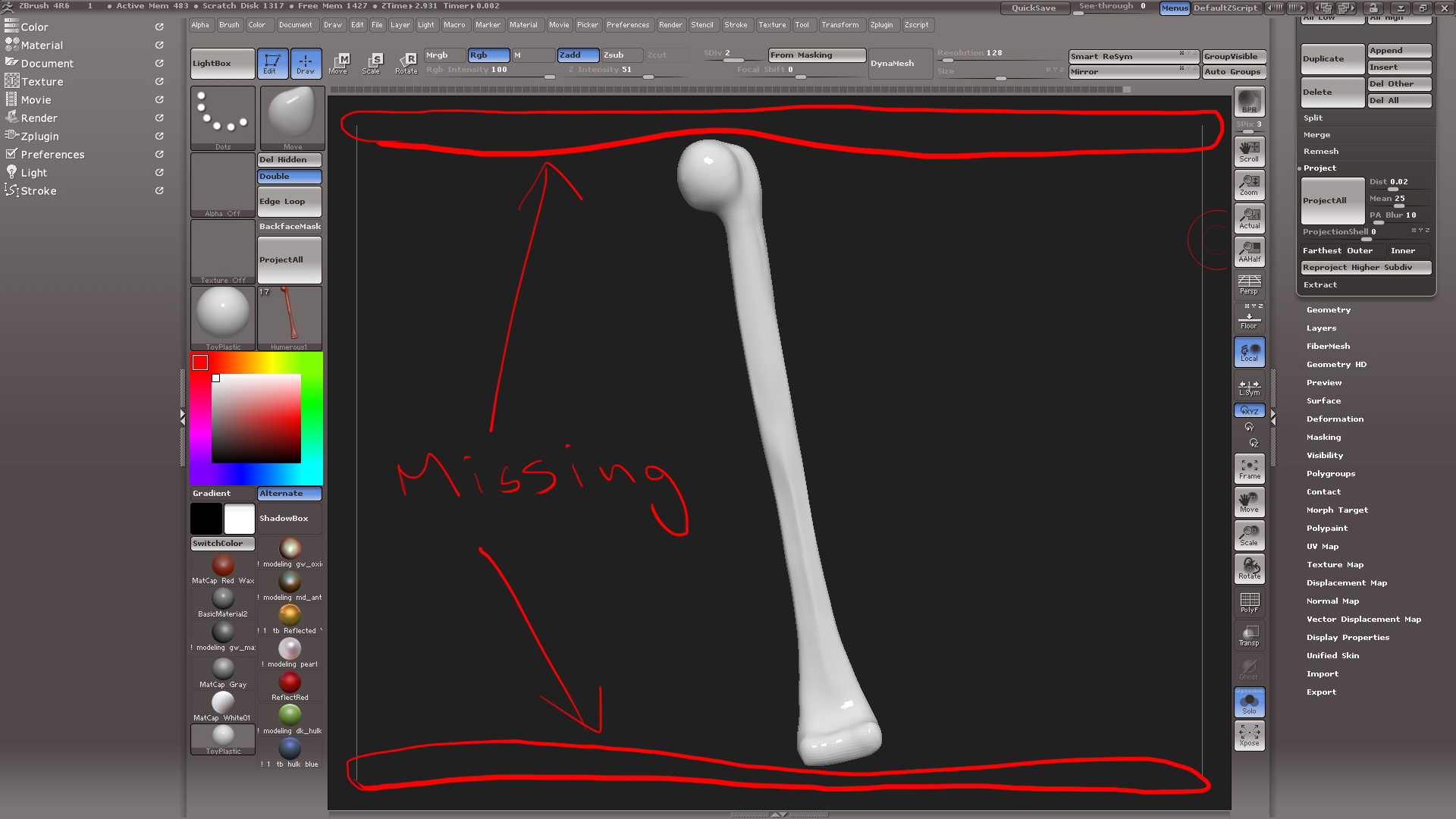
The only thing I can see it being, and I can reproduce this, is that your ‘Border’ and ‘Border 2’ colors in ‘Preferences > Icolors’ (same buttons also in Document menu) , which is the colors of your border around the outside of the document, is exactly the same color as your document background. As a result, you can’t distinguish where your document ends and your border starts and, your document height might be just under where the white line is. That is probably why the line disappears when you click the ‘Actual’ button. You can check this easily. After you click the ‘Actual’ button, use the ‘Scale’ button on the right shelf and, scale up to see if the tool is cut off at the top and bottom.
Just in case you didn’t know this…
For working purposes, as opposed to rendering purposes, you could make your document size the exact same size as your canvas area.
-
Go to Document menu and enable ‘W Size’. This will automatically set the document size to your canvas area size. Next click ‘New Document’ button and answer ‘No’ when it asks if you want to save the changes. As soon as you click ‘No’, your document will be auto sized.
-
Click ‘Save as Starup Doc’ button.