ZBrushCentral

Dividing mesh creates hard edges?

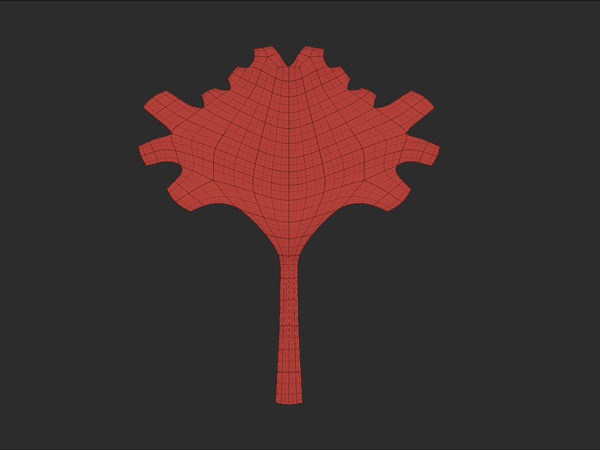
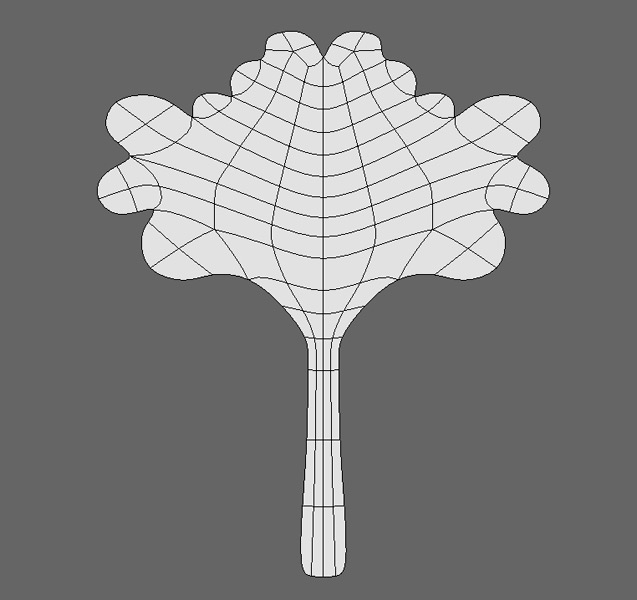
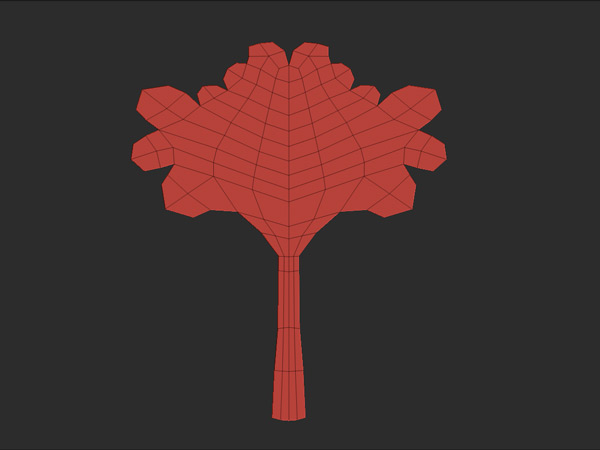
Hi! Simple question… I have imported a base mesh in ZB and when Dividing it then I get hard edges on the divided mesh. The base mesh is really low-poly so I was expecting it to smooth all edges like the Hypernurb in Cinema 4D does. Is there some setting I am missing or is this just the way it should be (I have “Smt” enabled).

See attached images that hopefully explains my question better.

Thanks in advance!

// tennet

Attachments
ZGrab01.jpg

ZGrab02.jpg

c4d_HyperNurbs.jpg

It may be that for some reason the edges are creased. Shift+click the Tool>Geometry>Uncrease button before subdividing.

Hmm, doesn’t seem to make any difference Shift-clicking “Uncrease”. Can you (or someone else of course) please have a look at the base mesh?

// tennet

Looks like its just ZBs subdiv/smoothing algorithm on open edges. I checked the model and their are no extra verts etc

Yes, it’s the way the subdivision is done.

the only way to get the smooth you want is in cinema 4d. apply a hypernurbs on it and export. then use zbrush for detailing. what do you want to generate in zbrush anyway?

Thanks guys, then I know it’s ZB. :slight_smile: I used a level 1 Hypernurb in C4D and exported it again. Works fine, thanks NoobVee.
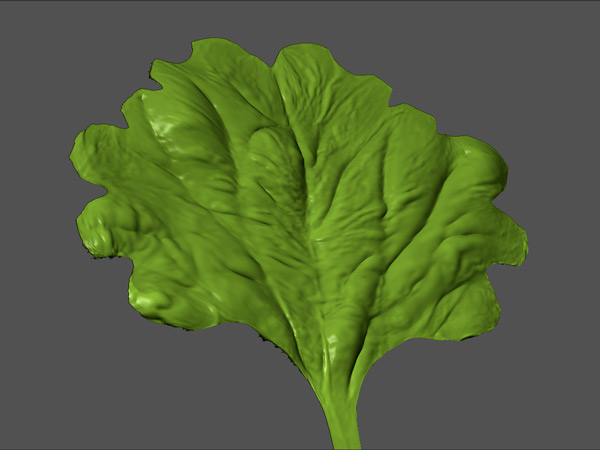
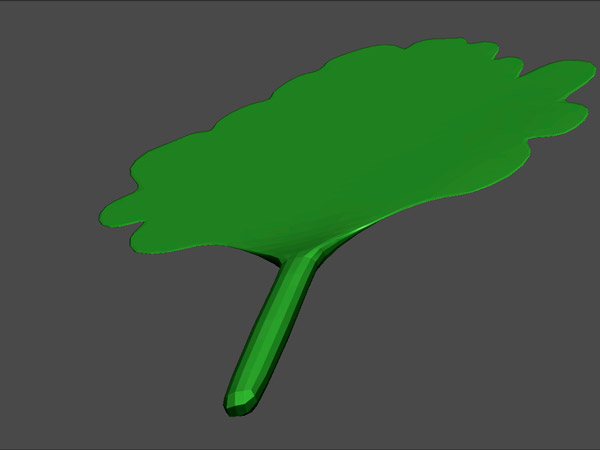
It is actually the start of a plant I'm modelling. Attached is a test I did with the old (non-smoothed) mesh. Since the "leaf" is supposed to be very thin, with visible thicker grains in it, and the bottom root/base will also be thicker (see attached).. would you recommend me to use a mesh like this with thickness instead of a one-sided mesh or what is best? I imagine I will get in trouble with mesh-distortion when detailing the thin leaf (i.e. backside is pulled through to the frontside or vice verse)? Any tips or ideas is very welcome.

Thanks again!

// Tennet

Attachments

ZGrab01_green.jpg

ZGrab01_thickness.jpg

I think you’ll get a better result if you model with thickness. And you can stop any sculpt-through problems by turning on Backface Masking in the Brush>AutoMasking submenu.

Hi Marcus, Thanks! Backface masking helped a lot, but is it possible to block geometry from being pushed through other surfaces? Backface Masking doesn’t seem to block this from happening, so I can still push details through the backside surface.

// tennet

well just play with the other brushes such as Standard and Inflat. they have different property.

By pushing geometry through a surface I mean using Zsub on any brush (-intensity).

// tennet

You can’t stop geometry being pushed through. What you can do is color the backface so that you can easily see where you have gone too far.

That’s a smart a solution. Thanks again Marcus! :slight_smile:

// tennet