I am using Maya 2009, I tried Modo 302 as well.
With the Projection master… Display double definitely reveals the model.
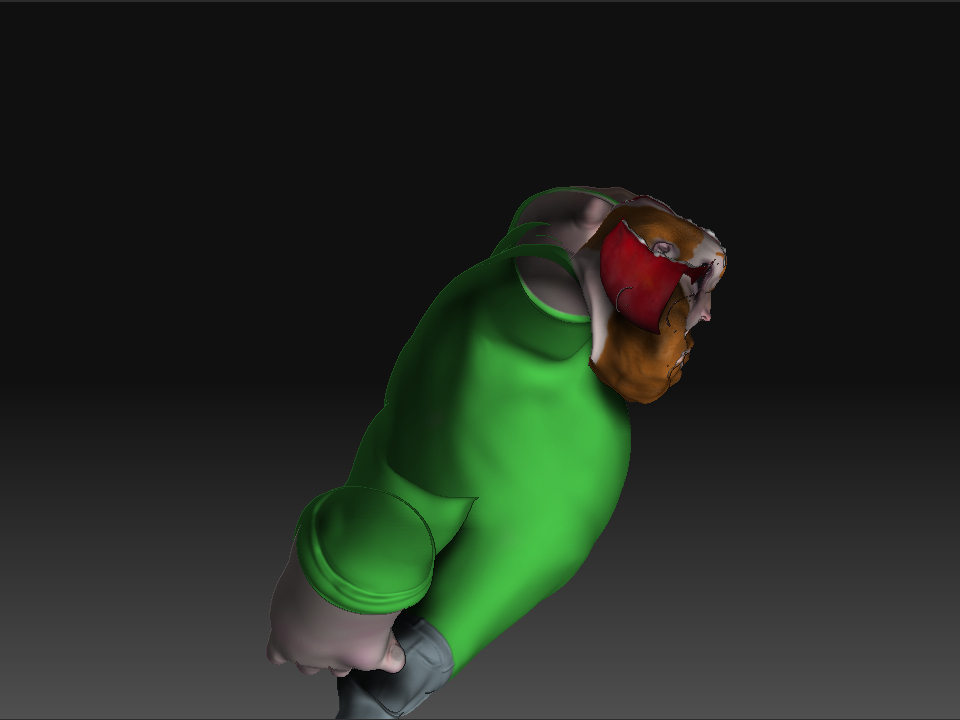
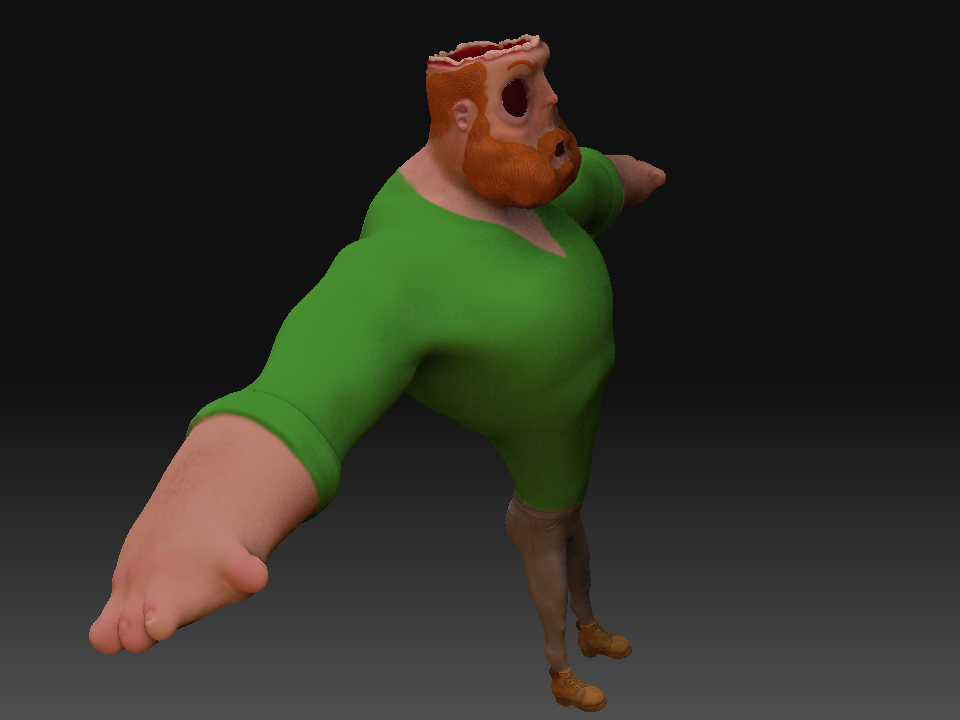
When I pick up ZAPP Link the changes I made end up on the back of the model. I used a thick black line and just drew some obvious lines on it. It seems the parts at the core of the line (not the feathered edge) are transparent (perhaps it flipped their normals). I also have to adjust the double sided bit every time.
Picking up a projection master session relocates parts of the strokes to random areas and leaves the rest unchanged.
When I try to flip the normals in ZBrush, it explodes; big time.
I discovered the problem with the UV’s… The normals were flipped. I save iterations of my ztools every few minutes and was able to figure out the it happened during retopology; why, I don’t know). Flipping the normals in maya let me get the uv on at least at the first subdivision level.
When I import the new normals the whole mesh gets smaller. It then explodes when I go to higher levels. When it explodes the mesh just gets rough with a grid of squares all over it (not a texture issue i turned off the texture)
I did a test by reexporting the latest ztool and the size matches the uv’s mesh in maya.
I tired it in modo and I get “The imported mesh must have identical number of points.” I understand this issue though I don’t know how it happened; some sort of mistake on my part.
Any other thoughts?


![[ATT=]01.jpg[/ATT]](http://javascript%3Cb%3E%3C/b%3E:zb_insimg%28%27%27,%2701.jpg%27,1,0%29)
![[ATT=]02.jpg[/ATT]](http://javascript%3Cb%3E%3C/b%3E:zb_insimg%28%27%27,%2702.jpg%27,1,0%29)