Hi there,
  After searching the forums these seem to be the nearest to the problem that I have:

  [http://www.zbrushcentral.com/zbc/showthread.php?p=360288](http://www.zbrushcentral.com/zbc/showthread.php?p=360288)

  [http://www.zbrushcentral.com/zbc/showthread.php?t=45359](http://www.zbrushcentral.com/zbc/showthread.php?t=45359)

  But not quite the same, and also the solution didn't work for me.

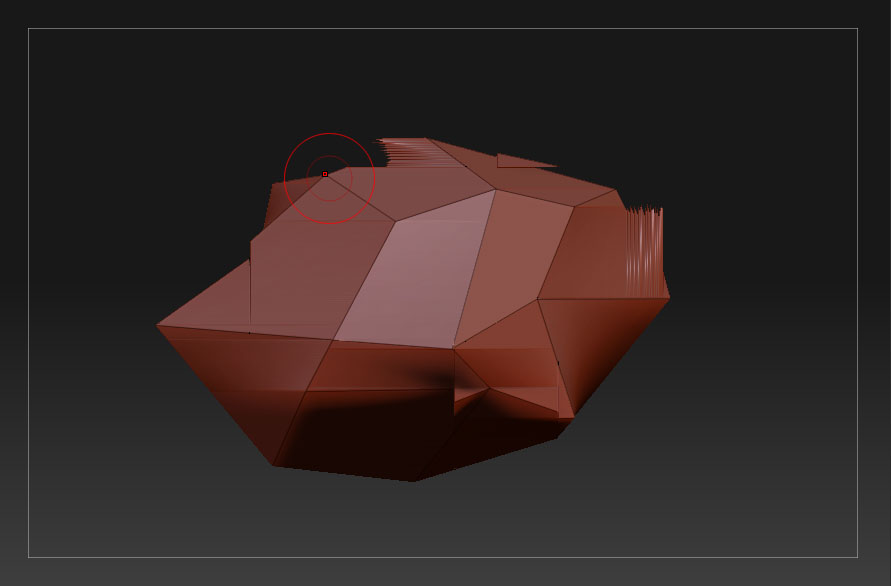
  At a very low resolution especially when using the move brush on the points near the profile of my mesh I get a ghosting effect. This display issue only dissapears if the tool is repositioned/rotated. (see attached image)

  I am running:

  ZB3.1 (clean)
  Windows XP, proffessional, service pack 2
  Dual-Core AMD opteron(tm) processor 2216 HE
  3gb ram
  NVidia Quadro FX 1700


  The suggestion was to turn off "Quick and dirty edit" in the prefs\performance palette although this had no effect.

  I am wondering if anyone has encountered this since, or a solution has been found?

  Thank you for your time.

  Best,

  James
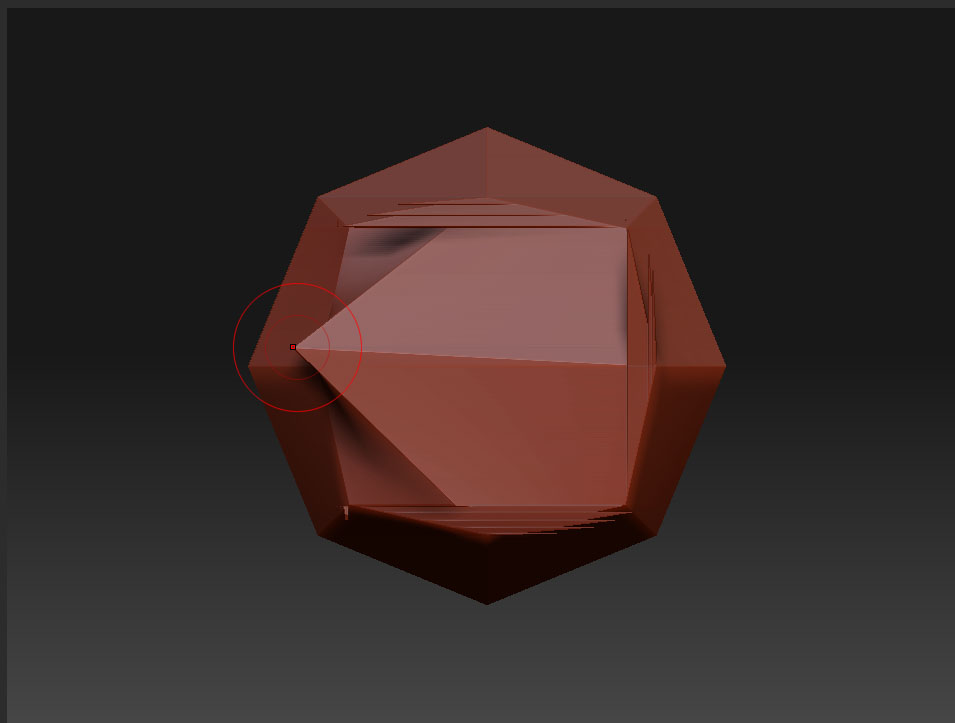
edit: Incidentally, When i manipulate a point in the centre of my mesh, I get a stange square drawn aroubd the point. As mentioned in
[http://www.zbrushcentral.com/zbc/showthread.php?t=45359](http://showthread.php?t=45359)
My pioxls however, don’t go invisible. See attached pic 03.
Attachments