Gidday,
Got a bit of problem again, I have generated a 32bit floating displacement map in Zbrush (with multi displacement 3)to be used in maya using the mental ray renderer.
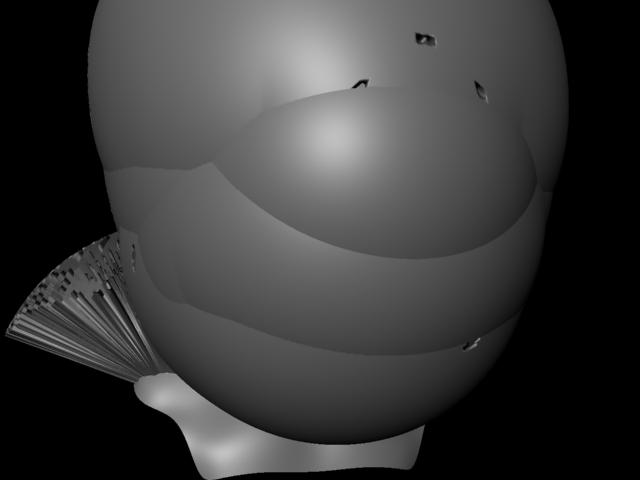
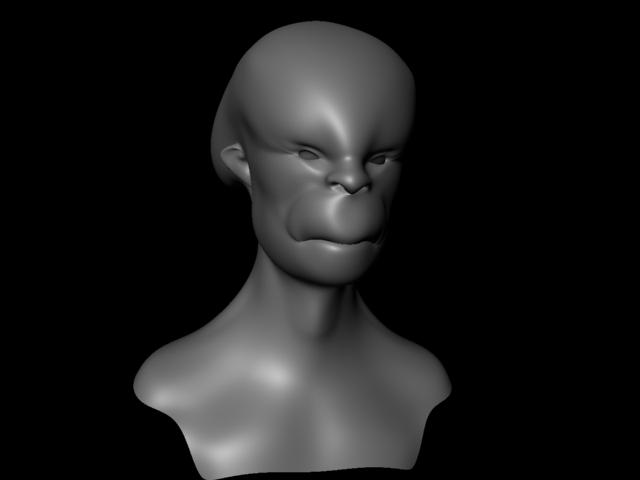
The displacement simply doesn’t look at all like my Zbrush sculpt when I render the model in maya.
It’s either extremely bloated or there is hardly any detail in the model. It looks very smooth with no fine detail.
I have tried to fix the problem by changing the alpha gain and offset for the displacement map but nothing really seems to work.
The different settings I have used:
AG- 2.2
AO- -1.1
(this setting looks bloated)
AG- 1
AO- -0.5
(this setting looks bloated)
AG- 0.0
AO- 0.0
(this setting looks too smoothed)
Also used the expressions:
AG = 2.2 * Head.scaleX.
AO = -2.2 * Head.scaleX /2
(this setting looks very bloated too)
All other settings are pretty standard
feature displacement is turned off and I have set the N subdivision level to 4 or 5.
As well as the settings in multi displacemtn3 in Zbrush
Everything is set to full range vertical flip is on channels are set to 3
Below are some renders so you can see what I mean.
This is my first time trying to use displacement maps and I am not really sure what can solve this problem, anyone got an idea?
Thanks
Attachments