Hi guys. I got a displacement problem.
Base mesh was created in modo, and UV was prepared there.
I have geometry lv6. But I deleted lv1 to lv3. I wanted to use Lv4 as my new base mesh. So I created displacement map, with smoothUV turned on. I also created Normal Map.
Questions :
- What made that seam across the forehead?
- How to delete displacement map that I dont like?
- How to create a displacement map that is 4K in size? I cannot find a way to specify the size of the map.
Thank you.
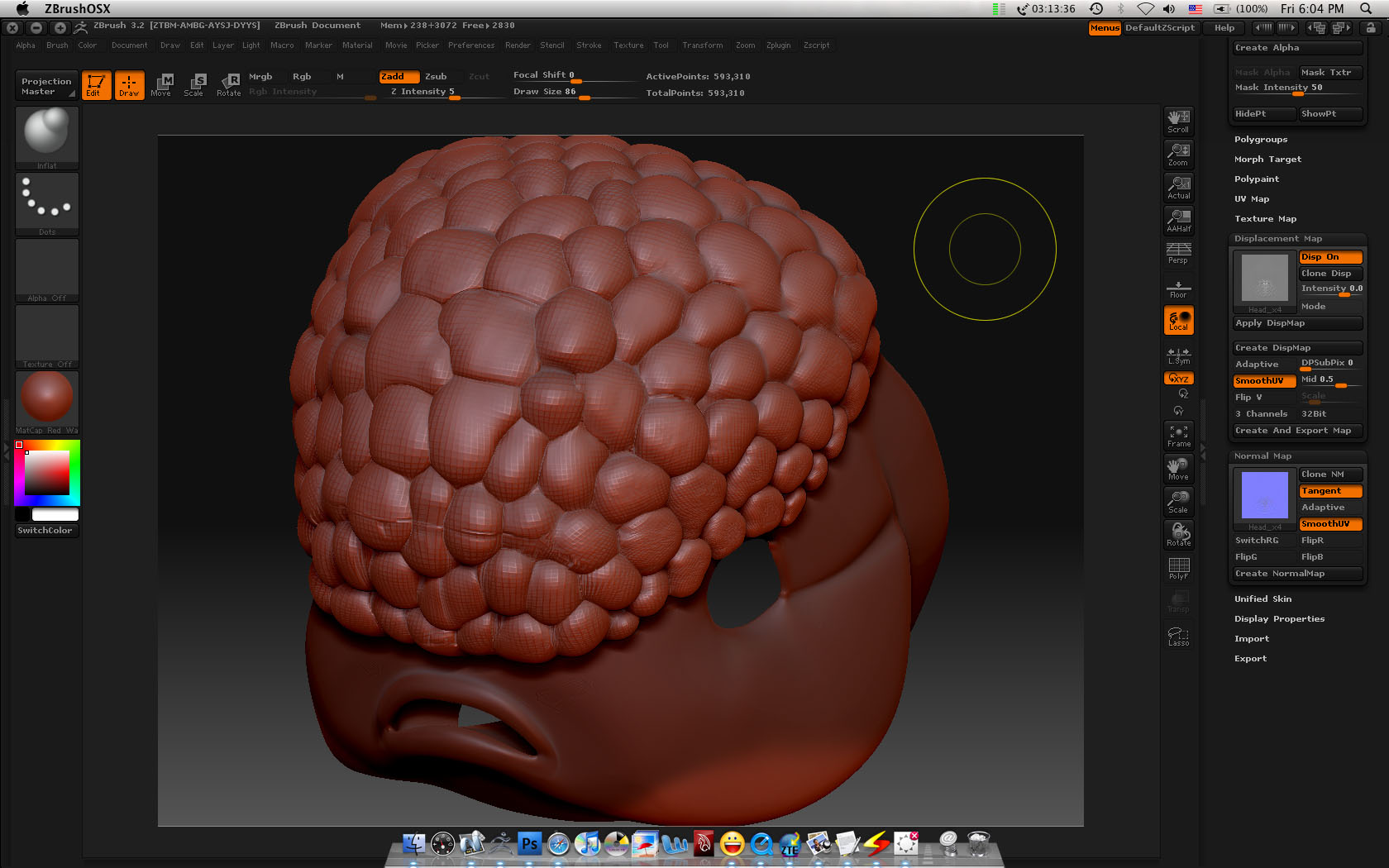
 Don’t know what’s causing the seam, maybe your uv cuts? You can create uv tiles in zbrush that work well for me, such as puv tiles. It could be the combination of displacement and normal mapping, doubling the sculpt’s effect on the base mesh.