ZBrushCentral

Displacement maps issues

Have anybody had that before?

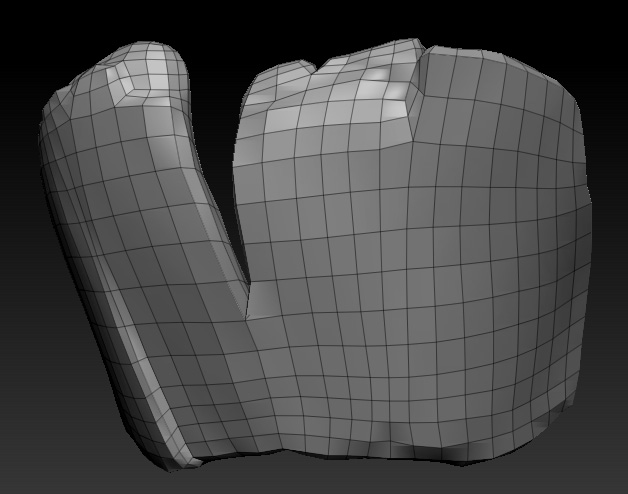
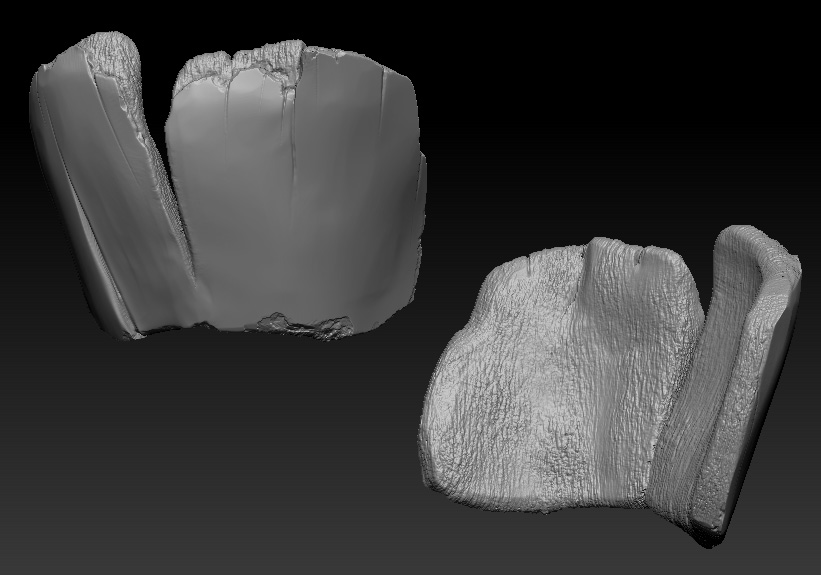
This is the object I want to make into a displacement maps. It is currently at subD lvl 6

Thisi s the lowres (subD lvl 1)

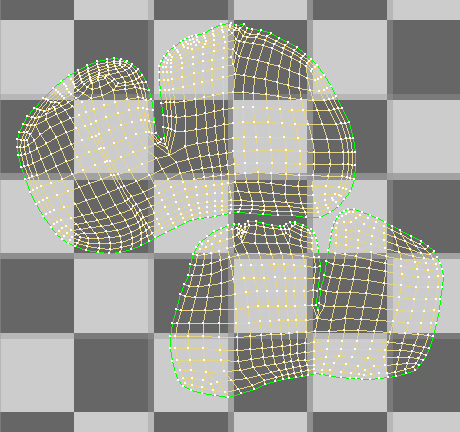
These are my UVs

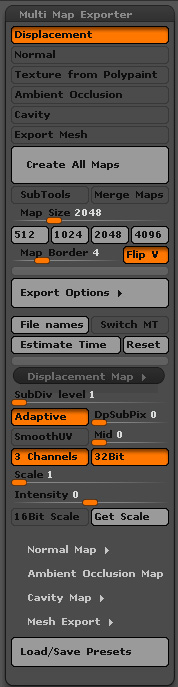
These are my export options (and I’ve tried pretty much everything)

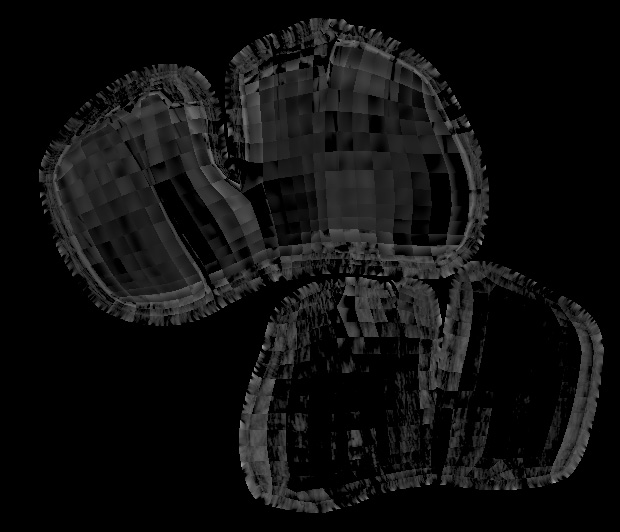
This is my result (looks just plain awful when applied in Max)

I did a displacement on another model a month ago and it worked perfectly the first try.

My guess is that my model is screwed up in a way but I can’t tell how. I’ll go try and play around with the mesh itself, reimporting it in different format, try to reset the normal, etc.

Any help would be appreciated and in the meantime I’ll go smash my head against a wall. Thanks

Attachments
high.jpg

low.jpg

mme export.jpg

uv.jpg

torso.jpg

Nevermind I found the solution actually…

I took my Subtool and put in to subD lvl0 then exported it in OBJ. Imported it in Max and exported it again this time selecting the Zbrush preset (which make the Output precision value to “6”) and I made sure the Normals and Smoothing Group checker box when unchecked. Reimported the OBJ into the subtool to retreive the higher subD and retried to create a displacement map and then it worked.

This is my good displacement map (ignore the grey value, it’s just to show there is no sqares anymore)
good disp.jpg

These were my 3ds max export values
Untitled-1.jpg

I hope that can at least help some people with a similar problem

Thanks. I’ve been having a lot of trouble with displacements from zbrush in 3dsm lately. Can’t wait to give this a try when I get home.

One question though, I see that you use mid 0 under displacement options in zBrush. Do you need to compensate for that in Max?

Thanks.

I don’t have an answer, sorry. I do wonder if it’s related somehow to this problem though:

http://www.zbrushcentral.com/showthread.php?166762-Unwelded-UVs