ZBrushCentral

displacement map shows UV borders

Created the Displacement map by sculpting a ztool, then exporting the map and applying it to my model in maya. When it renders some really prominent UV edges are visible. The displacement map itself looks great, its just that the UV borders appear as gouges in my model

Attachments
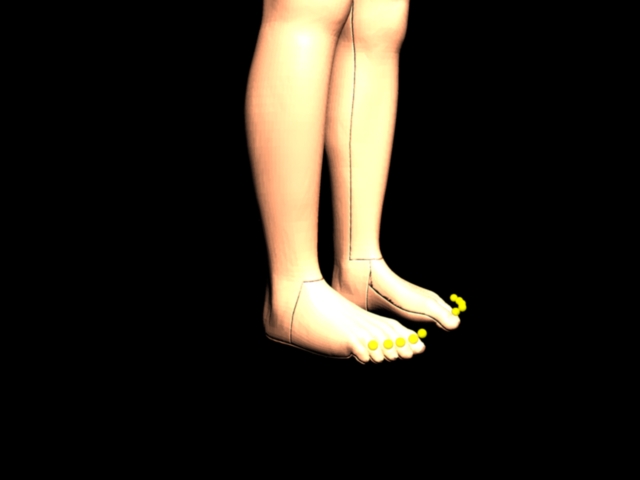
displacement showing borders.jpeg

actually those borders are showing in my Mental Ray renders because of the texture map, whether its applied as a bump or as a color map, I can still see the UV borders. The texture map was created in zbrush by converting from a polypaint to a texture then just exporting that texture to a .psd file.

do you ever try to change the File Node Filter Type:Quadratic to None. I’m only a partly Maya User but not too much. Wait I’ll find it.