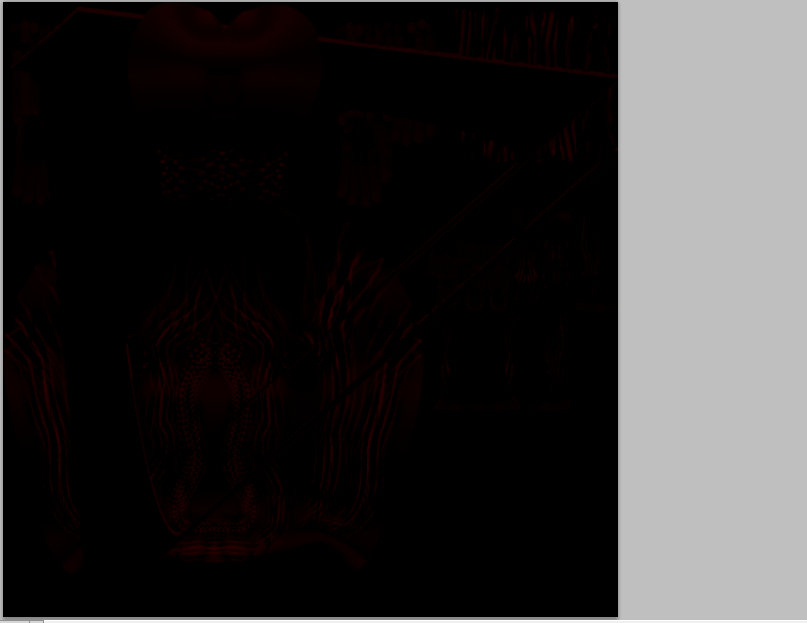
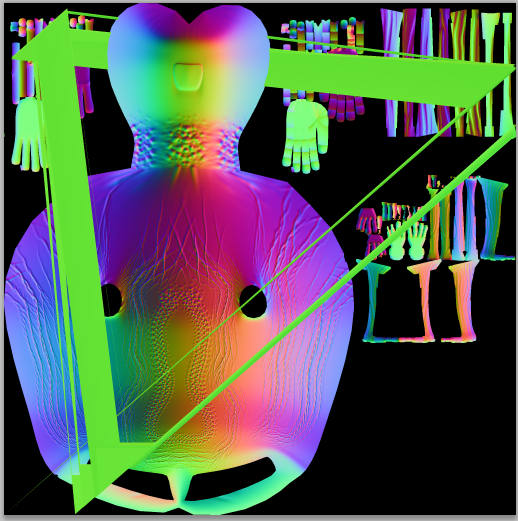
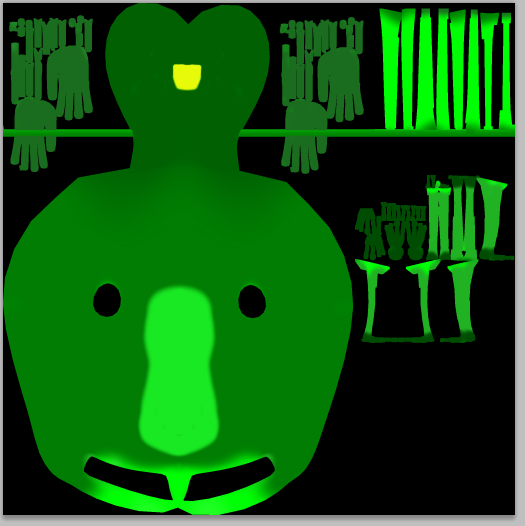
Hi. I am facing a silly problem. When i export the displacement map it has some annoying lines in it that are ruining the model when I apply the map in Maya. Also some of the parts are not showed in the map, i dont know. Maybe my export settings are not properly set, can someone help me ? Also i am actually using the dispalcement map as a bump(normal) map in maya because till now, everytime i used normal map the results were awful. but with displacement map, everytime it was OK. I am pretty new with ZBrush so I don’t know, maybe I should use Normal map instead, i tried and the same lines appeared there also, they were also in the texture map, maybe my object is not unwrapped properly but I can clearly see that there are not any overlaping.Also as you can see in every different map the lines are in different place. Thanks to All!
Attachments