ZBrushCentral

Displacement Map - grainy - please help:)

Hello - I have been trying to figure out uv’s and displacement maps and think im close:) However, my map is very grainy. Please see images. the images are at subd level 7, with and without displacement maps turned on. Level-7, disp off.jpg
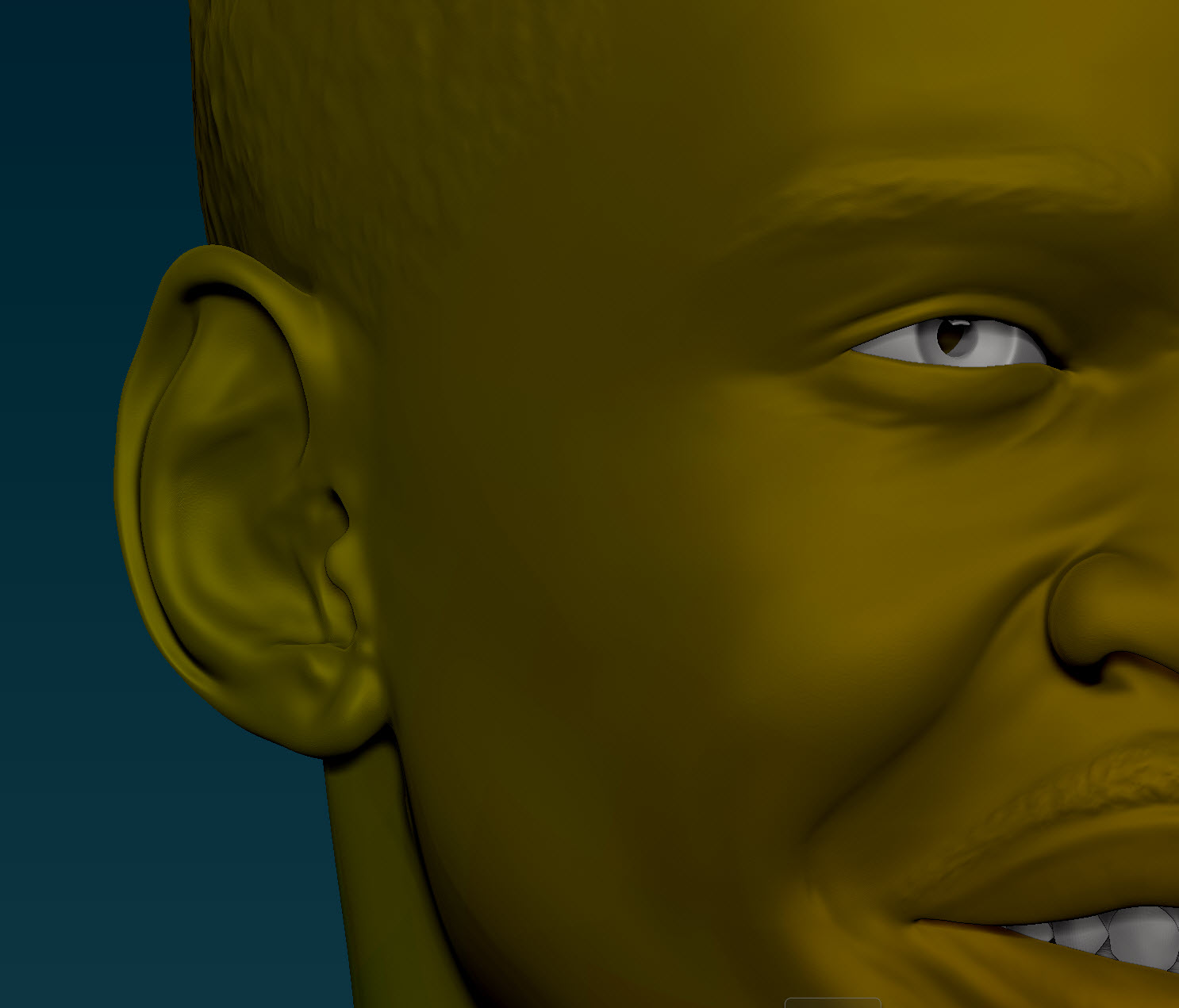
I tried to figure this out myself - with no luck:)

Thank you!!!

Attachments
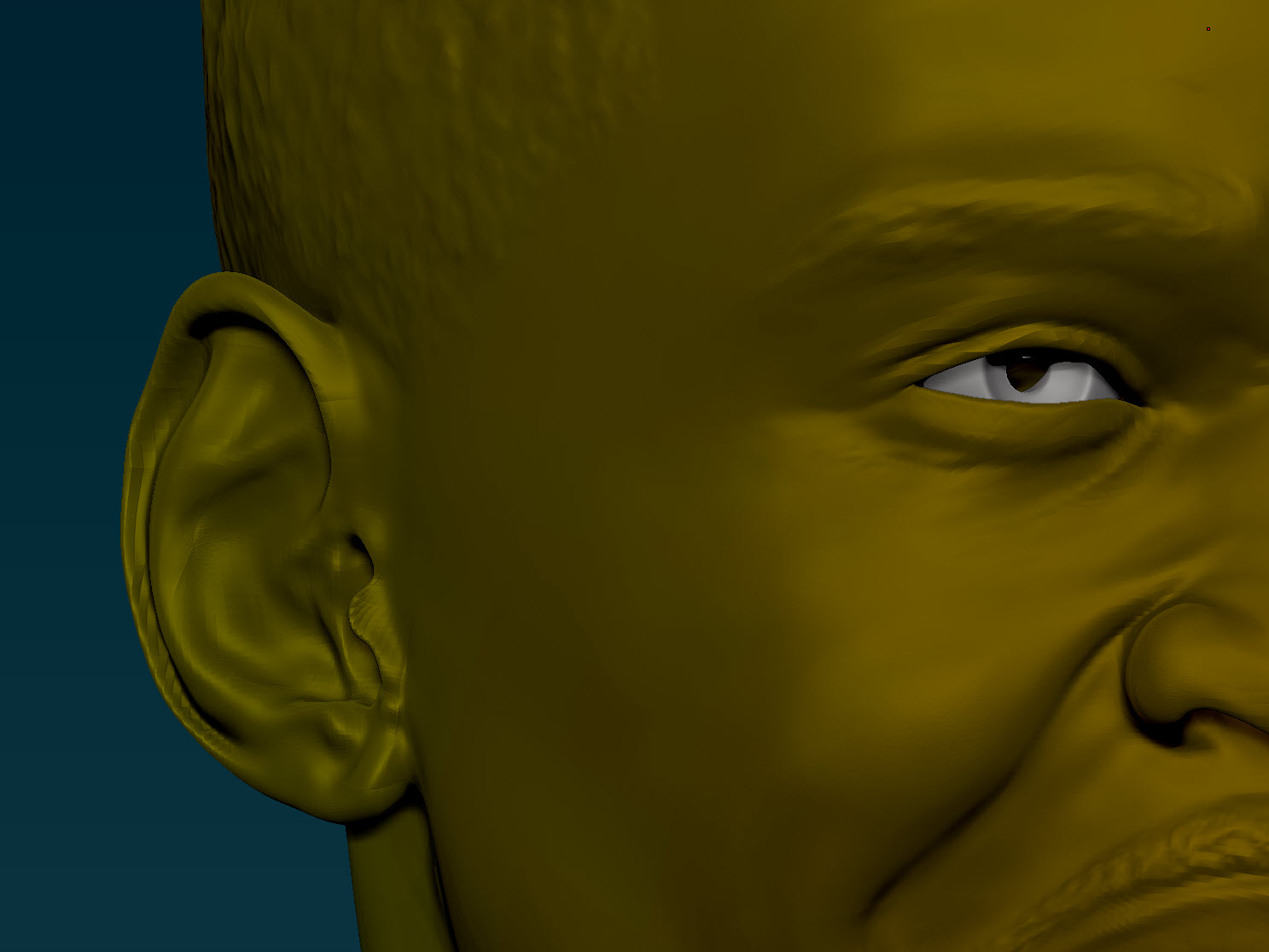
Level-7, disp on.jpg

bottom-bust-seam.jpg

anyone? :slight_smile:

Ok, so i determined that it is the size of the pixels on the displacement map. However, even if i drive it up to 8192 i still get this effect. the features on the face are all pinched toward the center of the uv map, not distributing the detail well. However, any modifications to the UV in modo dont show up in Zbrush.

How do you get very fine undistorted detail our of Zbrush?? i am in a tizzy as i need to get this project done ASAP!

Thanks

you ever get a fix pre?

http://forums.luxology.com/discussion/topic.aspx?id=42605

is your problem anything like mine? if so, can you tell me how you got it fixed from breaking apart? would surely love any info, this is driving me insane…

Nope. I also had your problem in modo. I stopped trying to figure it out - but i really would like to know how to get them right.