For some reason when create my displacement map, it almost looks like the uv lines become part of my displacement.
Please Help!
Atatched is an screen shot of the issue, thanks
Attachments
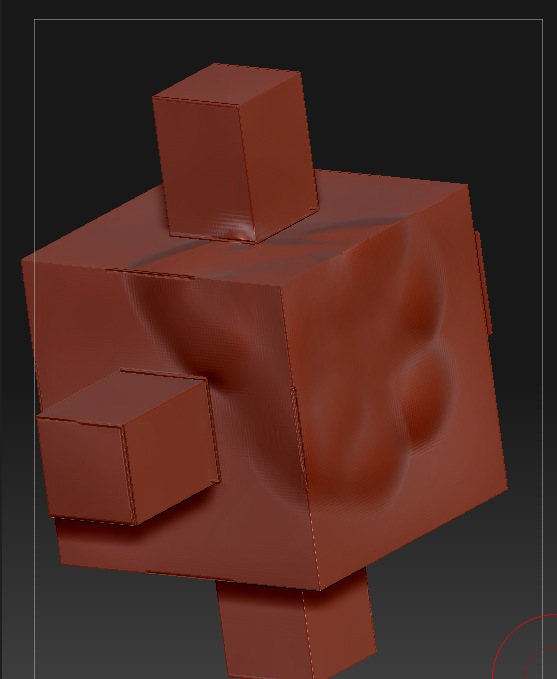
For some reason when create my displacement map, it almost looks like the uv lines become part of my displacement.
Please Help!
Atatched is an screen shot of the issue, thanks
Okay have worked out that issue on my own…it had to do something with morph target.
Now I have anther issue, I am sure I have seen this in the forum somewher but I cannot seem to find it now.
I have my tool set to almost a million polys, but a still my lines seem jagged, what am I missing here, my map is at 4096 pixls. What can I do to improve my results, please and thanks any tips?
Cheers
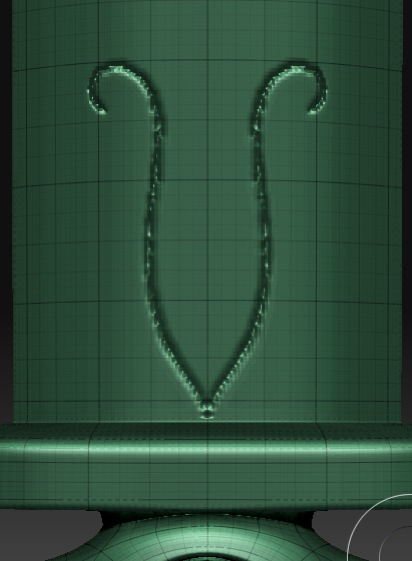
more polys 
Looks like you are working on a subd model that has an uneven poly spread.
Try getting it more even.
cheers
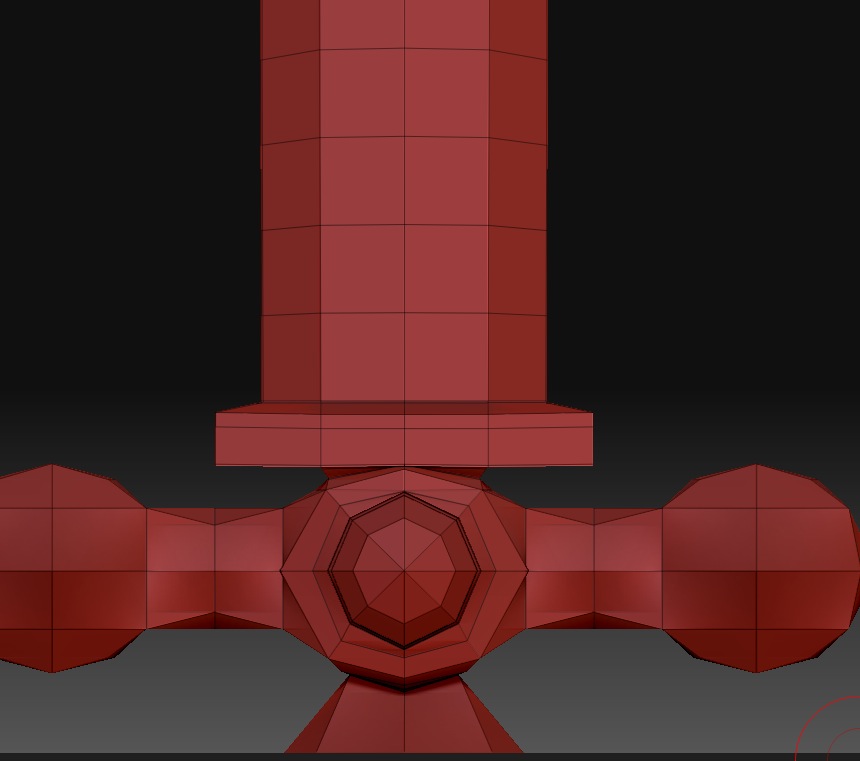
Hmm I have seen other models and there poly counts were just as low…
Here is a ss of it at its lowest division…
1 million polys is equivalent to a 1024 texture map.
3-4 million polys (depending on the UV’s) is equivalent to a 2048 map.
10-12 million is equivalent to a 4096 map.
Since your model has only 1 million polys, your texture map is almost 16 times too big for the details that you’re putting on it. One thing you could do would be to increase the Tool>Displacement>DPSubPix setting to 3 prior to creating the map. This will virtually subivide the model a couple times, bringing the resolution up to be equal to the texture. That may improve the quality of the map.
Of course, no settings will compensate for jaggies in the mesh itself. If your details aren’t smooth, you need to divide the model itself again before you sculpt the details.
Also, keep in mind that number of polygons is a useless number when it comes to figuring out what should or should not be smooth. What matters is number of polys relative to the amount of surface area. For example, a head of 8 million polygons will be able to have a lot more detail than an entire figure of 8 million polygons.
Thanks very much aurick for your help I will try and post my results 