Where are you clicking to bring up that dialogue?
In other words, are you creating the displacement map and then opening Displacement Exporter?
Or are you creating the displacement map and then opening the options dialogue in MD3?
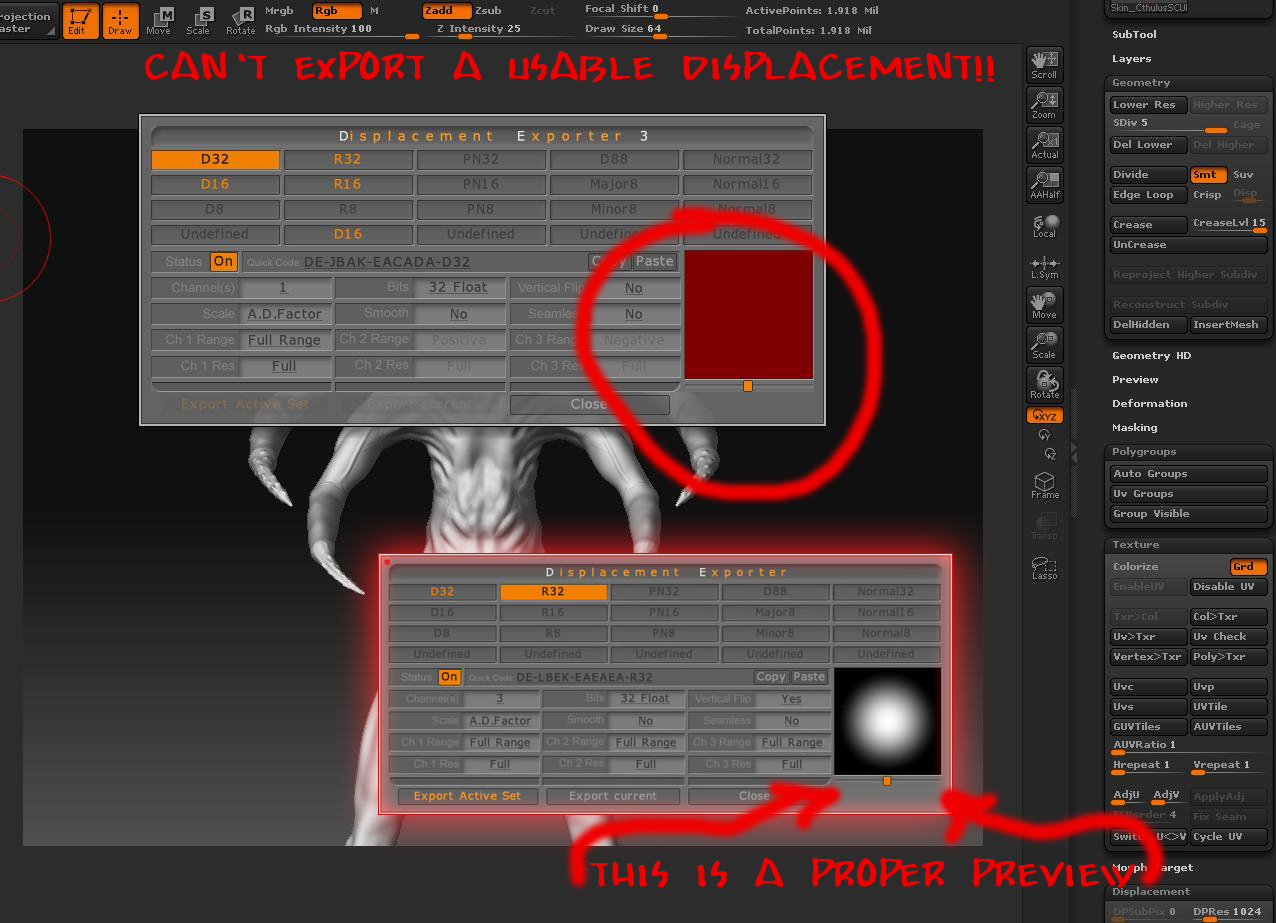
If either of those is true, then you’re going about things wrong. ZBrush can’t display 32-bit maps, so you have to use MD3 to set that kind of export up. You also have to do this set up before you actually create the map because what ZBrush will do is generate the map in memory and immediately export it directly from RAM. It will never actually be displayed in the ZBrush interface.
The proper steps are:
- Sculpt and then restore your base mesh.
- Open MD3’s export options and set the values that you want.
- Use MD3 to generate your map(s), which will be exported to file.
 ]
]