ZBrushCentral

displacement export

Hello

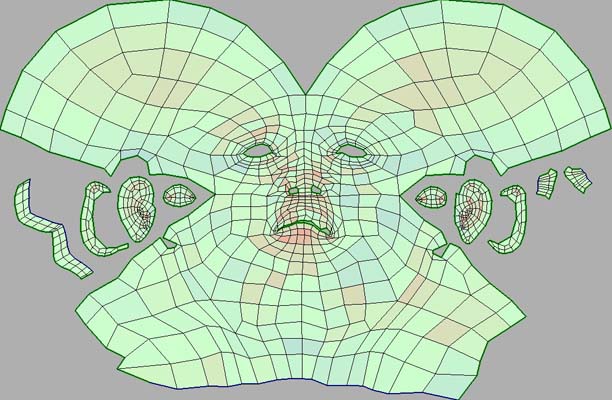
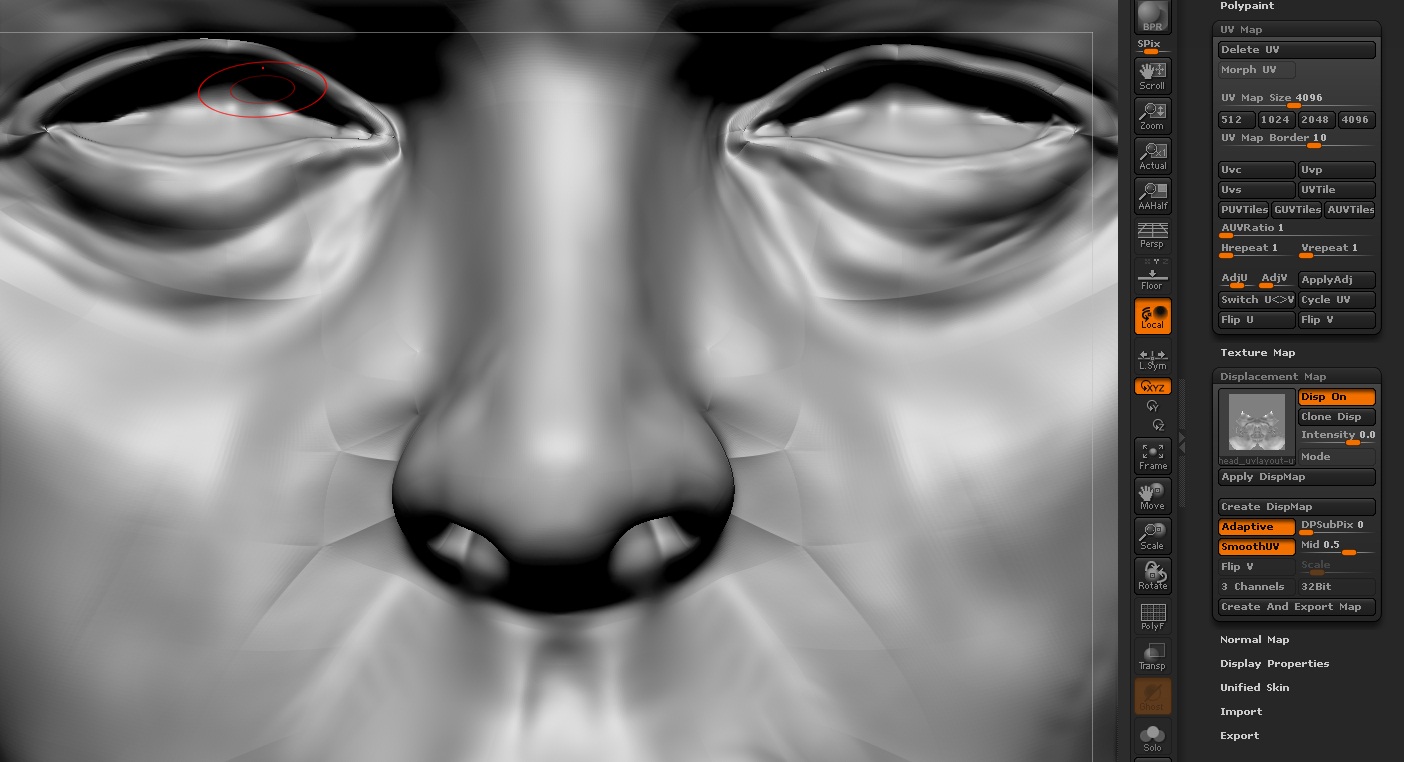
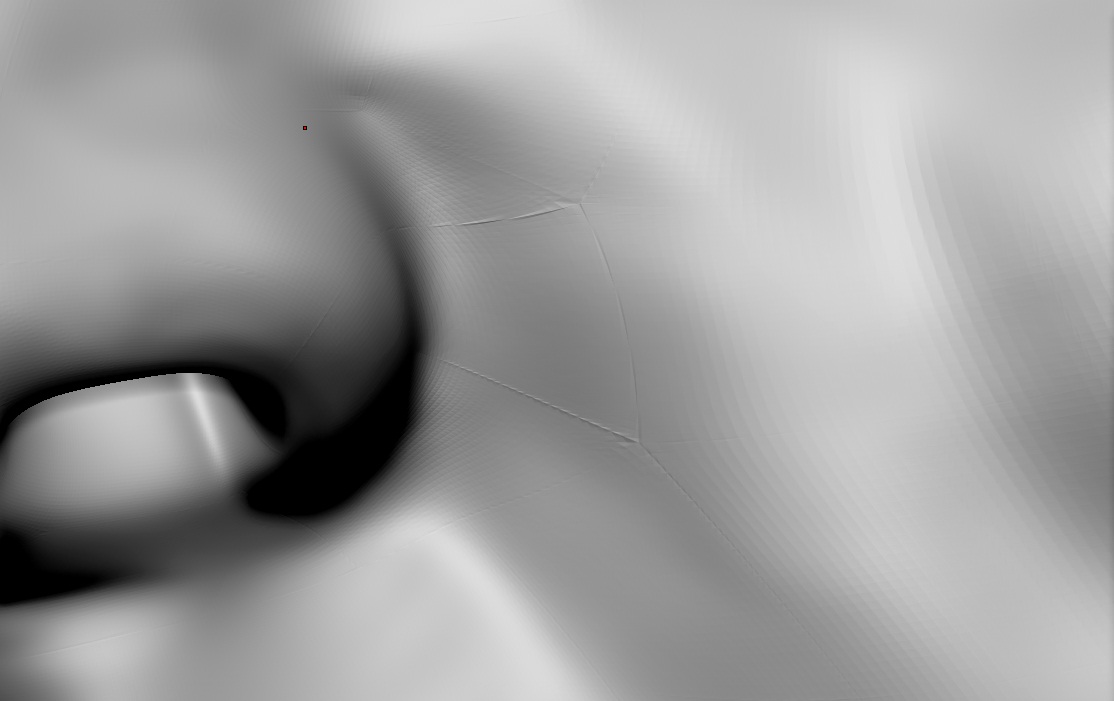
I have problems with create a clean displacement. the displacement in all looks good. But there are many artefacts. Maybe the problem is in the uv-map. When I exporting the displacement with AUV Tile, there are no problems. by the way, the model should import to cinema 4d. But I don’t understand why this artefacts appear when creating displacement in ZBrush. When i render with advanced render of course i see this artefacts.

  1. Image: After Displacement is on in ZBrush
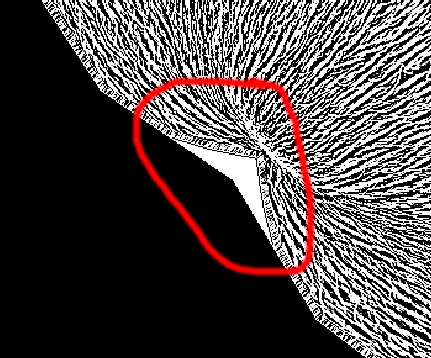
    2. Image: UV Map
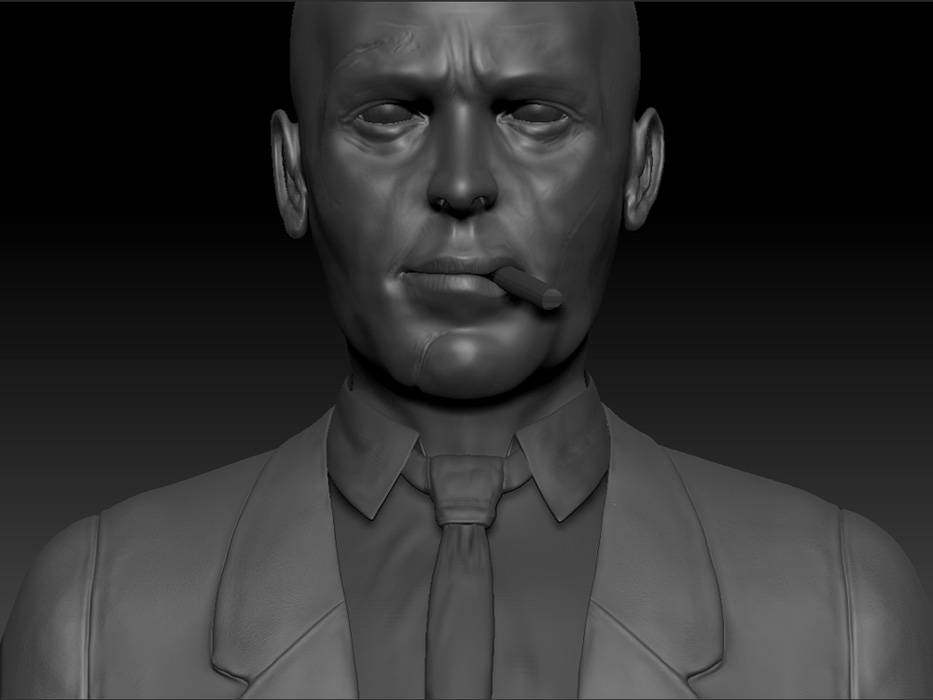
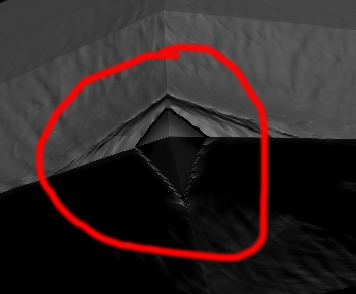
  2. Image: the model

Know someone what’s going wrong?

Firpo

Attachments
artefacte_zbrush.jpg

uvmap.jpg

speadbrock.jpg

Well it has to do something with those edges there ?
Look your model in your 3dapp, if there are some double edges or some other artifacts ?!
Or look your model in ZB and see if when smoothing you have those artifacts. Import the low poly and subdivide again a couple of times.
Its strange problem you got, i never seen that.

Also, another thing is to check out when you make your displacement, press Adaptive and see if this helps

there are no double edges or other artifacts … when i imported the model to zbrush, there are double edges, but then the model in zbrush looks incorrect. but now the model is clean. Maybe the topology is the problem, but i don’t think.

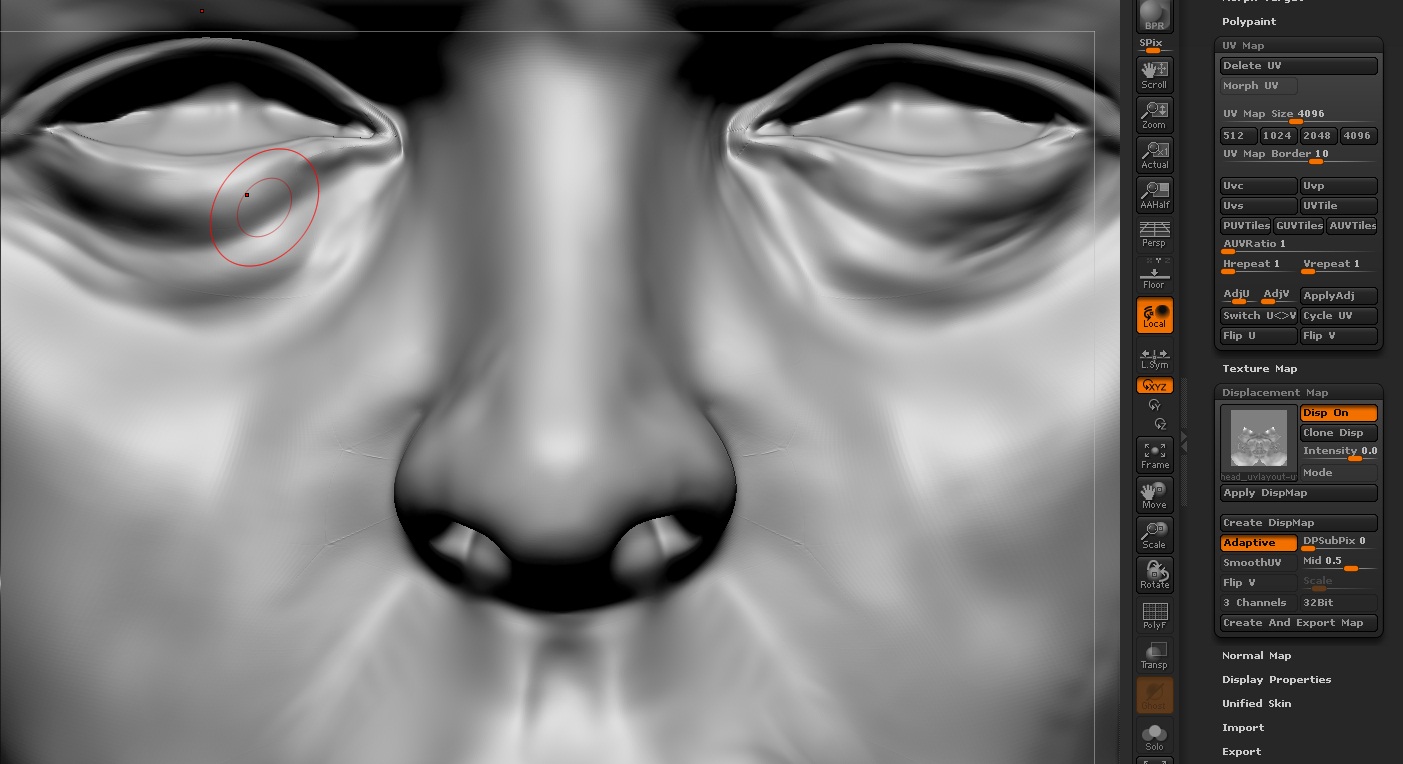
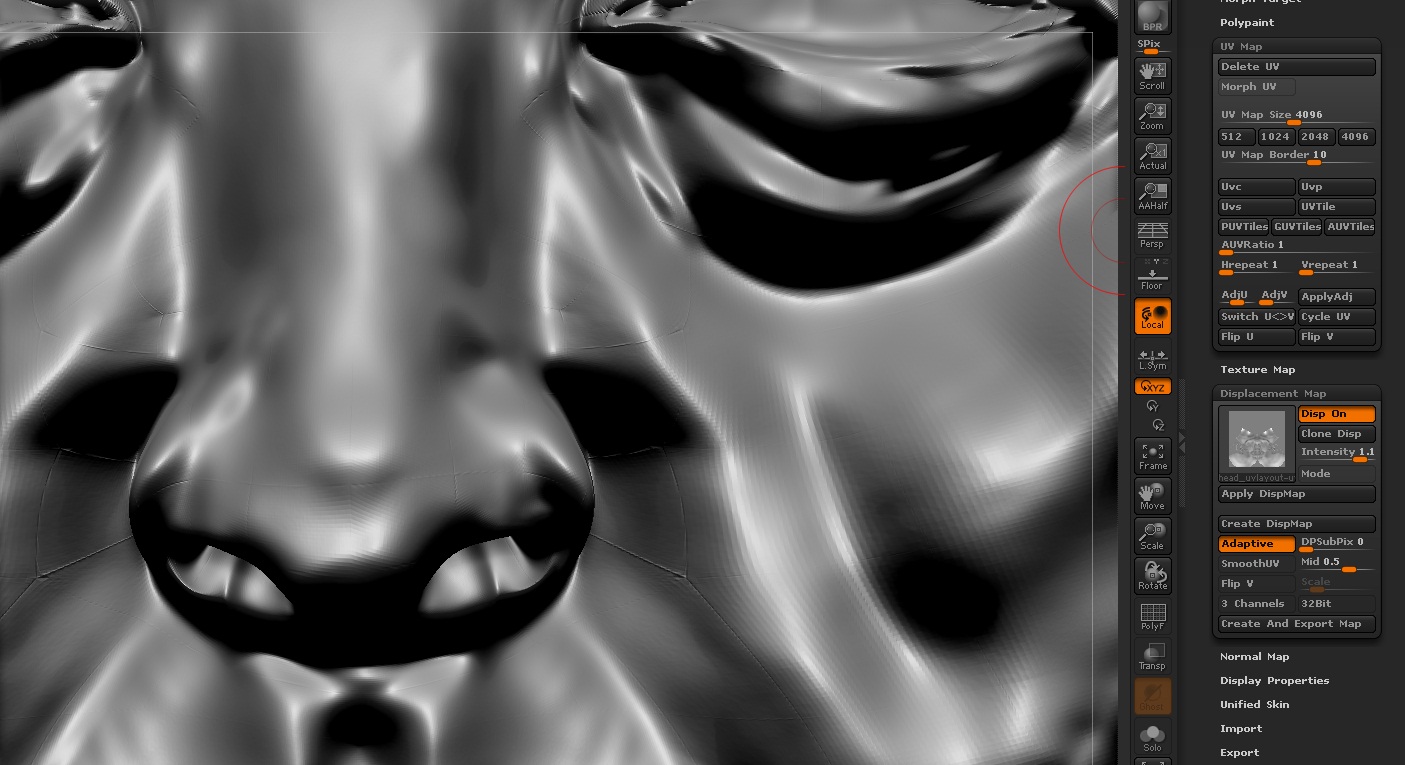
I have no explanation. … i uploaded 2 images more. in the 1st one with intensity 0.0918 and second with intensity 0.1 in the displacement palette.

In the second with the higher intensity, it’s good to see the artefacts are over the entire mesh.

In the third, you can see when i activate smoth UV the artefacts are worse

Firpo

Attachments

post2_2.jpg

post2_1.jpg

post2_3.jpg

I’m having the same problem, turn on smoothuv in the displacement map dropdown. but then the following problem occurs , the displacement detail doesn’t respect the UV boundaries? like this:

Attachments

UV copy.jpg

UV-1.jpg