Hey all,
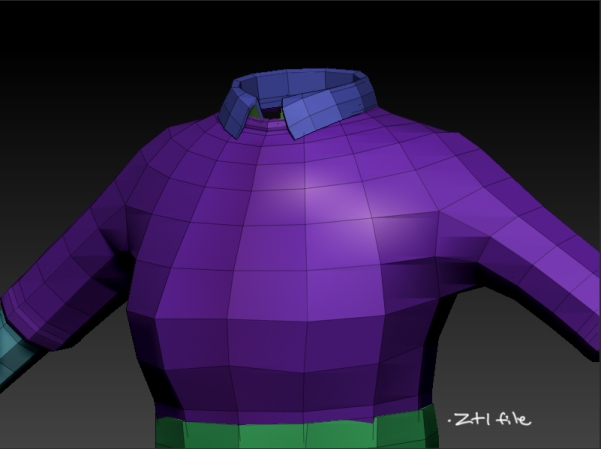
I’m working on my laptop rather than my desktop and its not able to handle much of the detail my .ztl file has (3.25gb ram, 32-bit, dual core vs. 8gb ram, 64-bit, quad core). I’m trying to delete sections (polygroups) to be able to generate maps, then merge them in PS.
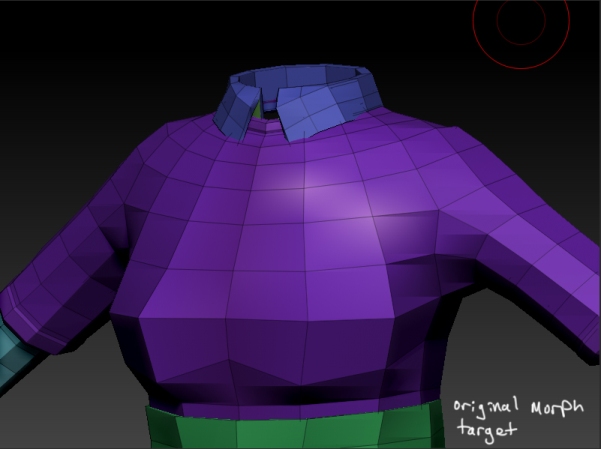
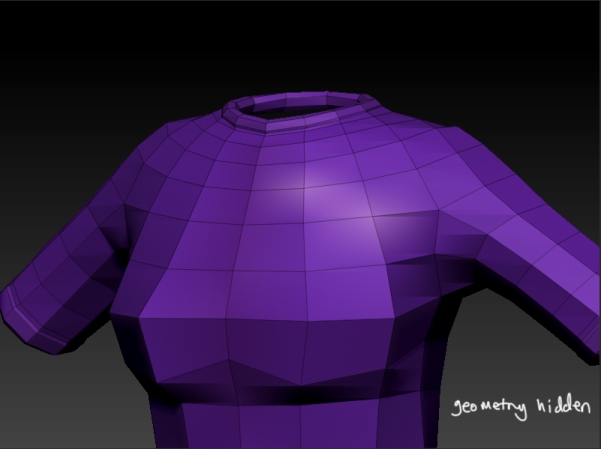
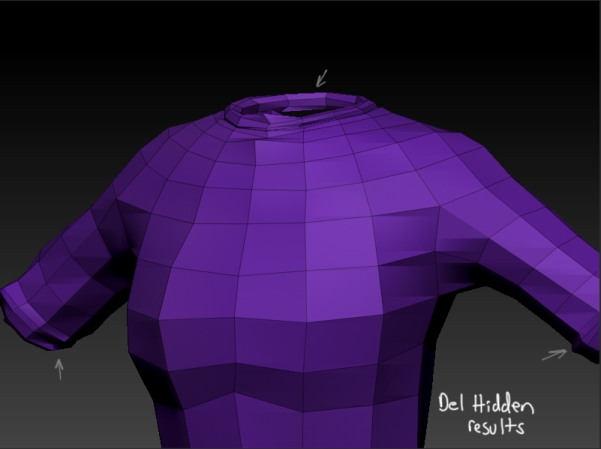
I am getting jumbled geometry after I hit delete hidden. I have a morph target setup so my process is open the .ztl, delete the highest sub-d, switch to my original morph target, hide the areas to be deleted and delete hidden. This is when parts of the geometry get jumbled. I’ve tried deleting the morph target once I switch back to the original but get the same results.
I’ve uploaded a couple screenshots to help illustrate the issue.
I’m not too sure if there is a problem with my workflow or if my laptop isn’t able to handle the processes. Any ideas or tips would be appreciated. Thanks in advance!
Attachments