Hi guys. I have been fiddling around in Zbrush 4R4 these days and I stumbled upon something interesting.
If you hide geometry and want to delete it by pressing “Del Hidden”, Zbrush alters the remaining mesh quite heavily.
It has killed many of my meshes because I didn’t notice it before it was too late. Tried masking as well, but it ignores
that. Anyone had the same issue? If so, did you manage to bypass it?
The workaround I have done so far is to import a new mesh with the deleted parts from Maya. Zbrush will then don’t worry
about the deleted geo, but it’s not a sustainable solution.
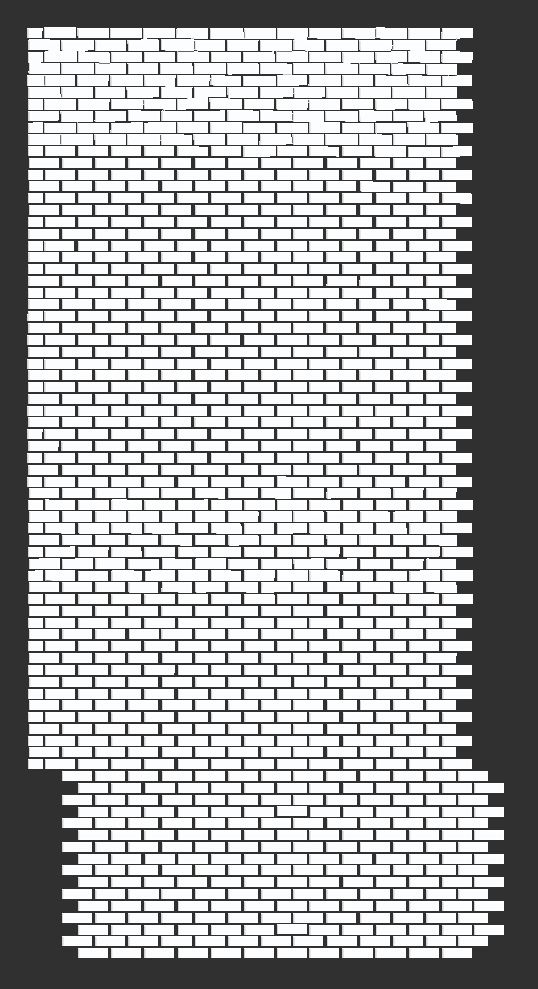
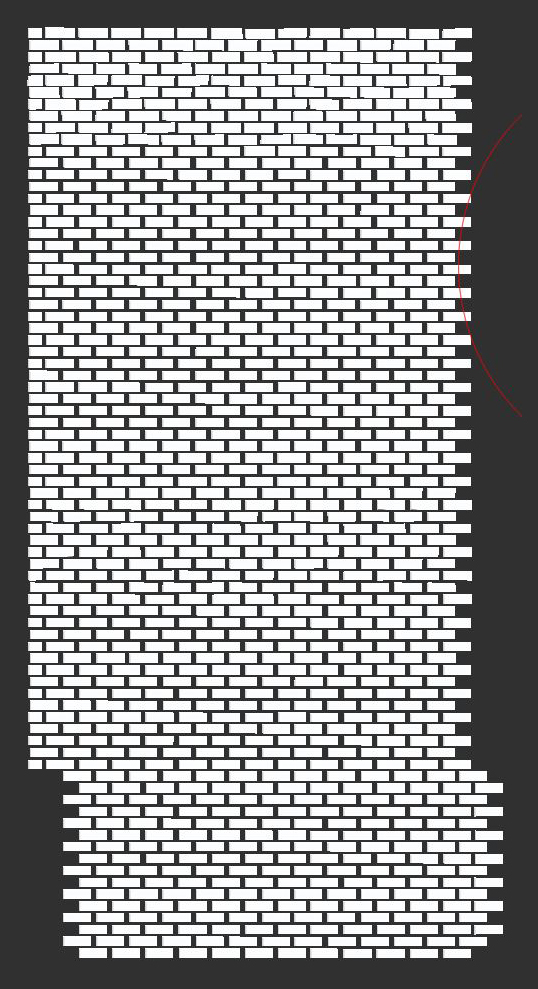
I’ve done a brick wall to illustrate the issue:
Top one is before, bottom is after. Notice the first couple of rows of bricks
any ideas apreciated 
Attachments