ZBrushCentral

Default behavior of the "Frame" button.

Quite simply, it “scales” in a little too far, i.e., right up to the edge of the document, even goin so far as to clip off the edges at the top and bottom. Is there any way to configure this to behave in a more sensible manner, such ass leaving some margin room at the perimeter of the document?

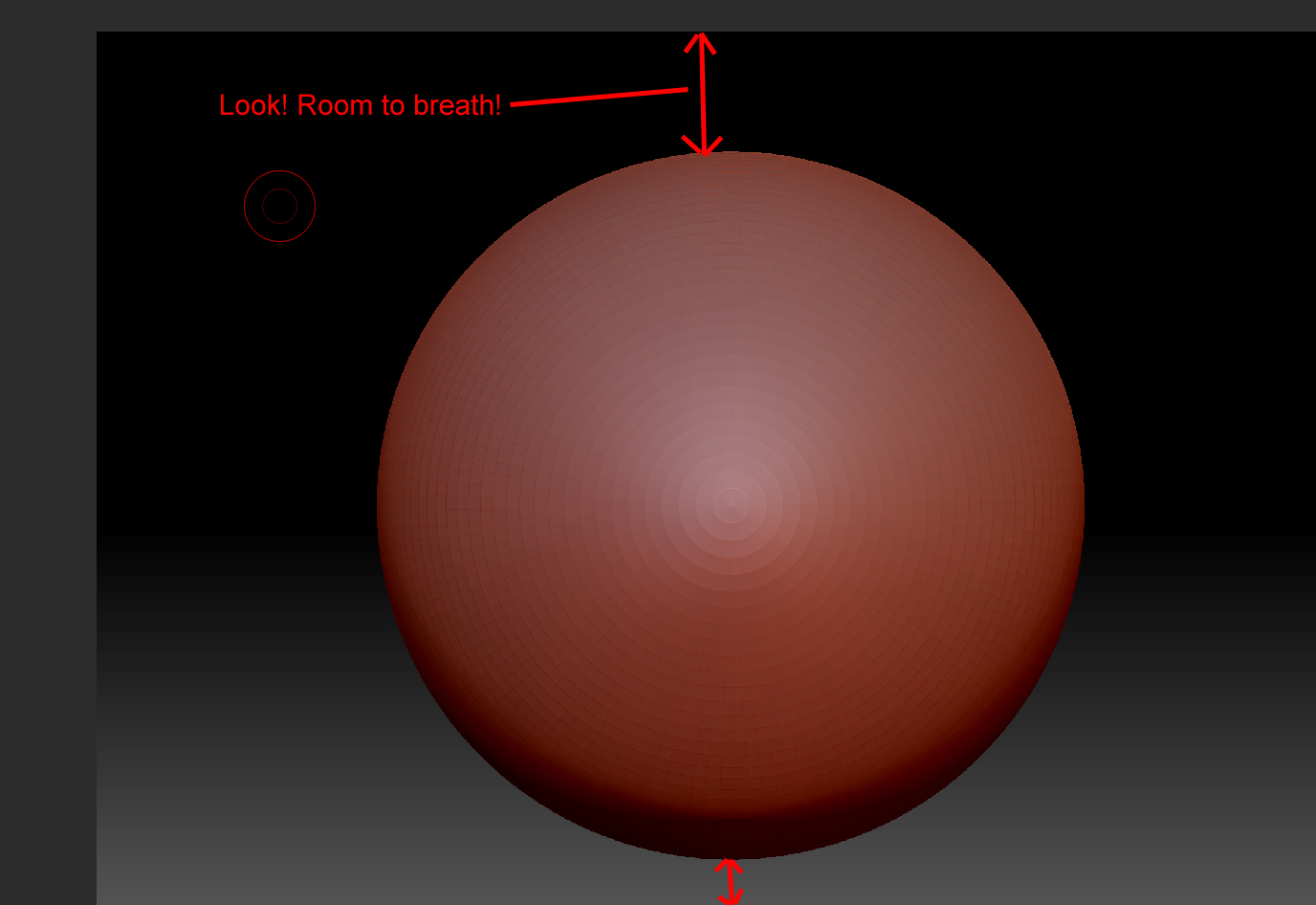
So change it from this :

To something more like :

Attachments
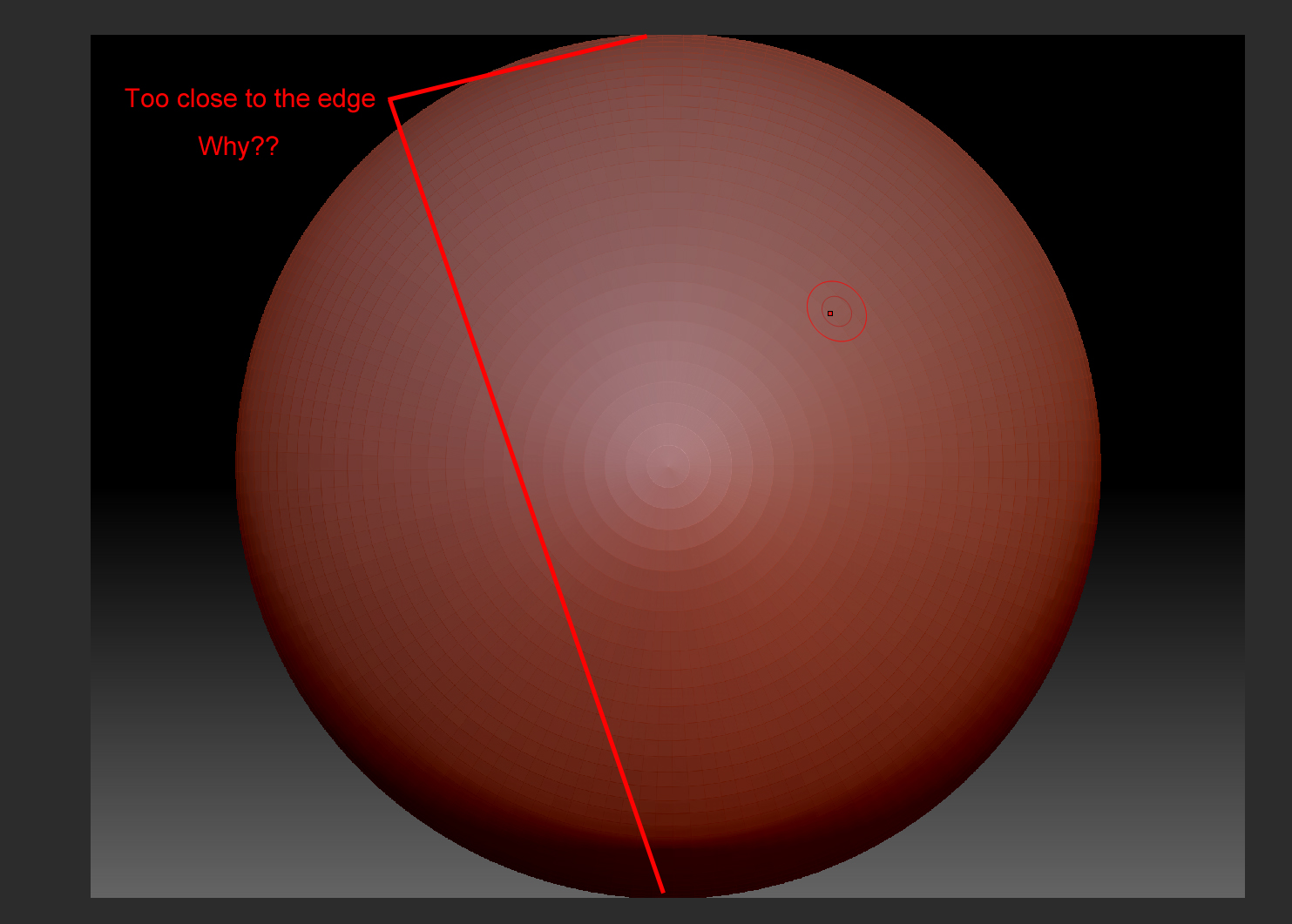
default zoom level.jpg

sensible zoom level.jpg

If you go into the Draw menu and change the angle of view to 5 (slide all the way to the left), the mesh should fit in the screen when pressing F without clipping.

Thanks Nancy, that helped at least keep it from clipping. It’s still awfully close to the edge, but, I’ve deal with it for this long already. A small improvement is better than none, eh?

Thanks for your suggestion Nancy, :slight_smile:
There’s a macro here that might help : Useful-small-ZScripts-and-Macros : Fit Mesh

Heeeyyy, lookit THAT. That is awesome Marcus. Exactly what I wanted.