ZBrushCentral

Decimation Master Problem!!!

Hi there I’m new with Zbrush. I’m getting real problems trying to get
Decimation Master working. When I try to start it up I get an error reading that says “ZScript Note: The DecimationMaster plugin could not be found.” I’ve reloaded ZBrush several times to no luck. I’m using Windows 7, and my ZBrush 4 is working on (x86). Otherwise I’ve loaded the plugin to every instruction properly. Does anybody have any ideas, why this isn’t working?
Thanx in advance.

Paul
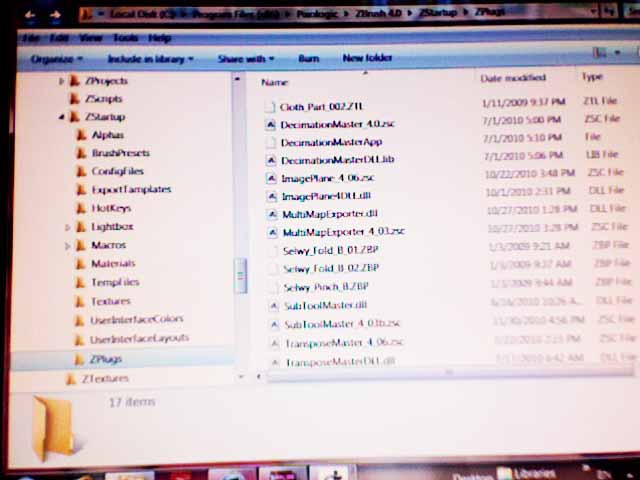
You haven’t installed the plugin correctly. Check the installation instructions to see what you’ve done wrong. If you can’t work it out post a screen shot from Windows Explorer showing your ZStartup/ZPlugs folder.

Here’s a crazy thought and something I might do myself in haste. Could it possibly be that you mistakenly downloaded the plug in for the wrong operating system?

Thanx for the response gentlemen,

I couldn’t say what the problem is. I’ve tried this countless times.
It makes me crazy. I’m quite certain I’ve done everything proper and correct.
I loaded all my plugins the same way. Multimap exporter, Subtool Master, Transpose Master, ImagePlane work properly. While UVMaster and Decimation Master, don’t work. They give me an error message “ZScript Note: The UVMaster/DecimationMaster plugin could not be found.” I’ve tried loading these plugins in to the ZStartup / Zplugs folder in so many different ways as I can think. I’m becoming superstitious about this. Any ideas are so much appreciated. Heres a pic I took of my Zplugs folder.

Thanx fellas

Paul

Attachments

decimationMaster.jpg

Hey thanks for the response.

However, if I understand this properly all I need is
too get a few files from Decimation Master into the zstartup/zplugs
folder. a .zsc file and .dll file maybe a data file. I don’t know, but all the other plugins seem to work. Only UVMaster and Decimation Master refuse to work.
No matter what I do I get the same ZScript Note with a plugin that could not be found. I’m running ZBrush on a (x86) could that be an issue? Here is a pis of my zplugs folder…

Attachments

decimationMaster.jpg

I’ve run Zbrush on my 32 bit xp dell and my 64 bit win 7 hp without any problems with my plug-ins.

By operating system I meant, did you possibly in error download the mac version rather then the pc or visa versa from the pixologic website…which is perhaps a naive suggestion on my part, but one never knows.

“Re: Thanx for the response gentlemen,” You’re welcome, but wrong gender in my instance. :slight_smile:

I finally got it too work after a lot of trial and error. I needed to 1st download from windows vcredist_x86.exe and winhttp.dll and then alot alototaa tinkering. Thanx for helping, your an angel no doubt. Cheers sweetie…

Paul

I’m glad you got it to work. As far as I can see your ZPlugs folder looks a bit of a mess. You might like to clean it up a bit when you have time, removing the ZBP and ZTL files.

Plugins usually have a ZSC file and a data folder which contains any other files (such as DLLs) that are necessary for it to run. For general instructions on installing plugins see here:
http://www.pixologic.com/docs/index.php/Plugin_Installation

Hello again Marcus and Nancy,

I’d like to 1st thank you for your help and suggestions.
I guess I managed to fix that first Decimation texture issue.
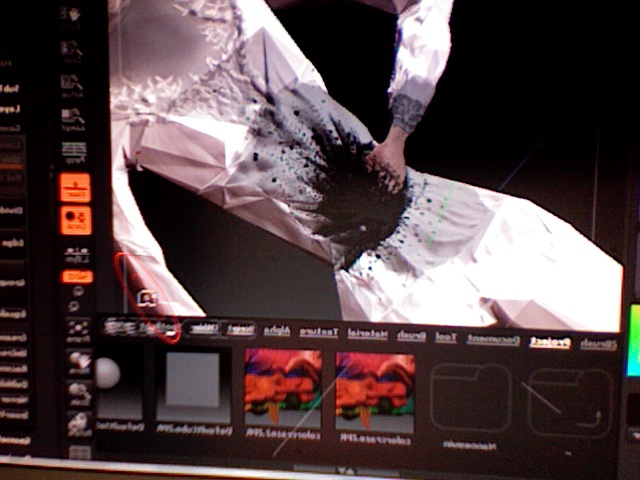
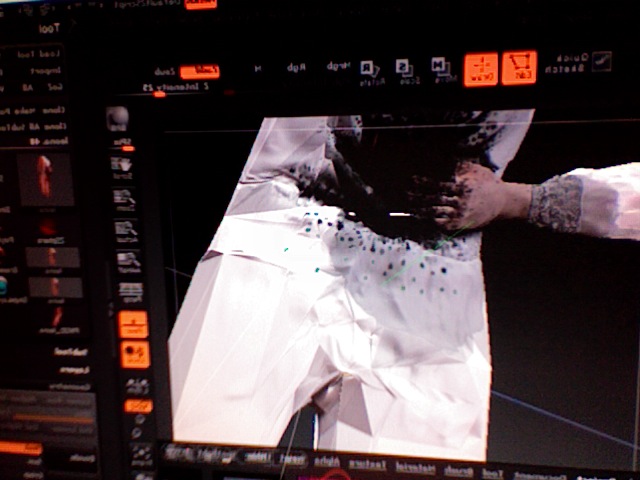
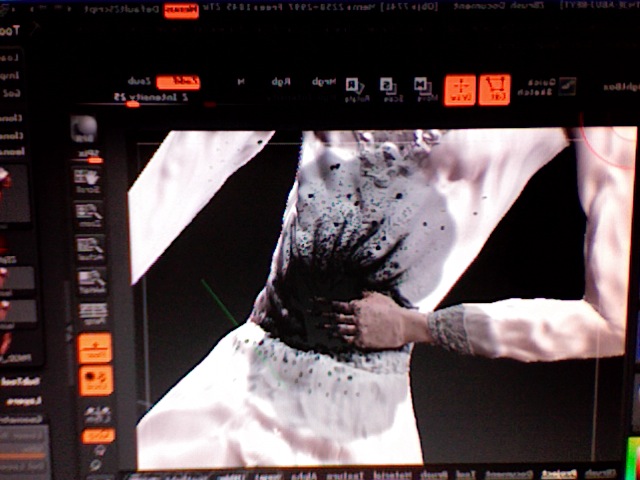
However it’s been replaced by a new one. Decimation Master
once the decimation takes place creates some strange effect
by creating a really blocky triangulated distorted version of the
original mesh. Here are some pics I uploaded, please forgive the
graphic nature of these pics. They are for a suspense film.

The 4th pic is how I’d like it too look once properly decimated.
Anybody have any idea what this problem is? Strange thing being is
even after it makes these images super blocky, the number of polygons
does NOT decrease!!

Thanks in advance Marcus, Nancy…

Paul

Attachments

Photo 2.jpg

Photo 3.jpg

Photo 4.jpg

It’s impossible to say what’s going wrong here. Decimation Master has various settings, so make sure you understand what they are and experiment. If you then really can’t get the results you want ask again here and be sure to post the steps you are taking and settings. We’ll then have a better chance of knowing what’s wrong.

Also you should have a ‘Print Screen’ button on your keyboard (PRTSC or PRTSCN on some keyboards). It will be at the top, probably above the numbers keypad. If you press that it will copy an image of your screen to the clipboard. You can then paste it into Microsoft Paint and save the image as a jpg file for posting on ZBC. That will give a much better image than taking photos of your screen.

I guess you have a mask on your model prior to the preprocess step :slight_smile: